3
Date Code 20080213 Instruction Manual SEL-351A Relay
SEL-351A Command Summary
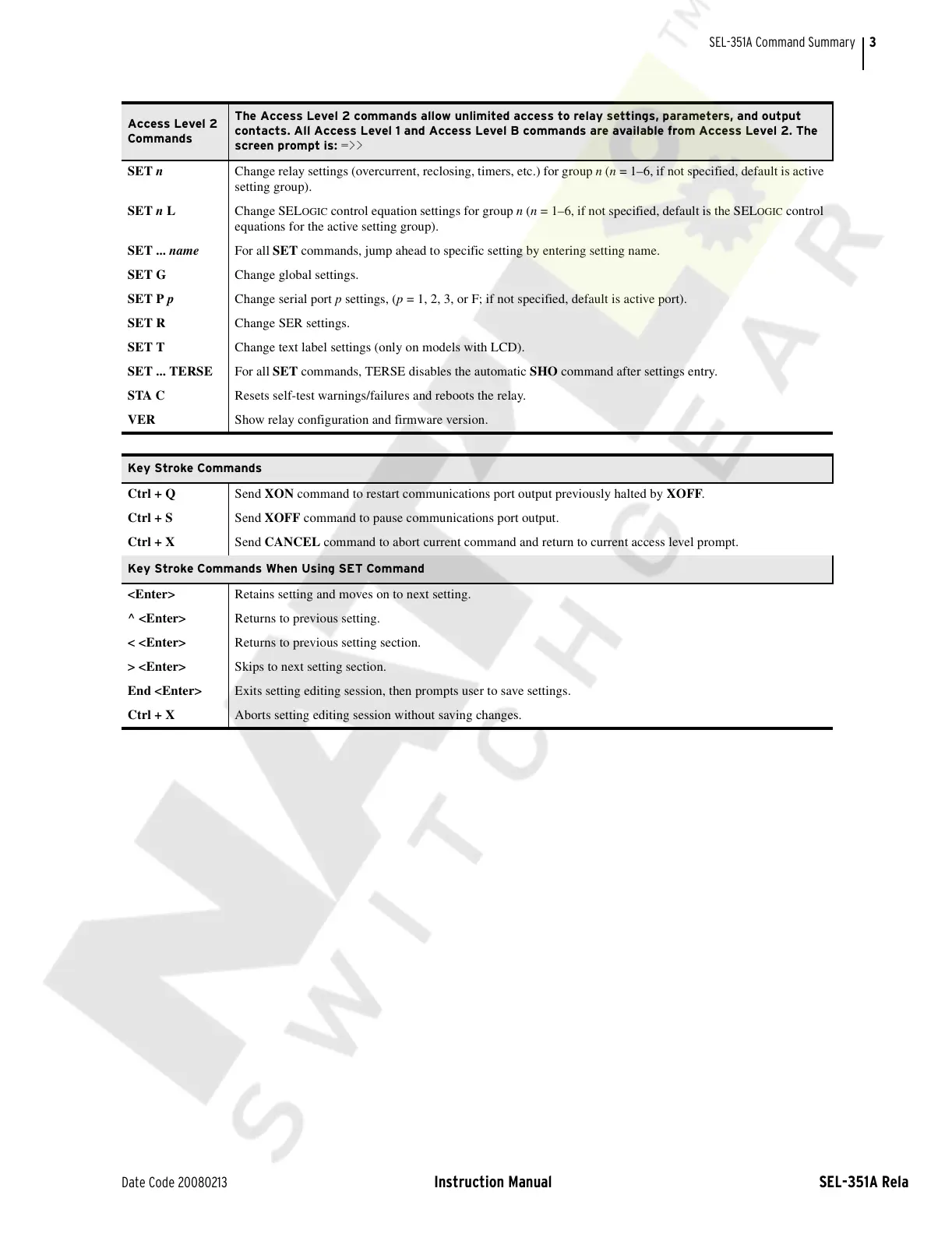
Access Level 2
Commands
The Access Level 2 commands allow unlimited access to relay settings, parameters, and output
contacts. All Access Level 1 and Access Level B commands are available from Access Level 2. The
screen prompt is: =>>
SET n Change relay settings (overcurrent, reclosing, timers, etc.) for group n (n = 1–6, if not specified, default is active
setting group).
SET n L Change SEL
OGIC control equation settings for group n (n = 1–6, if not specified, default is the SELOGIC control
equations for the active setting group).
SET ... name For all SET commands, jump ahead to specific setting by entering setting name.
SET G Change global settings.
SET P p Change serial port p settings, (p = 1, 2, 3, or F; if not specified, default is active port).
SET R Change SER settings.
SET T Change text label settings (only on models with LCD).
SET ... TERSE For all SET commands, TERSE disables the automatic SHO command after settings entry.
STA C Resets self-test warnings/failures and reboots the relay.
VER Show relay configuration and firmware version.
Key Stroke Commands
Ctrl + Q Send XON command to restart communications port output previously halted by XOFF.
Ctrl + S Send XOFF command to pause communications port output.
Ctrl + X Send CANCEL command to abort current command and return to current access level prompt.
Key Stroke Commands When Using SET Command
<Enter> Retains setting and moves on to next setting.
^ <Enter> Returns to previous setting.
< <Enter> Returns to previous setting section.
> <Enter> Skips to next setting section.
End <Enter> Exits setting editing session, then prompts user to save settings.
Ctrl + X Aborts setting editing session without saving changes.
Courtesy of NationalSwitchgear.com



 To Next Page