Chapter 5 — Operating the Library Controlling the Library Power
November 2016 User Guide—Spectra T950 Library
161
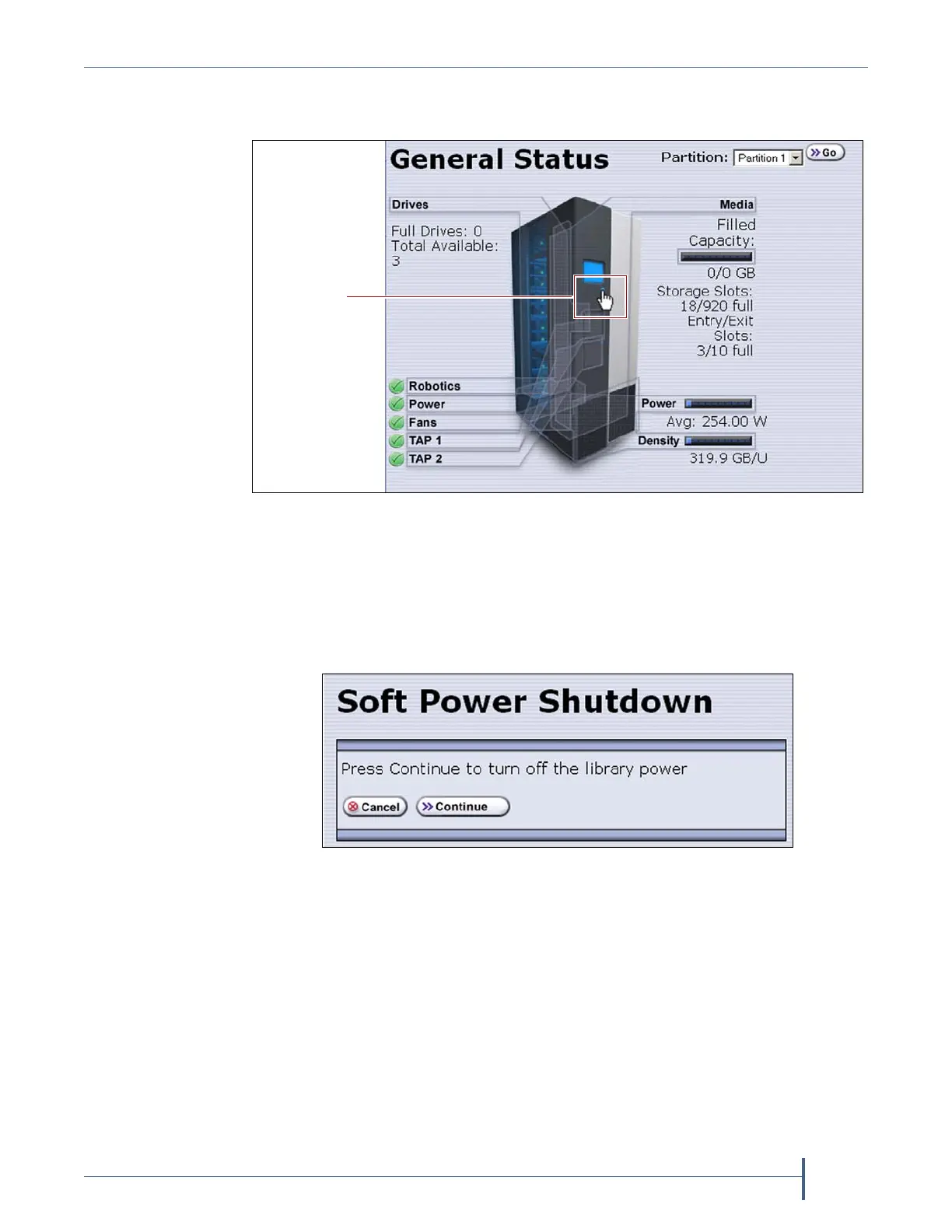
3. Usingthestylus,touchthebluepowerbuttononthepictureofthe
library.
Whenthecursorcomesnearthebutton,itchangestoapointingfinger,
asshowninFigure94.
4. Whenyoutouchthebutton,theSoftPowerShutdownconfirmation
screendisplaysafterabriefdelay.ClickContinuetopoweroffthe
library.
Figure 94 The Soft Power button on the General Status screen.
Figure 95 The Soft Power Shutdown confirmation screen.



 To Next Page