VM15 User Manual ARRHYTHMIA REVIEWECG Monitoring
103
Menu
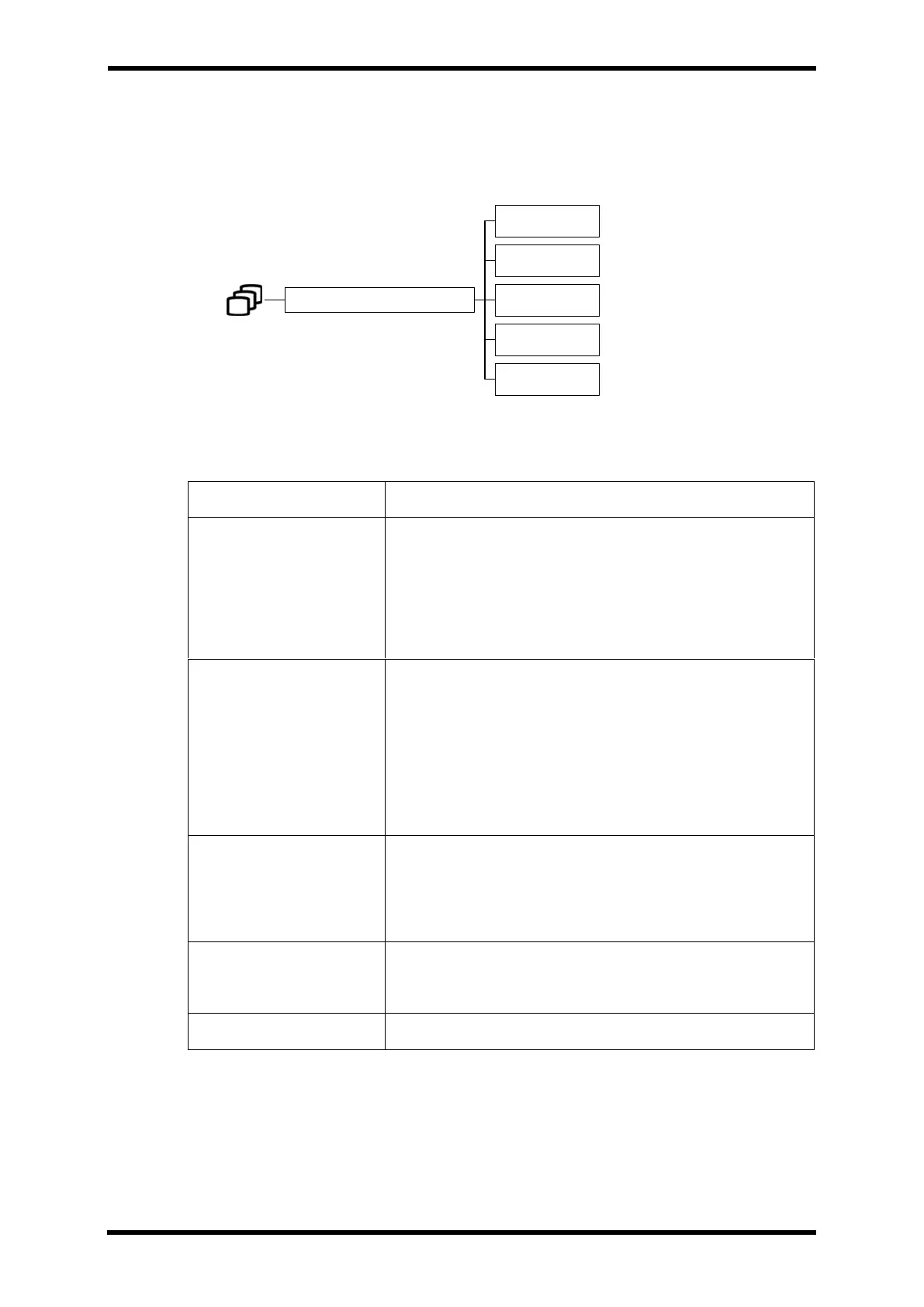
Menu Hierarchy
Menu Description
Table 16-3. ARRHYTHMIA REVIEW Menu Description
The viewfinder in the wave area Activate by scrolling.
When it becomes activated, the button background color
turns blue.
(You can also move the viewfinder position by touching the
wave area.)
You can see a list of saved Arrhythmia review data.
The review data selected from the list is displayed in the
Arrhythmia review window.
(If you select review data, the list window is closed.)
Select the lead of the ECG wave to be displayed in the review
window.
(LEAD I ~ LEAD V6)
Select the size of the enlarged wave data
(2.5, 5, 10, 20, 30, 40 mm/mV)
Clear all saved review data.
ARRHYTHMIA REVIEW
SCROLL
LIST
LEAD
GAIN
CLEAR



 To Next Page