VM15 User Manual Explanation of ICO (Option)
168
Menu
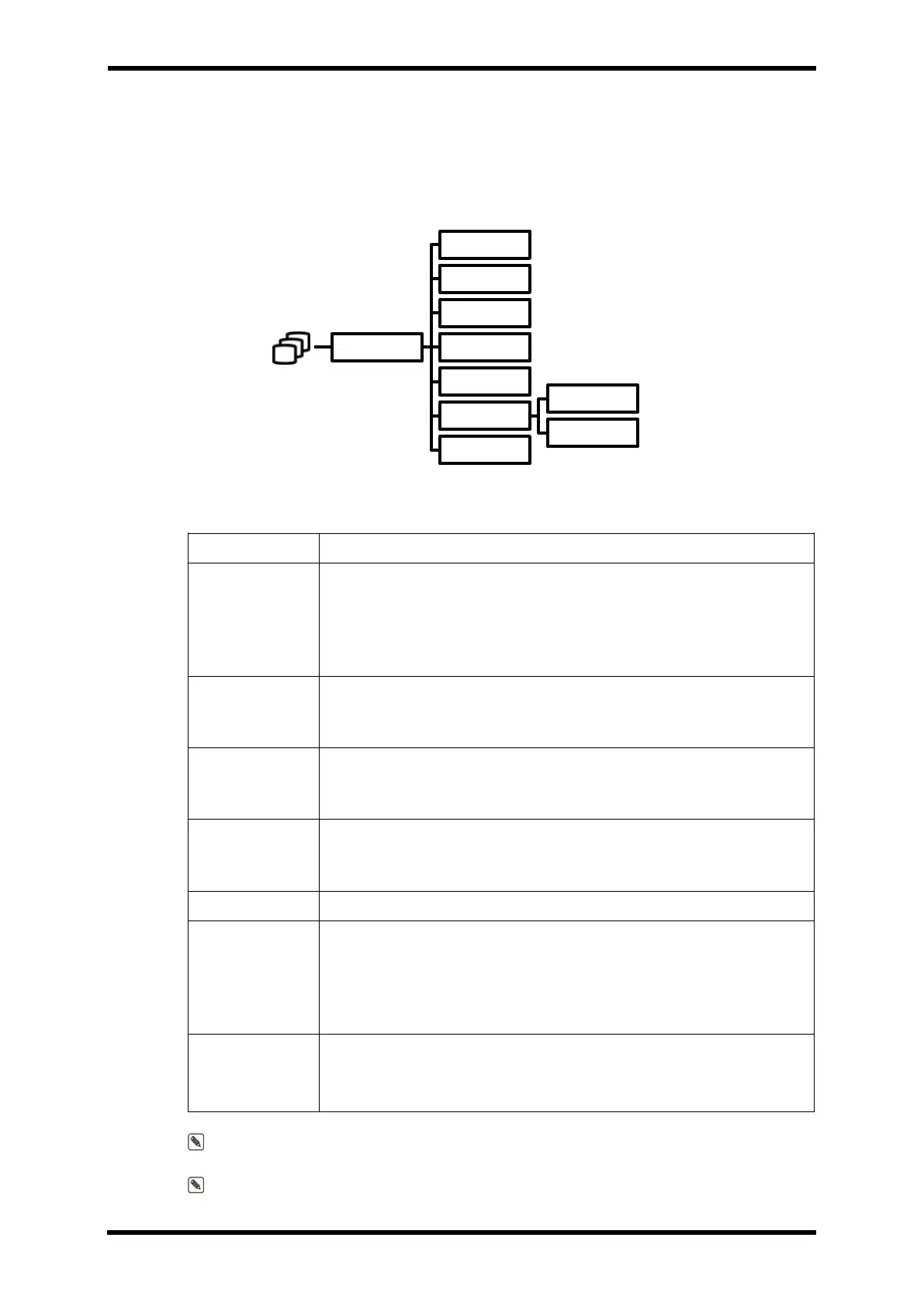
Menu Hierarchy
Menu Description
Table 24-2. ICO Menu Description
PAW is a menu, enter a value.
When the catheter is inflated and a stable IBP (PAP) reading appears
on the screen, press the PAW menu.
At this time, the MEAN value of IBP (PAP) is displayed in the PAW area
of the ICO screen.
Used to start measurement in manual measurement mode.
VM15 does not support manual measurement mode (disabled)
You can change the number of measured values.
Measured value is used when errors or calibration.
Change the value is automatically recalculated each
Represents the calculated values of the ICO.
ICO extension when you click the VIEW menu screen,
TRIAL 1 ~ 4 encoder to turn left or right you can view the saved DATA.
Save current measured values and calculated CO
Menu to set the patient's weight and height.
Required for body surface area calculation.
(If there are height and weight values set in Patient Profiles, no separate
input is required.)
Set the temperature of the injection solution
(Only 0
℃
and 24
℃
are available)
Note. INJECT VOLUME can only be used with 10cc.
Note. The CONSTANT value is fixed as a constant value for Edwards Swan-Ganz Standard
Thermodilution Pulmonary Artery Catheter.
ICO
PAW
START
EDIT
VIEW
SAVE
SET
HEIGHT
WEIGHT
IT



 To Next Page