Displays the patient's breathing rate per minute.
TM is connected to the main body –
When EtCO2 module or Multi-gas module is connected, RR data of
the module is displayed.
TM is separated from the main body
Resp data is displayed.
Connection to Power Sources
CAUTION
TM cannot be used as a standalone monitor because there is no separate AC power
connection.
CAUTION
When used separately from the main body, the usage time is limited to 2 hours under normal
conditions.
CAUTION
If TM is separated from the main body and used for a long time,
Recharge the TM built-in battery by connecting the TM to a body connected to AC power.
Battery specification
TM can be used for about 2 hours at normal temperature and normal condition when the
built-in battery is fully charged.
TM's built-in battery is only charged when AC power is connected to the body in use.
TM Check the battery condition continuously.
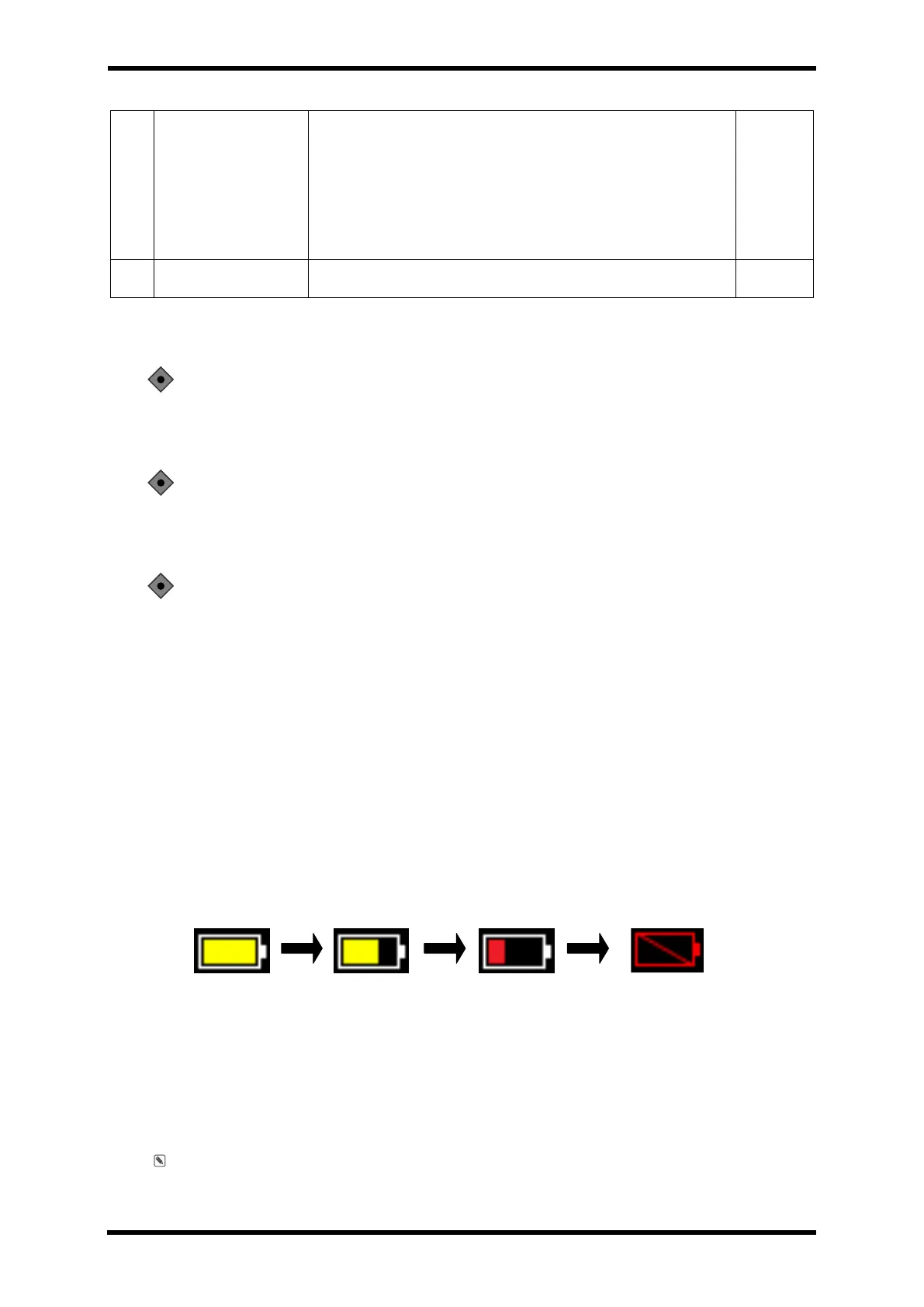
When disconnected from the main unit, the battery charge status is displayed at the top of
the screen
Figure 33-3. Battery State
To protect the battery, the patient monitor shall stop its operation in 5 minutes with the sign
of Low Batter on the screen after Low Alarm.
Or connect it to the main body connected to AC power.
Note: Refer to Chapter 7 for detailed battery specifications.



 To Next Page