VM15 User Manual Viewing OxyCRG
99
15. Viewing OxyCRG
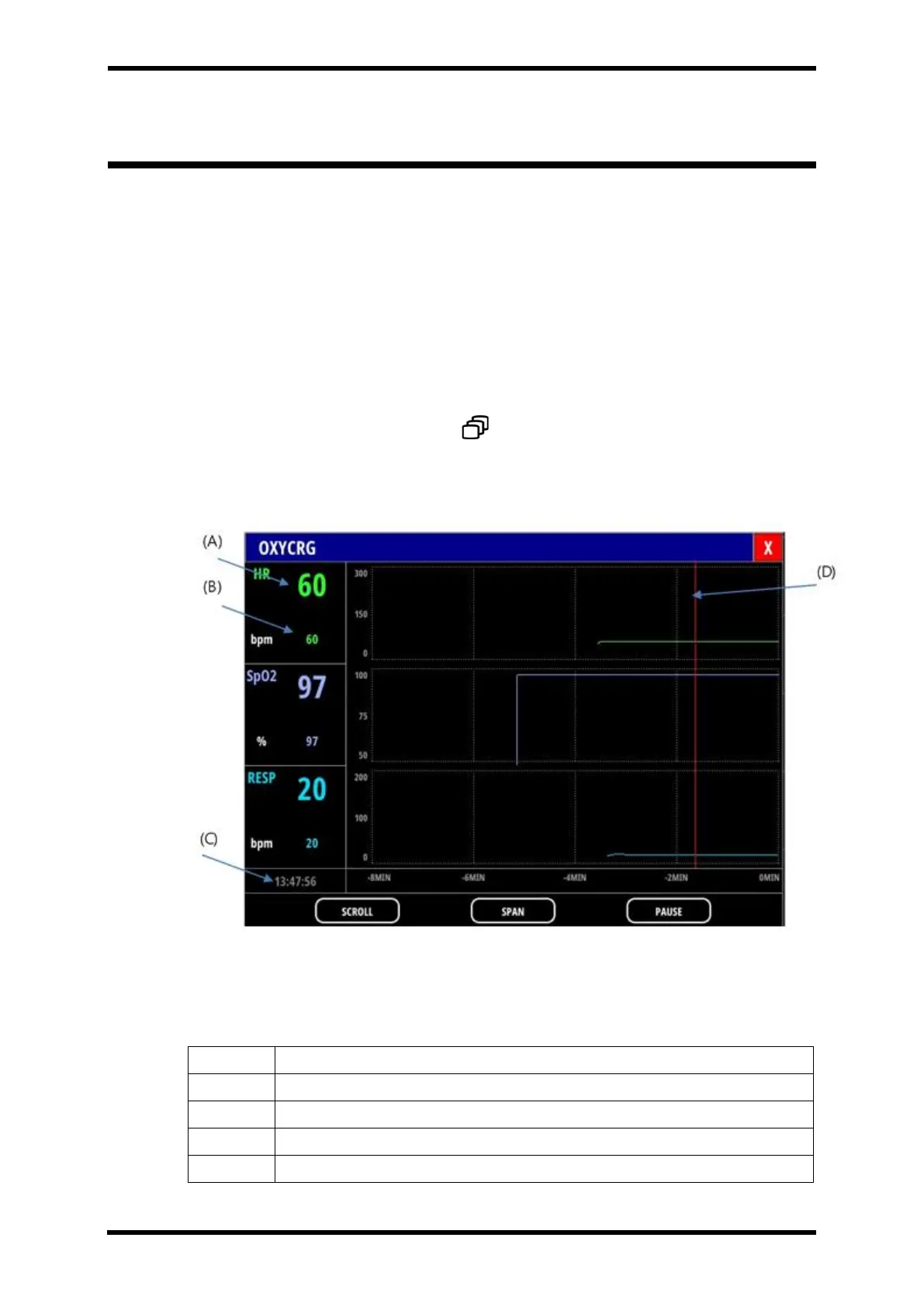
OxyCRG popup screen provides information on trends of HR, SpO2, Resp in high resolution.
(250 ms period).
It can store the corresponding data for 10 minutes in real-time and displays them in various
time-length depending on SPAN. When the amount of data exceeds 10 minutes, the oldest
data get replaced with newer data.
The period of the waves showed in the wave pane depends on SPAN.
To have OxyCRG popup screen,
⚫ Select SCREEN smart button ( ) → OXY-CRG
Screen Layout
Figure 15-1. OxyCRG popup screen layout
Table 15-1. Mark Description



 To Next Page