VM15 User Manual Description of Display and Symbols
50
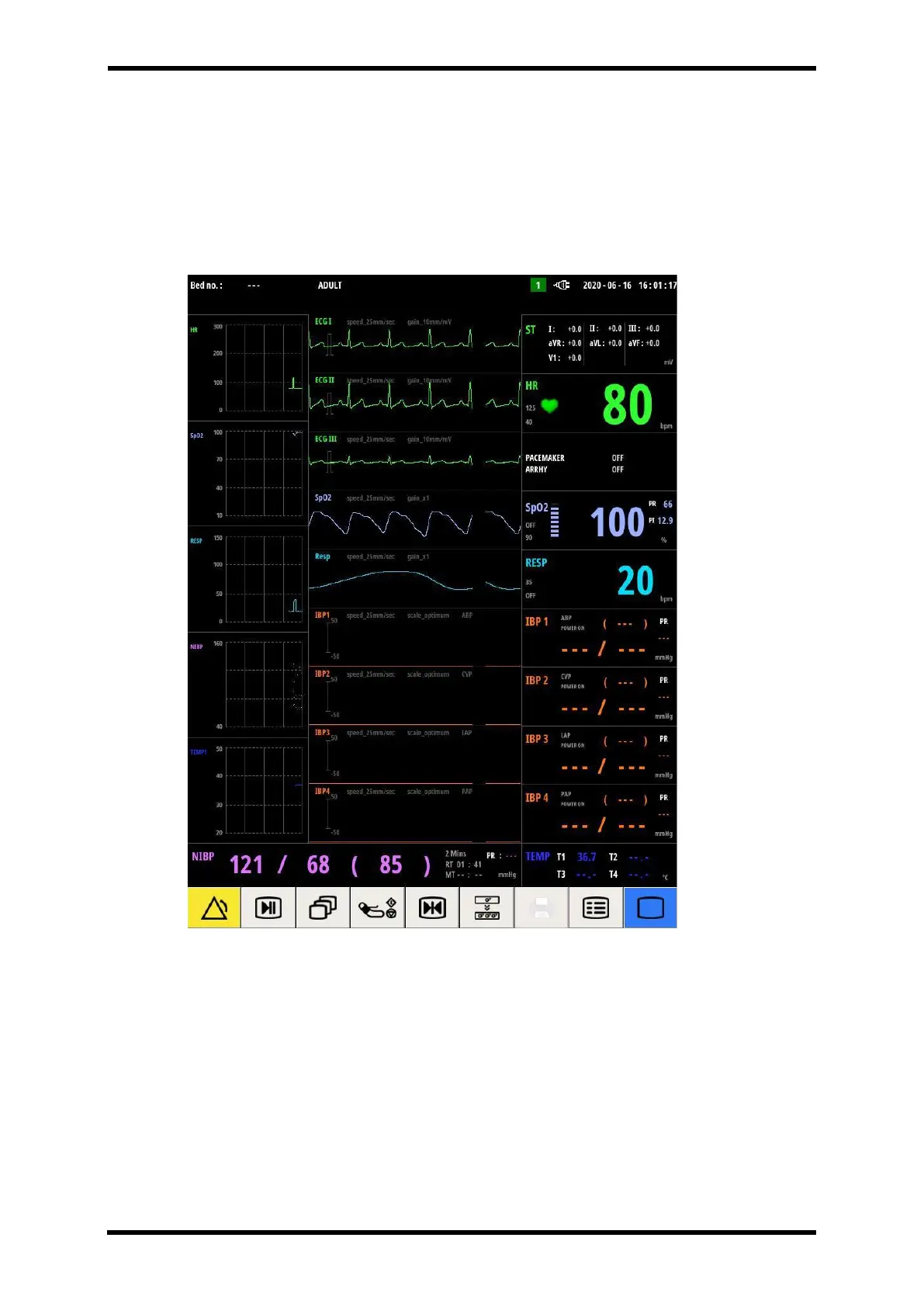
Popup Screen – Mini Trend
If you select the mini trend function in the "Screen change/popup" menu, you can check the
patient's past measurement data for 2 hours on the left side of the screen.
Refer to the 'Reviewing Mini Trend' window for details.
Figure 6-19. Mini Trend



 To Next Page