EasyManua.ls Logo

VOTEM VM15 - Menu; Menu Hierarchy; Menu Description

VOTEM VM15
255 pages
Print Icon
To Next Page IconTo Next Page
To Previous Page IconTo Previous Page
Loading...
VM15 User Manual Reviewing Trends
86
Table 10-1. Mark Description
Mark
Description
(A)
Event wave data area
(B)
The storage date and time of the event data being reviewed
(C)
Event numeric data area
Menu
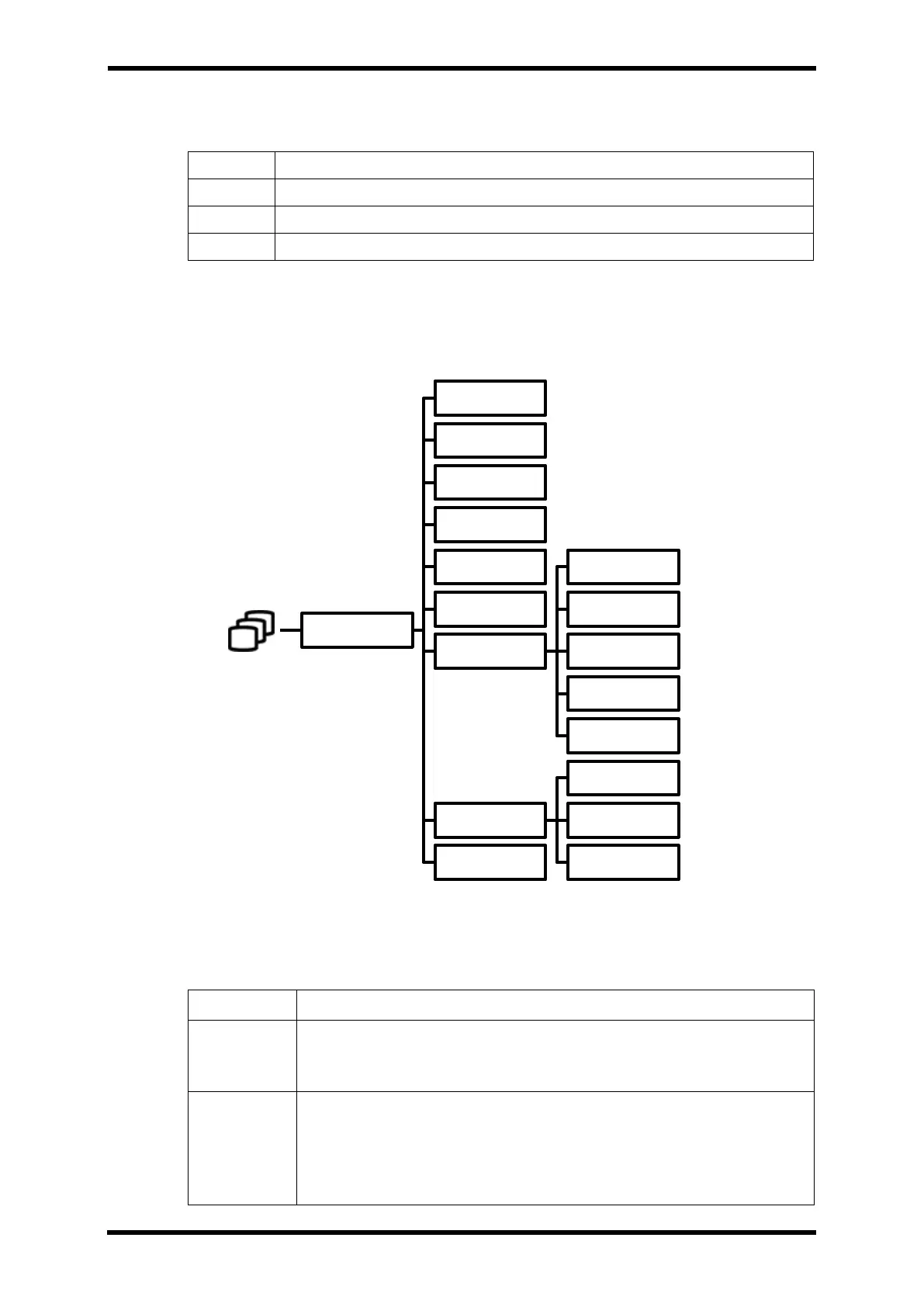
Menu Hierarchy
Menu Description
Table 10-2. EVENT Menu Description
Menu
Description
LIST
Shows a list of saved event data.
Select one from the list to view saved wave and numerical data on the
Event screen.
|<
Move the position of event wave data to the start position (-10sec).
(Event wave data is a total of 20 seconds data for 10 seconds before and after
the event occurs, and this button moves to the position 10 seconds before
the event occurs.)
EVENT
LIST
|<
<<
>>
>|
DELETE
SELECT
TRACE 1
TRACE 2
TRACE 3
TRACE 4
TRACE 5
PRINT SET
WAVE 1
WAVE 2
WAVE 3PRINT

Table of Contents

Related product manuals