VM15 User Manual Reviewing TrendsDrug Dose Calculation
93
12. Managing Patients – STD1
General
VM15 save each trend when Main/TM is disconnected.
When Main/TM is connected, trend and patient information data are synchronized according
to the situation.
Trend data stored in TM are HR, SPO2, SPO2 PR, RESP, NIBP, and TEMP1.
If there is a time difference between Main and TM, the time offset is
applied to the data of TM.
The following applies only to STD1.
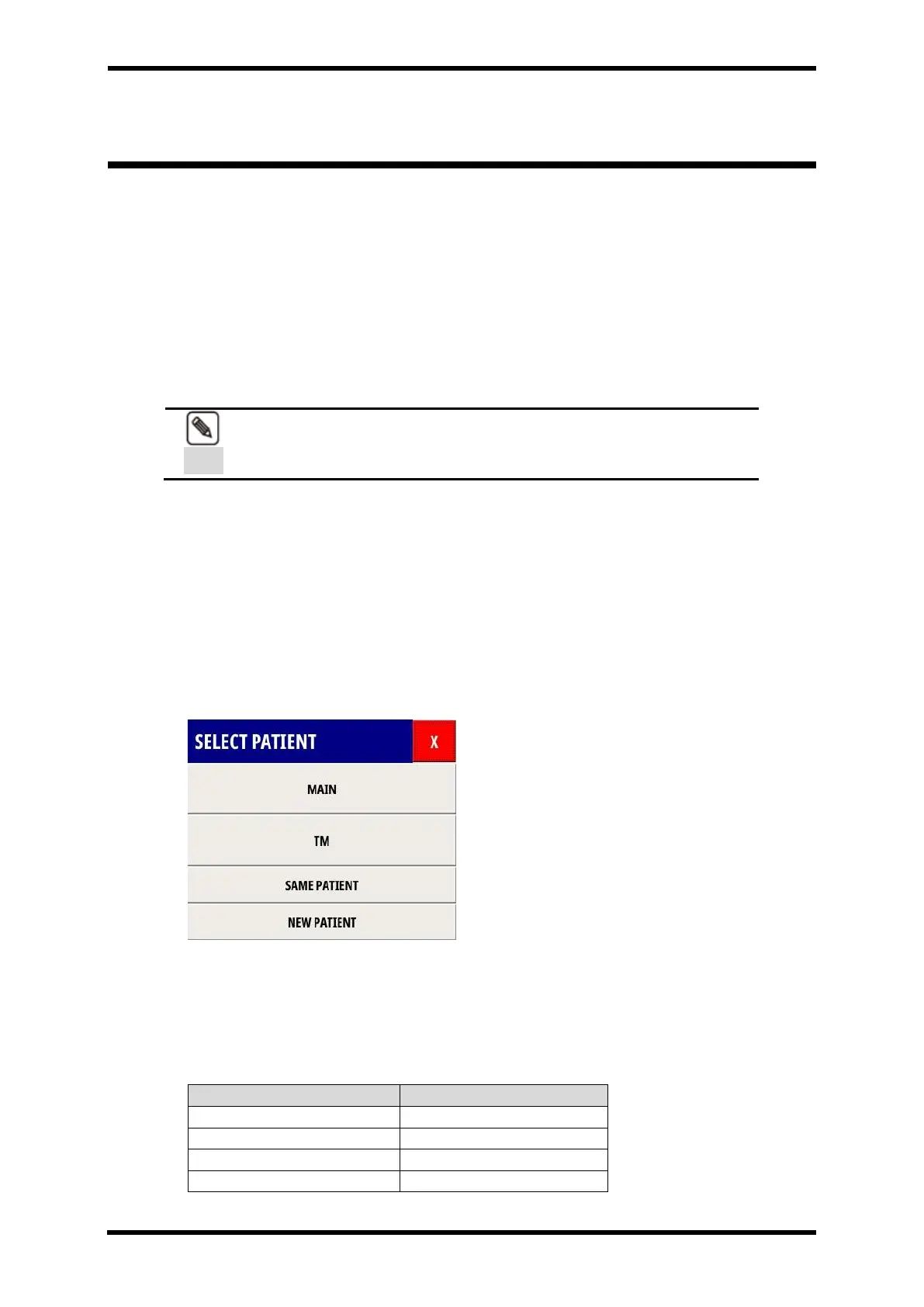
Description of SELECT PATIENT functions
The SELECT PATIENT Dialog is shown when the patient ID is missing or different in Main and
TM.
When the user presses X, the SELECT PATIENT Menu disappears and is out of sync.
Selecting the Sync menu executes each function and deletes the TM's trend data
Figure 12-1. Displays - SELECT PATIENT Menu
MAIN Select
Use the data as shown in the table below.
Table 12-1. MAIN data select



 To Next Page