VM15 User Manual How to operate VM15
69
Turn on the Main Unit
Press the power button on the front of the product for about 3 seconds, the power will be
turned on and the lamp of different color will be turned on depending on the AC or Battery
mode.
(AC Power : Green Color, Battery Power : Orange Color)
Note: Please check the power cable when the power is not on even if pressing the power
button.
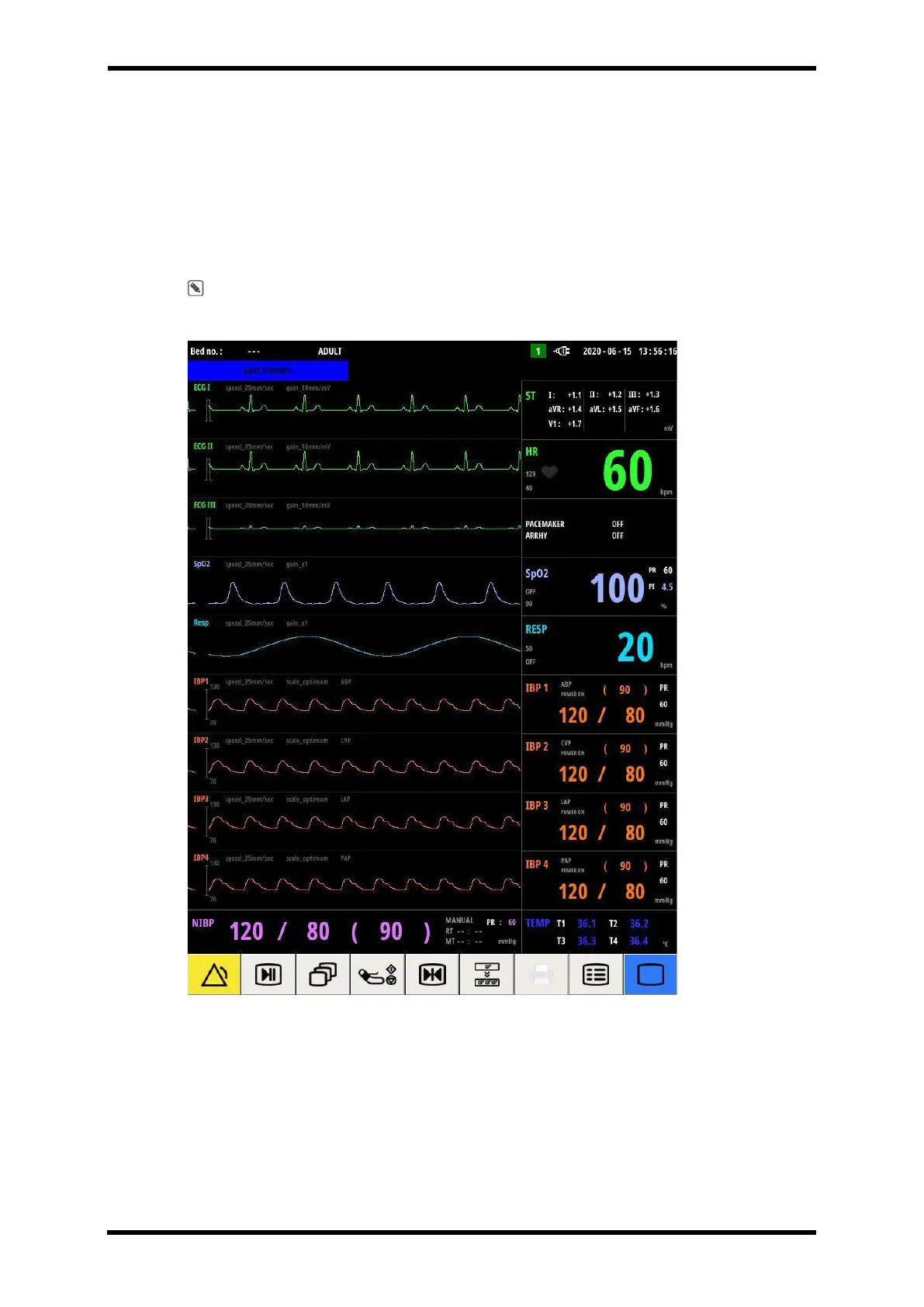
Figure 8-1. Basic Monitoring Screen
When the patient monitor detects the vital signs of the patient, the wave of Figure 8 - 1 shall
be displayed at real time.



 To Next Page