VM15 User Manual Alarms and Limits
83
Alarm Smart Key
Select the Alarm smart button at the bottom of the screen to turn the alarm sound paused
status ON/OFF.
The below picture is Alarm Smart button.
Figure 9-2. Alarm Smart Button
Alarm Paused
When the "Alarm paused" ON, the alarm sound does not sound for 2 minutes.
When "Alarm Paused" is ON and 2 minutes elapse, "Alarm Paused" is automatically turned
OFF, and thereafter, an alarm sound is generated in an alarm condition.
(Or the same is true when the user turns off the Alarm Paused using the Alarm smart
buttoned.)
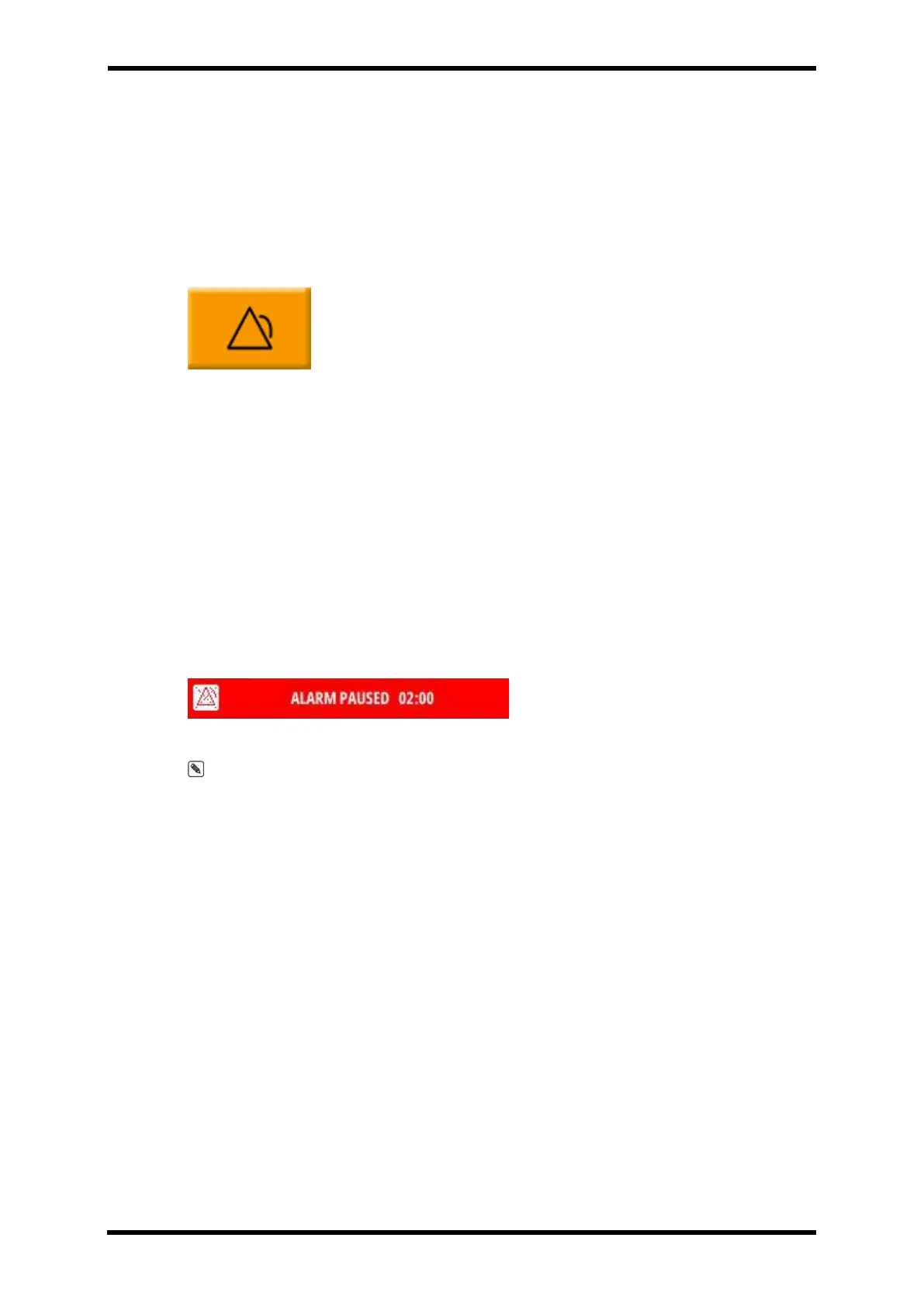
In the Alarm Paused ON state, the top of the screen is displayed as shown in Figure 9-3, and
the remaining time of the Alarm Paused is also displayed.
Figure 9-3. Alarm Paused
Note. Even in the Alarm Paused ON state, when the alarm condition occurs, the numeric
data of the corresponding parameter flashes to show the visual alarm condition.
Alarm Warning Sign
If a corresponding alarm occurs during measurement, an alarm sound is generated and the
measured value on the screen flashes in the color corresponding to the set alarm type.
The alarm level is displayed in red, yellow and blue according to the alarm type at the top of
the screen, and the details of the alarm that occurred are also displayed in text.
The figure 9-4 below shows the display positions of the informational alarm, medium/low
alarm and high alarm



 To Next Page