VM15 User Manual Description of Display and Symbols
29
6. Description of Display and Symbols
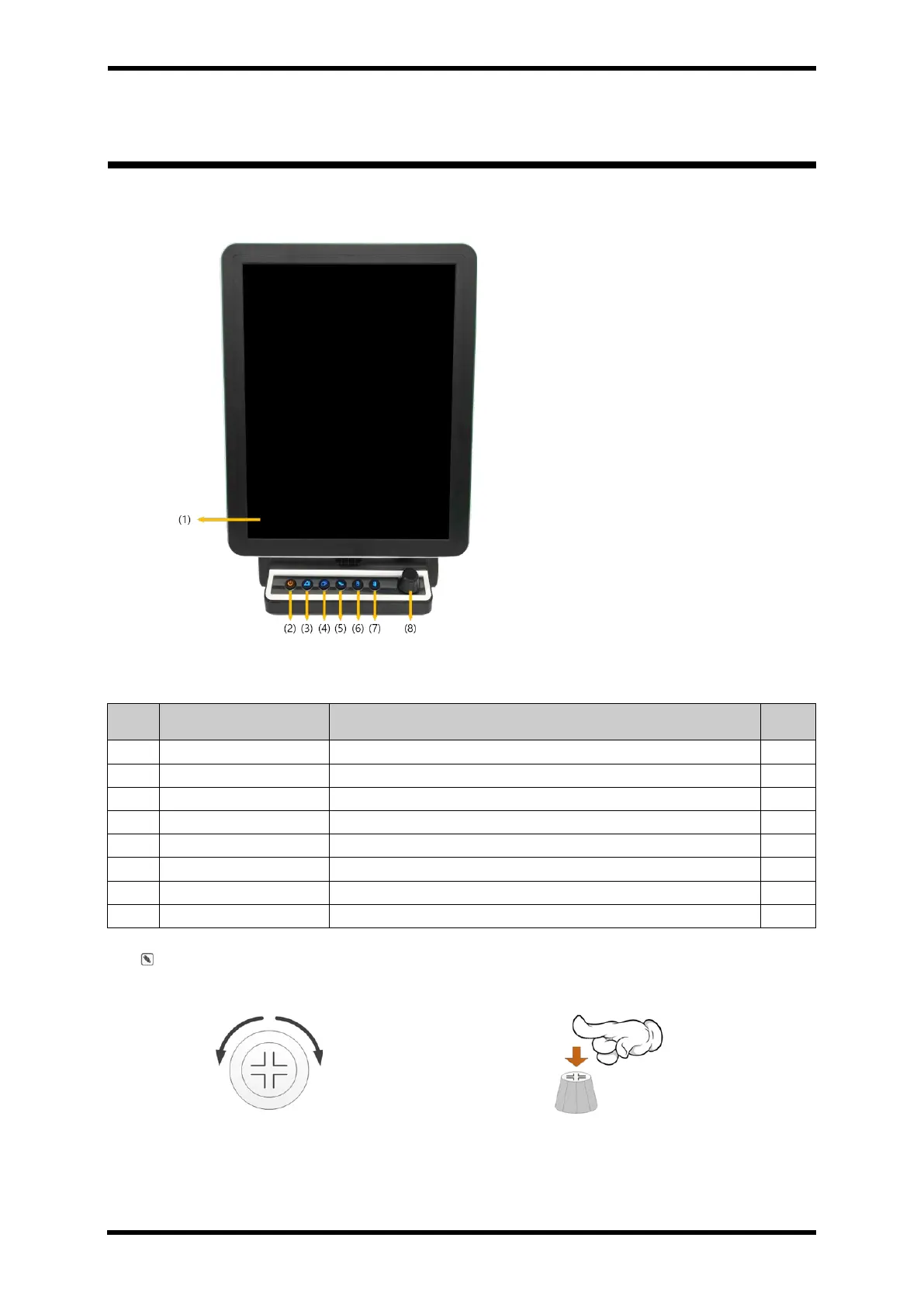
Front Panel Controls and Display
Figure 6-1. Front Panel Controls and Display
Table 6-1. Front Panel Description
Turn the operation On / Off.
Pause the alarm sound when an alarm condition occurs.
Button to start/stop non-invasive blood pressure measurement.
Use current screen for printer.
Rotary switch for function selection.
1. Rotate the trim knob to right or left
side to move
2. Press down the knob for execution



 To Next Page