VM15 User Manual Printing (Option)Monitoring
203
Description of qCON functions
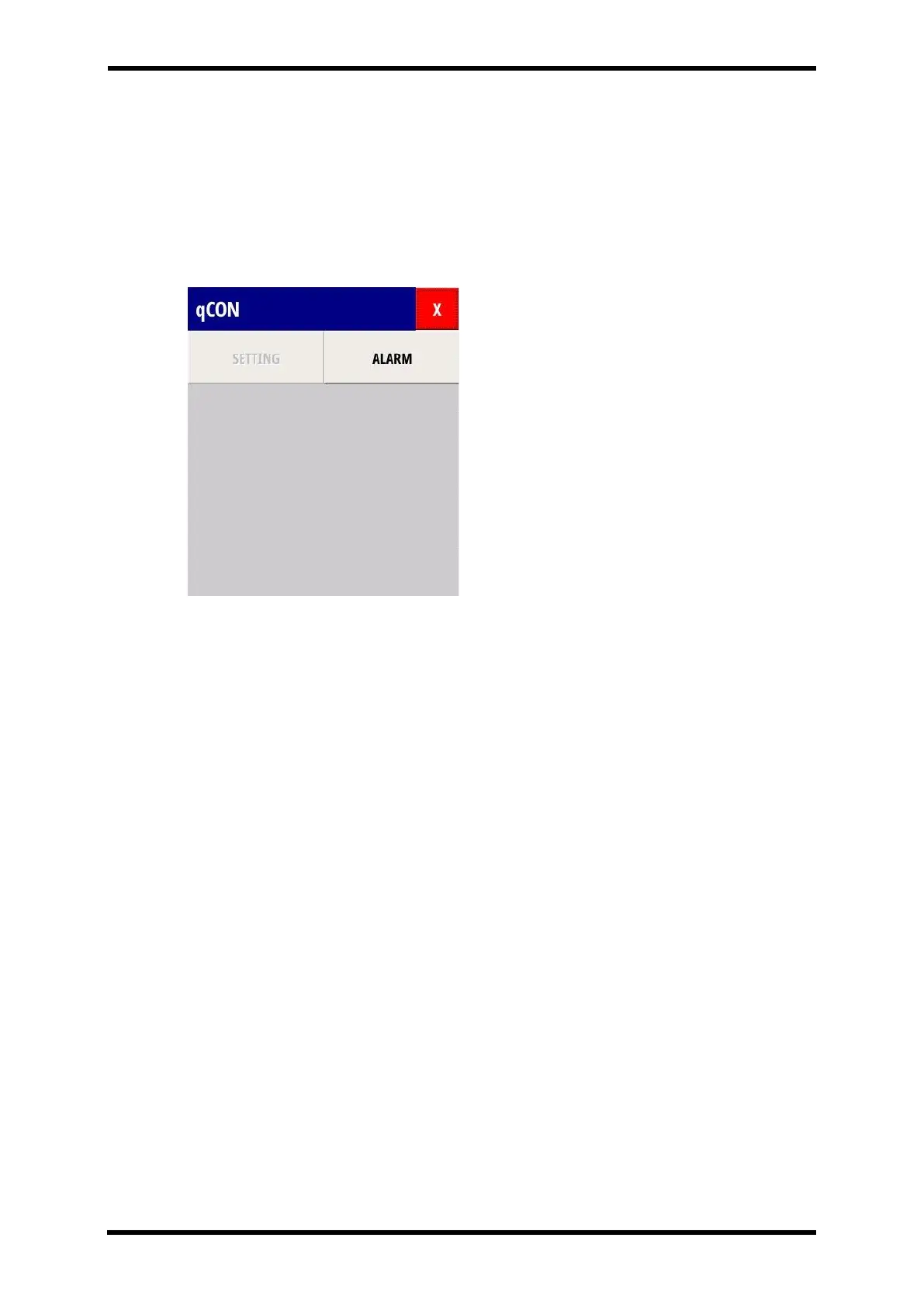
When you select the qCON Numeric Area in the qCON menu appears.
All functions are available at qCON menu.
Press X button and qCON menu shall be disappeared from the screen.
The below picture shows qCON menu.
Figure 29-3.Displays - qCON Menu
ALARM Function
4 kind of Alarm Steps: High, Medium, Low and off Type
⚫ qCON High alarm set: 0~100, Off
⚫ qCON Low alarm set: off, 0~100
⚫ Type alarm set: High, Medium, Low, Off



 To Next Page