VM15 User Manual Printing (Option)
193
ANALYZER System set-up
Include the set-up instructions below if your system is using the “plug-in and measure” ISA
sidestream gas analyzer. To set up the <host device> for gas analysis, follow these steps:
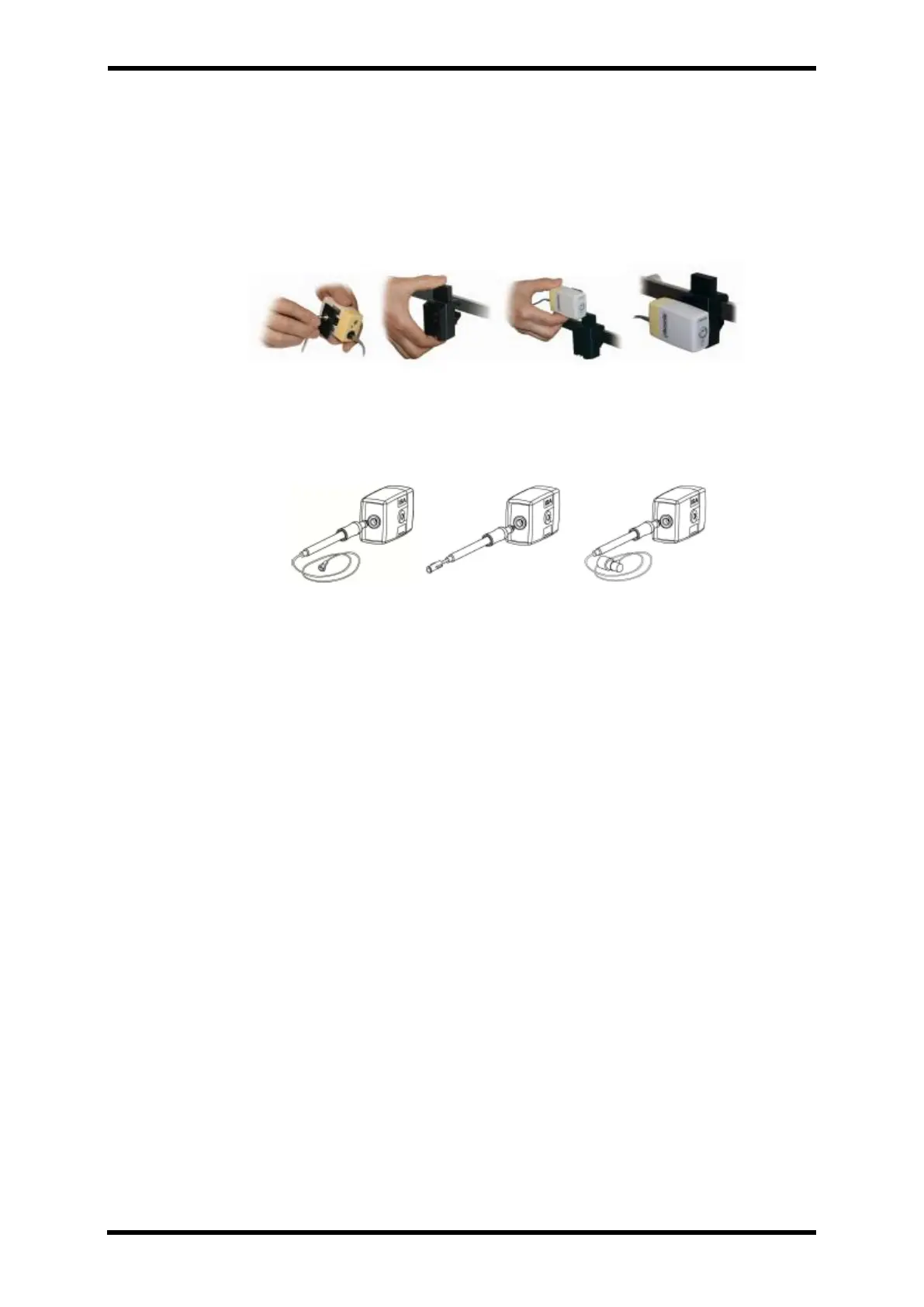
I. Securely mount the ISA analyzer.
II. Connect the ISA analyzer interface cable to the <host device>.
III. Connect a Nomoline Family sampling line to the ISA analyzer input connector.
IV. Connect the gas sample exhaust port to a scavenging system or return the gas
to the patient circuit to prevent pollution of the operation room when N2O
and/or anesthetic agents are being used.
V. Power up the <host device>.
VI. A green LED indicates that the ISA analyzer is ready for use.
VII. Perform a pre-use check as described in section 6).
Pre-use check
Before connecting the Nomoline Family sampling line to the breathing circuit, do the
following:
I. Connect the sampling line to the ISA gas inlet connector (LEGI)
II. Check that the LEGI shows a steady green light, indicating that the system is OK.
III. For ISA OR+ and ISA AX+ module with O2 option fitted:
Check that the O2 reading on the monitor is correct (21%).
IV. Breathe into the sampling line and check that valid CO2 waveforms and values are
displayed on the <host device>.
V. Occlude the sampling line with a fingertip and wait for 10 seconds.
VI. Check that an occlusion alarm is displayed and that the LEGI shows a flashing red
light.



 To Next Page