VM15 User Manual Description of Display and Symbols
49
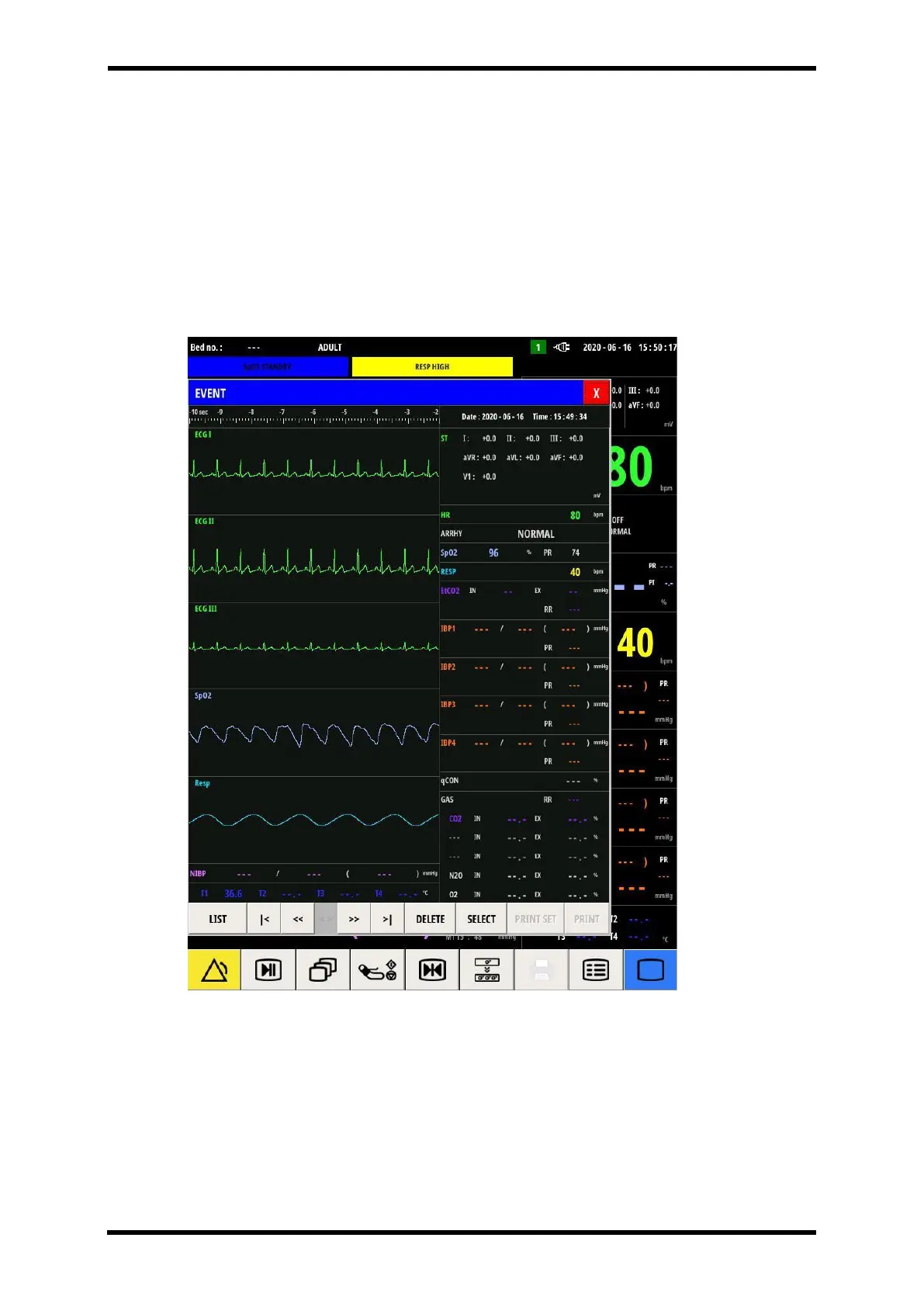
Popup Screen – Event
Events are electronic records of episodes of the patient's condition, and the Event screen
allows you to review the saved Event data.
It is triggered manually through the manual Event button, or automatically triggered in the
event of an alarm.
Refer to the 'Reviewing Event' window for details.
Figure 6-18. Event Review Window



 To Next Page