VM15 User Manual Setting up the VM15
63
Connection to Power Sources
WARNING: Please install the patient monitor with keeping the safety distance
from the patient or at the safe place.
CAUTION: After using the patient monitor, recharge the battery.
AC Power and Battery specification
VM15 operate for 150 minutes after 12 hours charging.
(at room temperature, without printing.)
When the patient monitor is connected with AC power source (100-240 VAC, 50/60 Hz), the
battery is on charging condition. The Green Lamp on the power switch means that AC Power
Source is recognized and battery is on charging condition.
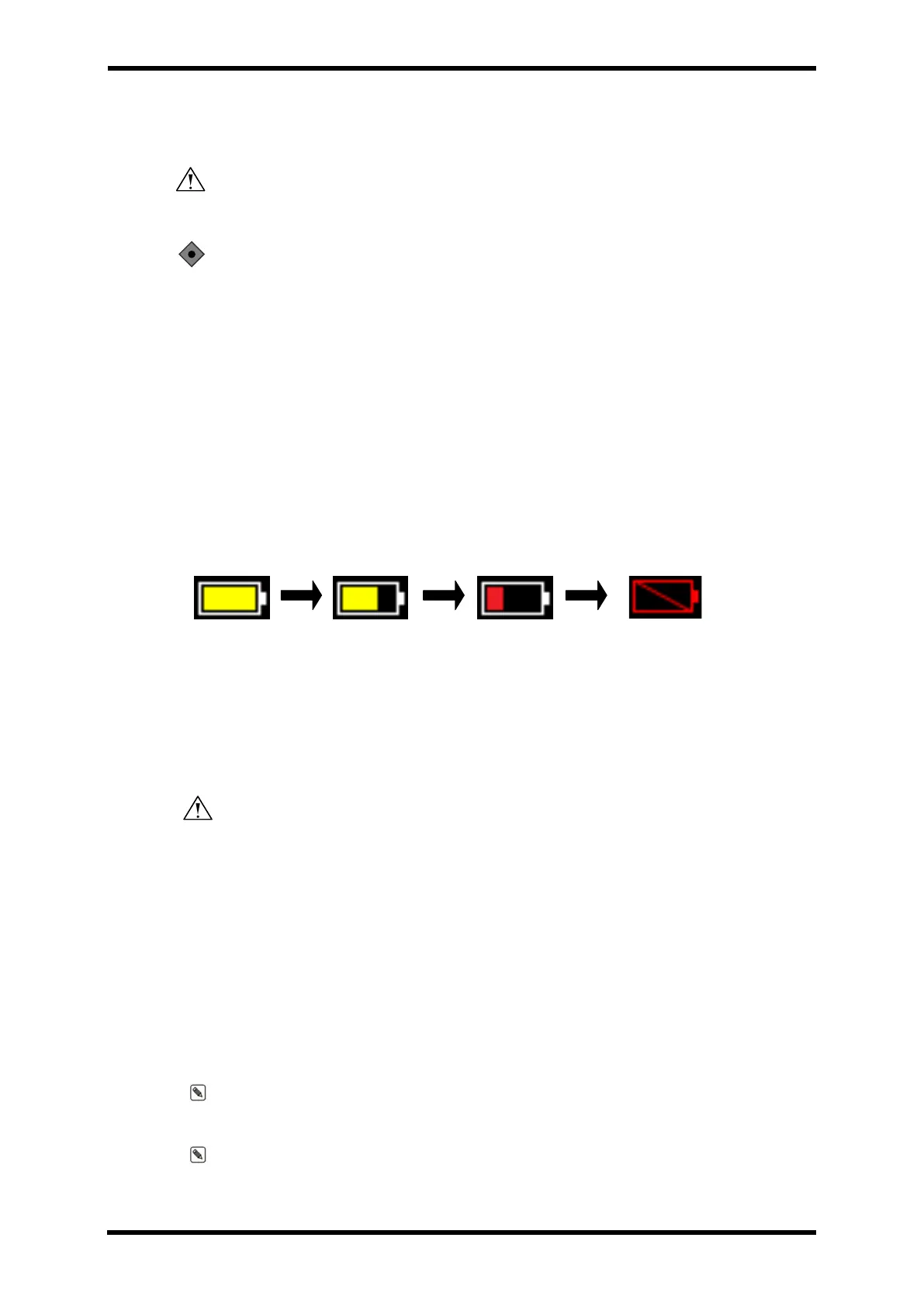
VM15 check the status of battery continuously. When AC power sours is off, the charging
status of the battery is displayed on the upper part of the screen.
Full
Charging
2/3
Charging
1/3
Charging
Low
Charging
Figure 7-1. Battery State
To protect the battery, the patient monitor shall stop its operation in 5 minutes with the sign
of Low Batter on the screen after Low Alarm.
WARNING: Check the damage of AC power cable when connect AC power
source.
AC power cord should be at grounding condition when AC Power (100-240 VC, 50/60Hz) is
connected.
Connect Power Cord into the AC socket at the rear part of the patient monitor.
Only authorized power cord should be used. If the ground of AC power source is not clear,
use only internal battery.
When AC power source is connected with the main unit, AC button is in Green color.
If the monitor is not on operation, Charging start automatically.
Note: Internal battery may be discharged at the time of first use. When it is connected
with AC power source, the internal battery starts to charge.
Note: Lifetime of Battery without charge.
The below table shows the lifetime of battery without charge



 To Next Page