VM15 User Manual Description of Display and Symbols
45
Change Screen – ESN
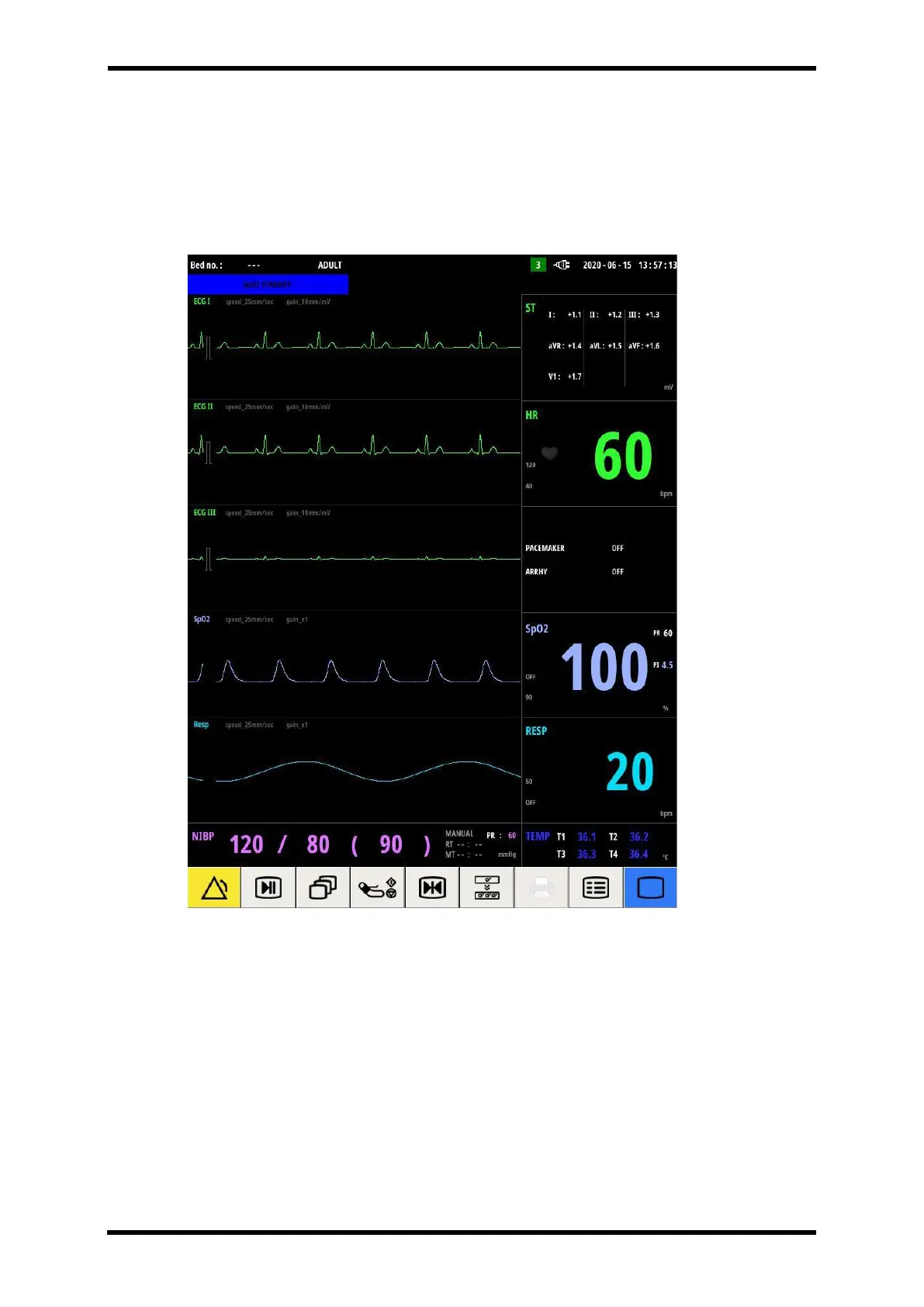
The ESN screen is a fixed screen to display only ECG, SpO2, and RESP(CO2) waveforms.
Numerical data is displayed ECG, SpO2, RESP, NIBP, TEMP, and this screen does not change
depending on the module option status.
Figure 6-14. ESC Screen



 To Next Page