VM15 User Manual Temperature Monitoring
176
Description of TEMP functions
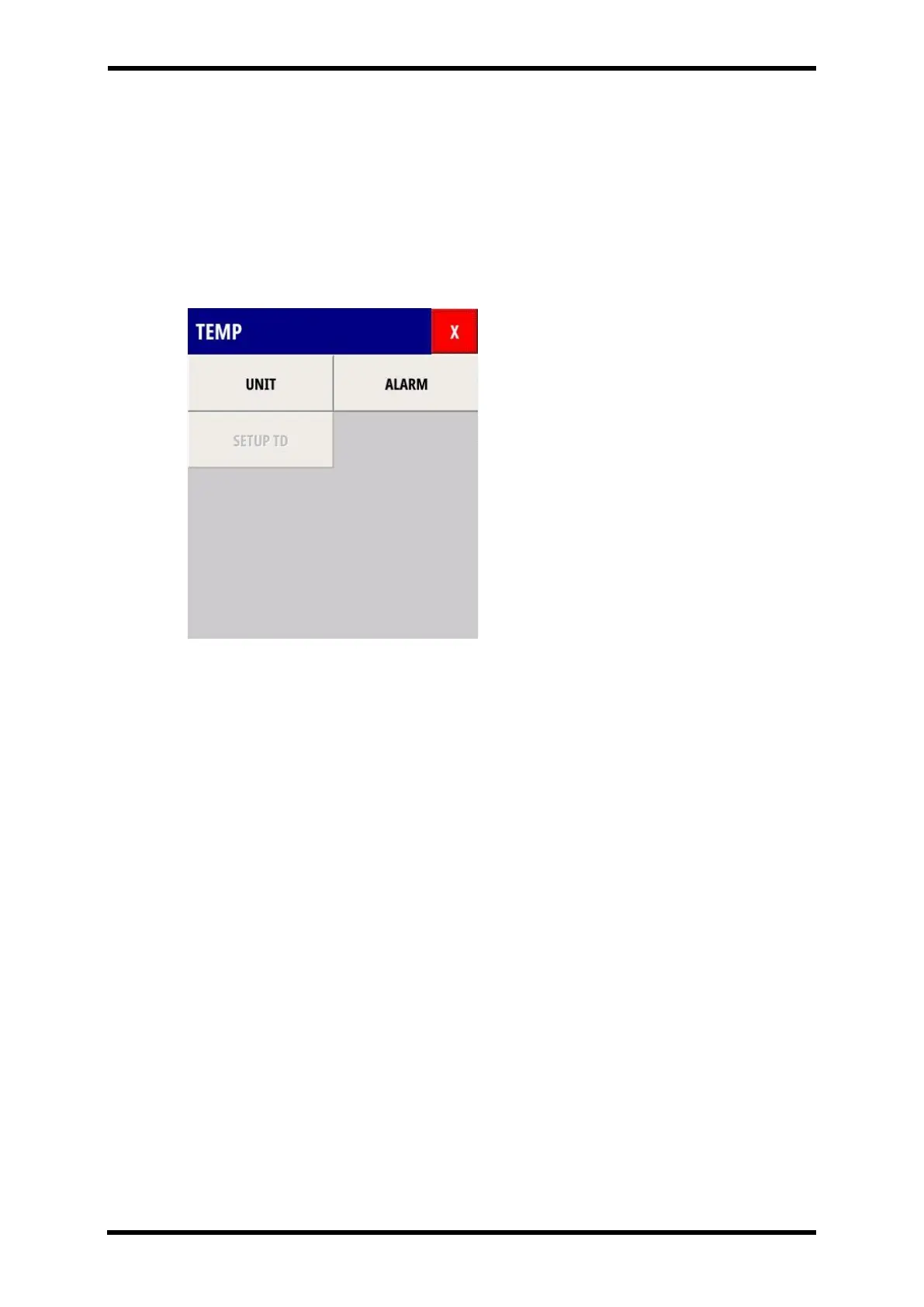
When you select the TEMP Numeric Area in the TMEP menu appears.
All functions are available at TMEP menu.
Press X button and TEMP menu shall be disappeared from the screen.
The below picture shows TEMP menu.
The SETUP TD is enabled in the 3TEMP option.
Figure 26-7. Displays - TEMP Menu
UNIT Function
UNIT select: ℃, ℉.
ALARM Function
Setting of Alarm : TEMP 1, TEMP2~4 (Option), Type.
⚫ High alarm range: 0.1℃~50℃, Off
⚫ Low alarm range: Off, 0.1℃~50℃
Alarm Type: High, Medium, Low, Off
Description of TEMP functions
TD is a temperature difference.
TD = FIRST TEMP – SECOND TEMP
Can be set on TEMP – SETUP TD



 To Next Page