VM15 User Manual Description of Display and Symbols
42
Screen Change/Popup
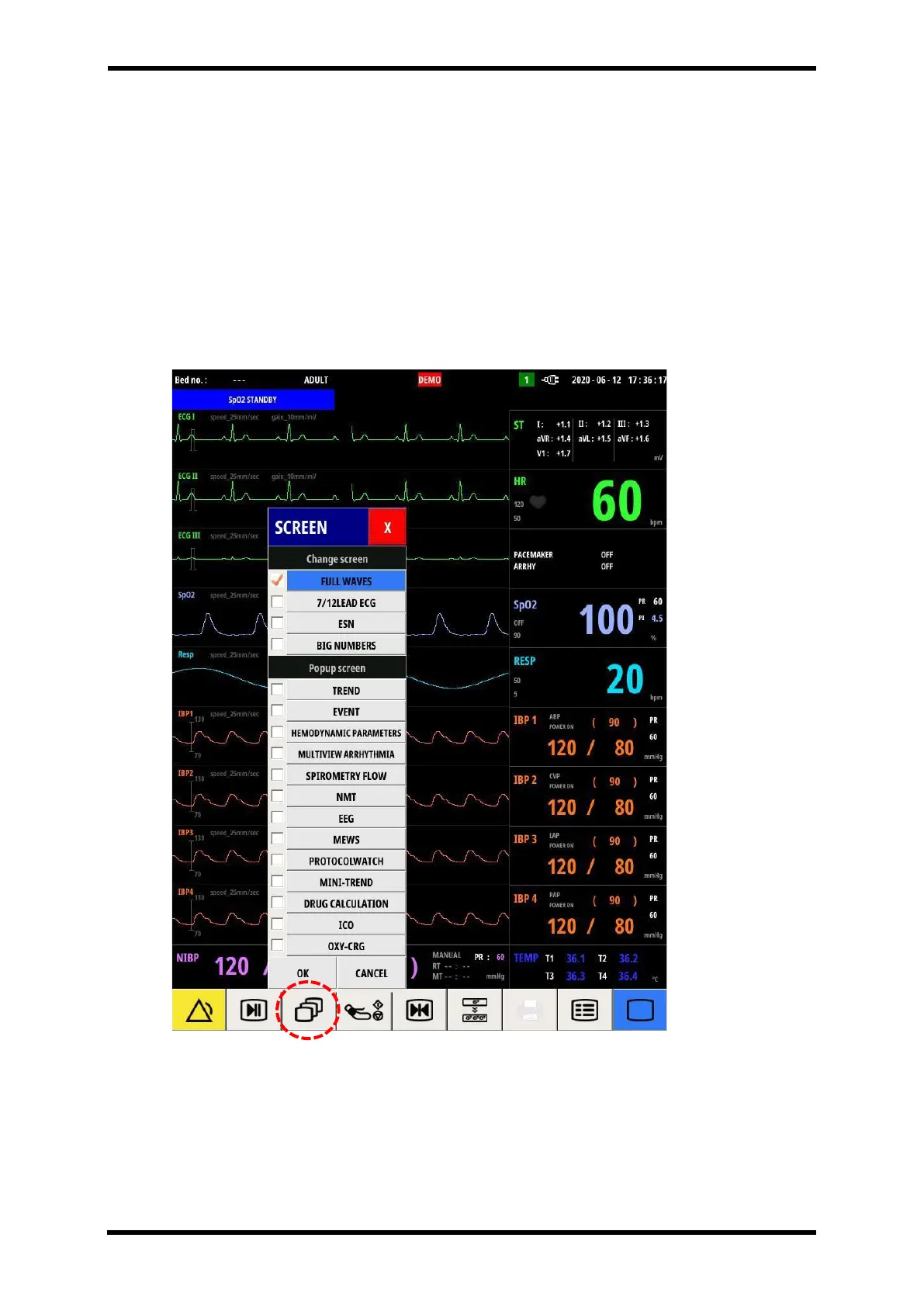
Pressing the "Screen change/popup" menu icon allows you to sequentially view the following
menu window.
Select from this menu to switch screens or view pop-up screens
FULL WAVES, 7/12 LEAD ECG, ESN and BIG NUMBERS in the “Change screen” item will change
the entire screen to another screen.
And the screens in the “Popup screen” item are displayed in a separate pop-up form.
Figure 6-11. Screen-change/popup-Menu



 To Next Page