VM15 User Manual How to operate VM15
70
Setup
The settings required for using the product can be set or changed by the following
instructions.
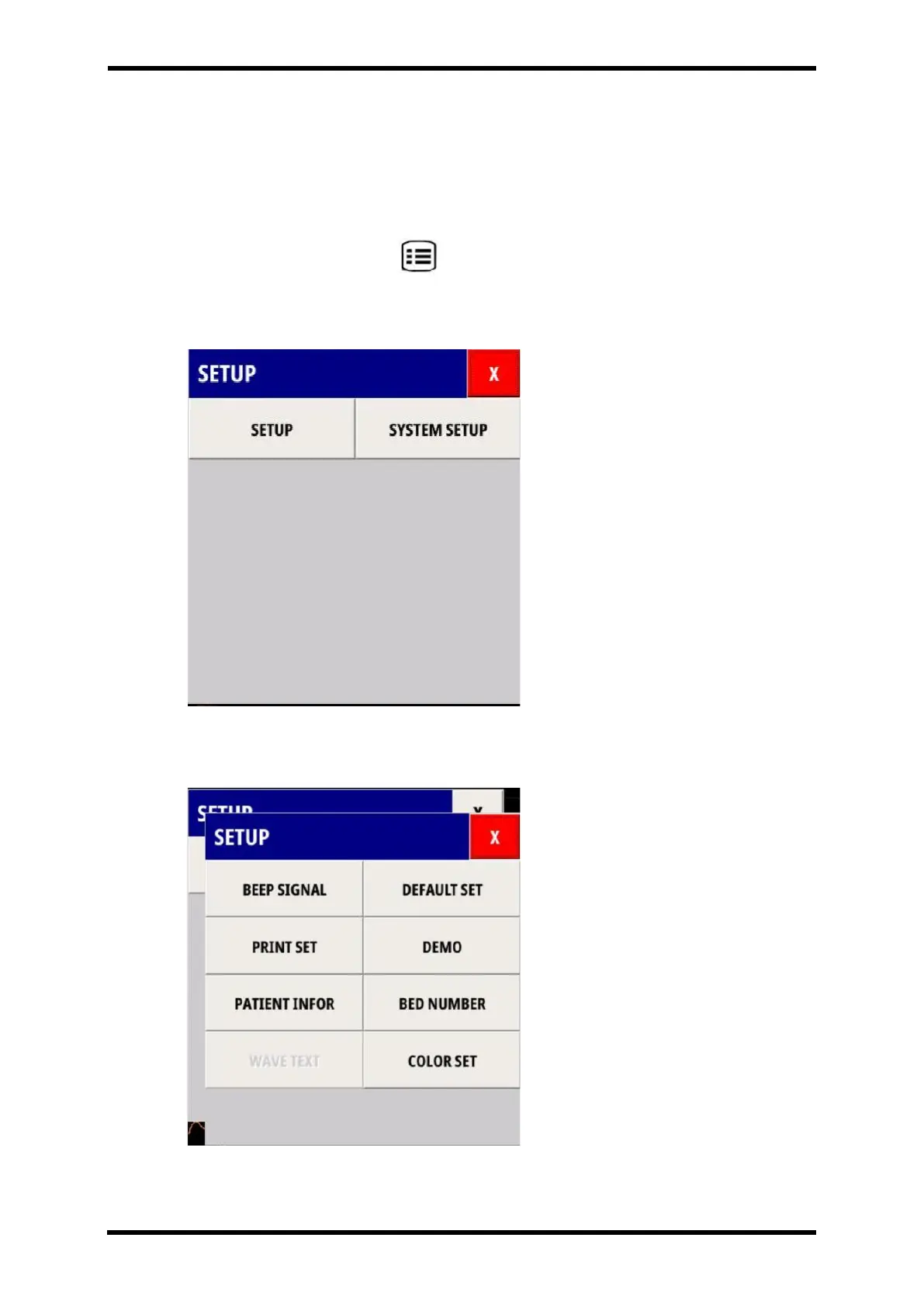
Press the Setup menu button ( ) on the bottom front of the product to enter the setup
menu.
Setup menu has two parts : Setup and System up.
Figure 8-2. Displays SETUP Menu
SETUP
Figure 8-3. Displays - SETUP Menu



 To Next Page