VM15 User Manual Reviewing TrendsDrug Dose Calculation
92
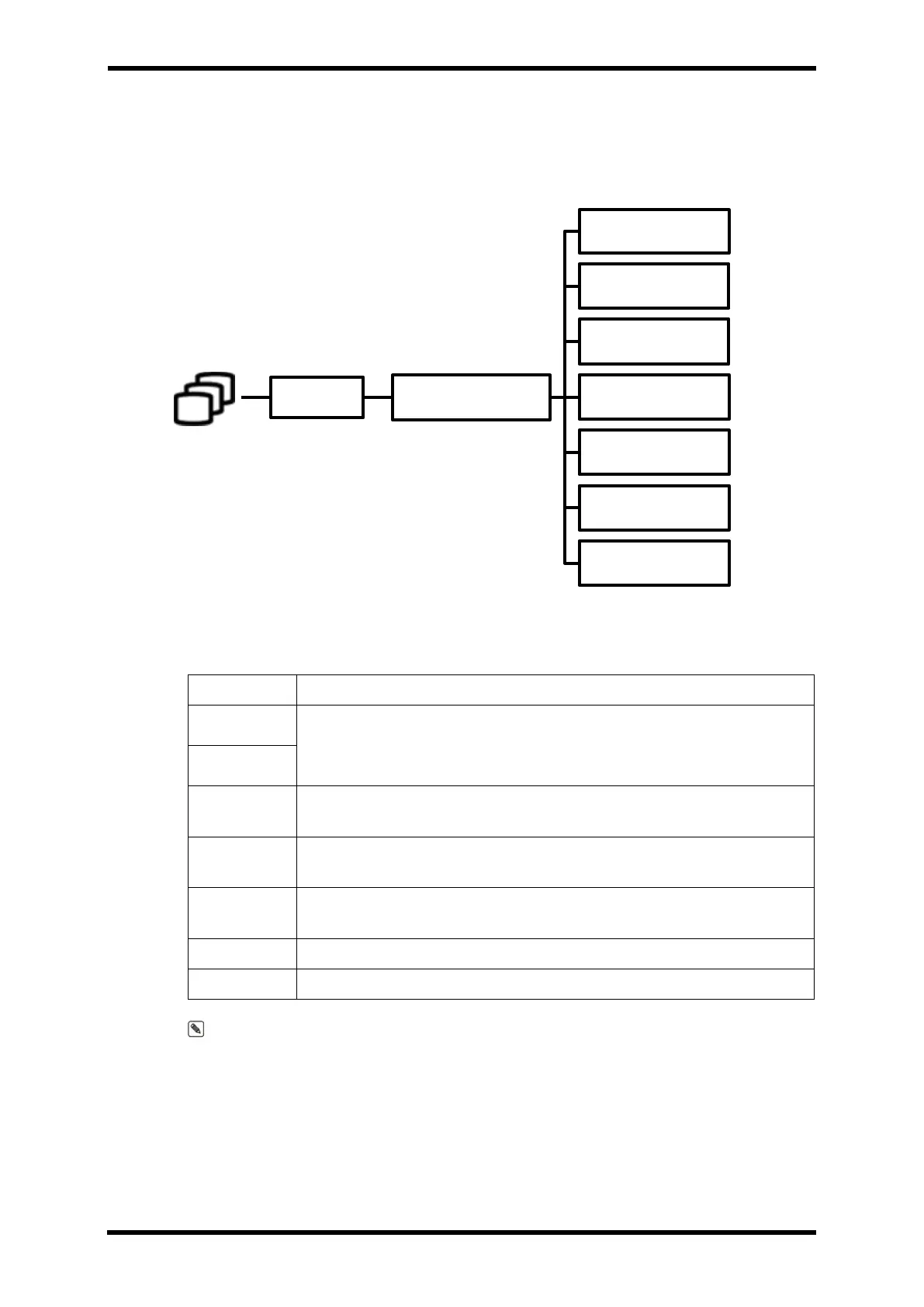
Graph Trend Menu
Menu Hierarchy
Menu Description
Table 11-4. Graph Trend Menu Description
Ability to change parameter items displayed on the Graph Trend screen
(Total consists of 5 groups)
When reviewing trend data, you can specify the interval at which the
Indicating-bar will move at once.
Trend data can be reviewed while moving the indicating-bar position to
the previous data
Trend data can be reviewed while moving the indicating-bar position to
the latest data
Delete all saved trend data. (Disabled)
Selecting this menu will display the Text trend screen.
Note. In the Graph Trend screen, focus on the area marked (<>) between menu buttons,
press the Encoder once.
You can use the encoder to adjust the Indicating-bar position.
TREND GRAPH TREND
▲
▼
INTERVAL
<
>
DELETE
TEXT TREND



 To Next Page