VM15 User Manual Supplementary Popup-Screens
212
32. Supplementary Popup-Screens
Screen Change/Popup
Additional functions are available by selecting the Screen change menu button ( )
at the bottom of the screen.
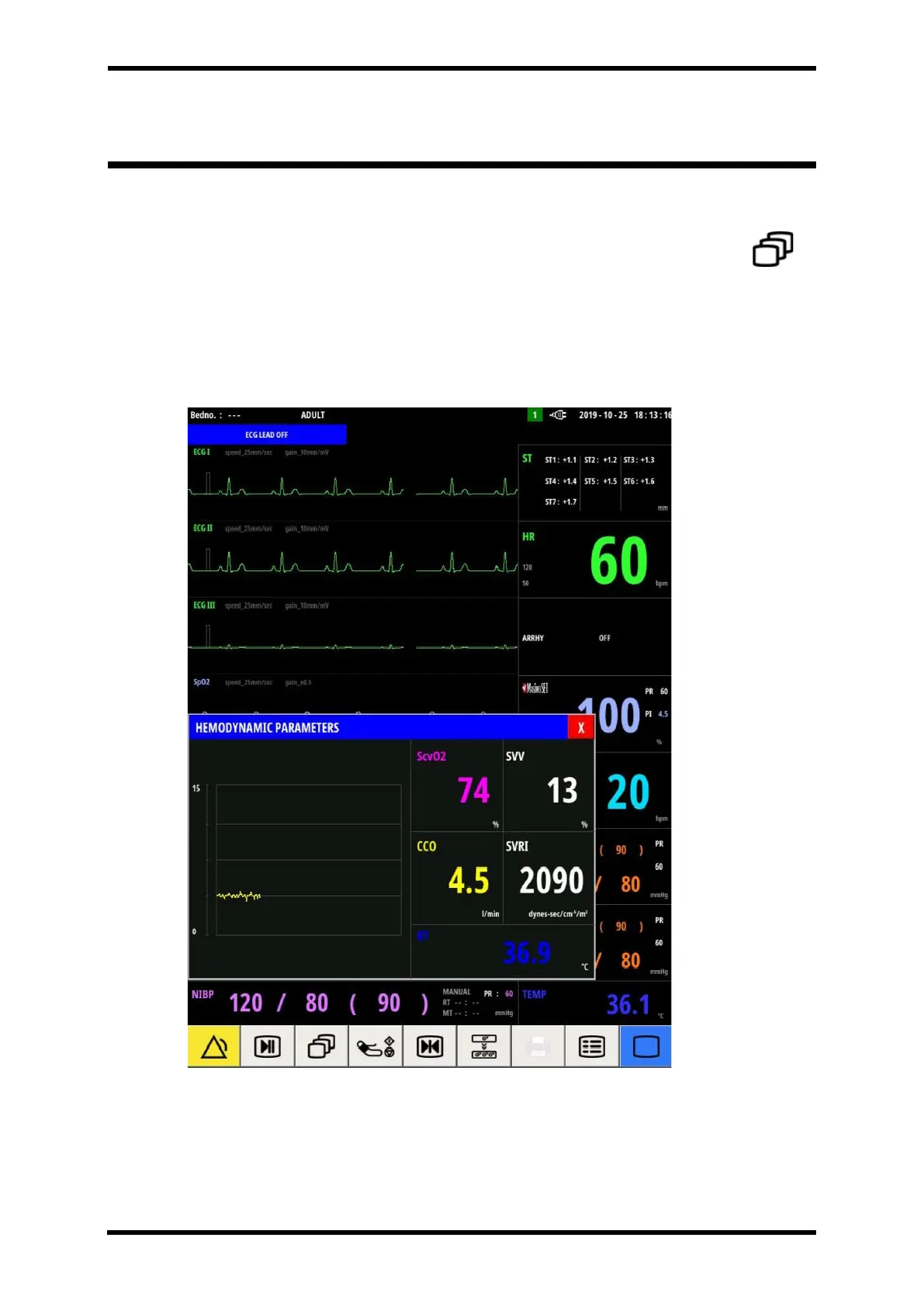
Popup Screen – Hemodynamic Parameters
You can change the screen of VM15 as below.
Figure 32-1. Hemodynamic Parameters



 To Next Page