VM15 User Manual Viewing Mini-Trend
95
13. Viewing Mini-Trend
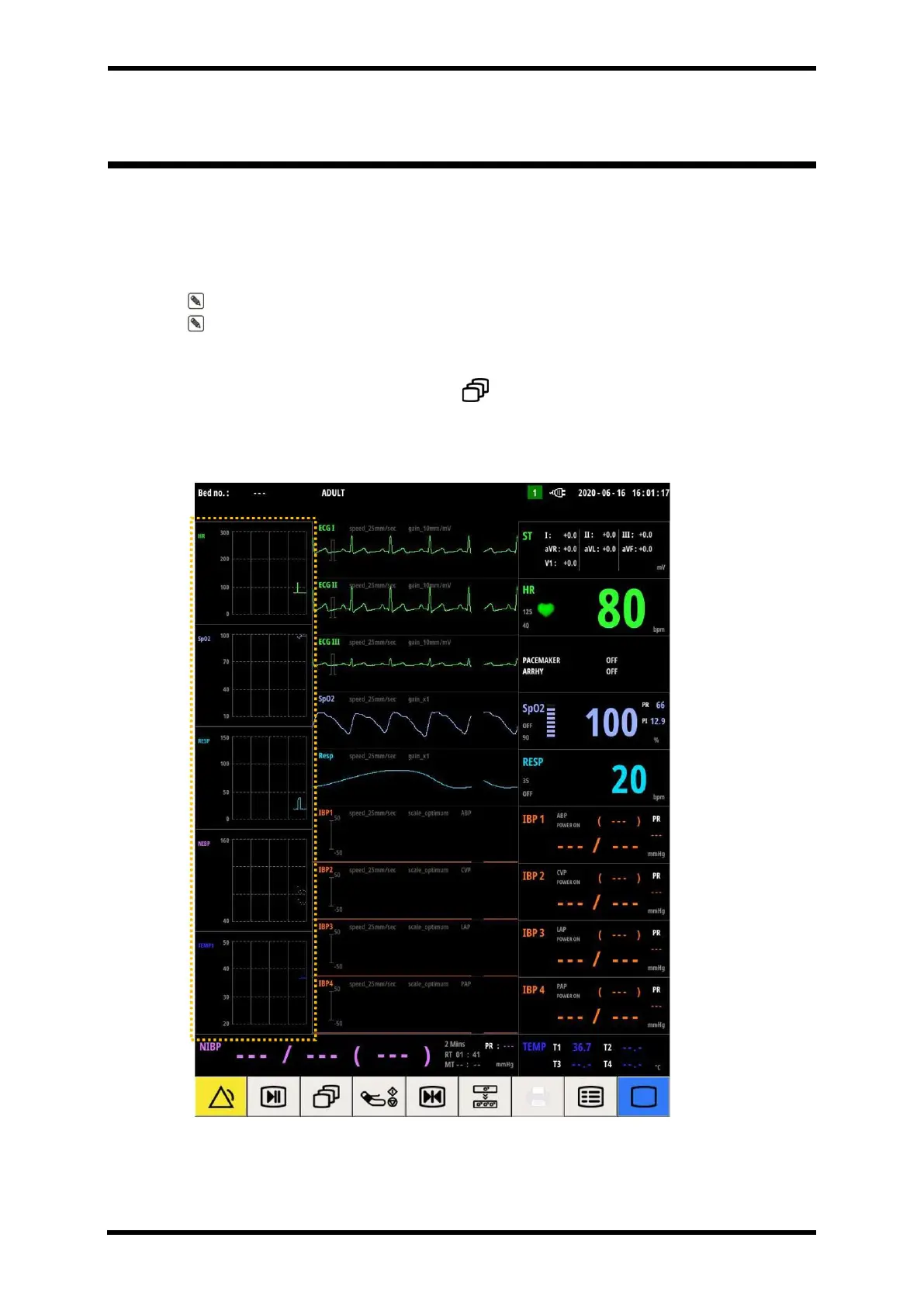
Mini-Trend is a function that allows you to view trend data at the same time as measuring
vital signs of a patient.
Mini-Trend shows trend data for 2 hours.
Note. For trend data over 2 hours, check the trend screen.
Note. The Mini-Trend function is only active on the Full waves and ESN screen.
To have MINI-TREND screen,
⚫ Select SCREEN smart button ( ) → MINI-TREND
Screen Layout
Figure 13-1. Mini-Trend Screen Layout
The part shown in Figure 13-1 is the Mini-Trend area, and one horizontal grid is 30 minutes



 To Next Page