VM15 User Manual Description of Display and Symbols
41
Explanation of Screen Icons
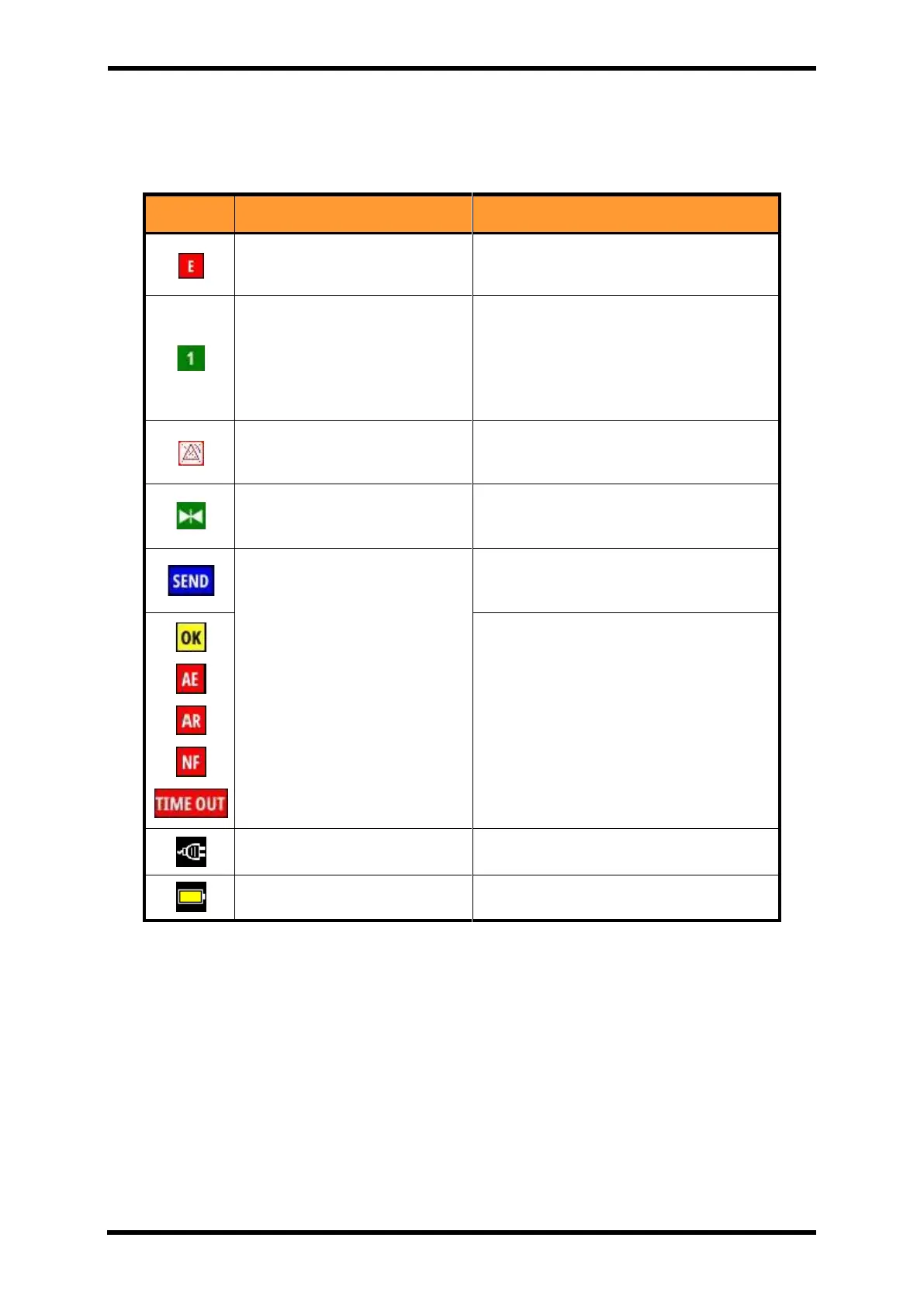
Table 6-11. Screen Icons
During the save: Fixed
If data saved: Flashes at 1-second interval
Displays the type of screen you are
viewing.
1 : FULL WAVES
2 : 7/12LEAD ECG
3 : ESN
4 : BIG NUMBERS
Alarm Suspend: Automatically
cancelled after 2 minutes.
Alarm pause remaining time is displayed
on the right of the icon
Waveform freeze status display
Communication status
indication
Indicates that you are communicating
with the HL7 server.
This indicates the communication status
with the HL7 server.
OK : Data found, no errors
NF : No data found, no errors
AE : Application error
AR : Application reject
TIME OUT : No response for 1 minute



 To Next Page