VM15 User Manual Description of Display and Symbols
39
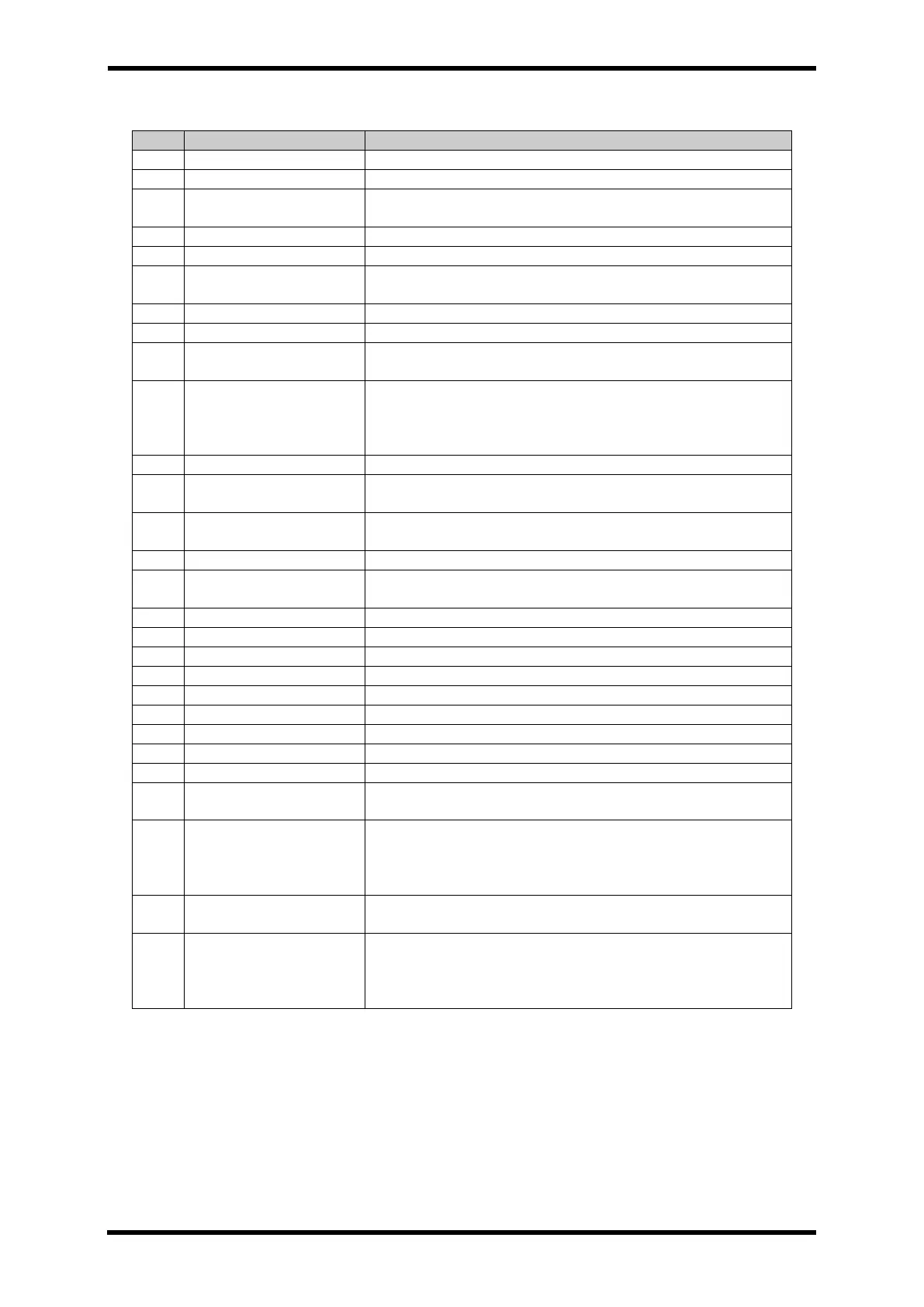
Table 6-9. Main Screen Layout Description
Used to set the patient's location
patient category, either Adult, Pediatric, or Neonatal
Status of HL7 communication information and FREEZE, etc. is
displayed.
Displays the current date and time.
Shows the Information alarm content
Medium, low priority
alarm
Shows the information corresponding to the medium and low
priority alarm.
Shows the information corresponding to the high priority alarm.
Shows the patient's ECG waveform in real time.
Oxygen Saturation
Waveform
It shows the oxygen saturation waveform of the patient in real
time.
EtCO2 waveform
/ RESP waveform
Shows the patient's EtCO2 waveform in real time.
When EtCO2 module is not connected :
Shows the patient's breathing waveform in real time.
The waveform of the real-time patient's blood pressure changes.
shows the patient's qCON Trend waveform and EEG waveform in
real time.
Noninvasive Blood
Pressure
Display the patient's Systolic, Diastolic, mean blood pressure and
Pulse rate values, measurement mode, measurement time.
Pause alarm sound when alarm condition occurs.
Button to manually save the EVENT.
Button to switch screens and turn on pop-up screens.
Button to start/stop non-invasive blood pressure measurement.
Pause the waveform on the screen.
It shows installed modules and enables / disables in MAIN screen.
Used to start/stop printer
Return to the MAIN screen
Displays the patient's body temperature measurement value.
Displays the qCON measurement value.
Display the systolic, diastolic, mean blood pressure and Pulse rate
values of the patient.
EtCO2 / RESP
Numeric data
EtCO2 expiratory, Inspiratory and RR values are displayed.
When EtCO2 module is not connected :
Displays the patient's breathing rate per minute.
Displays the blood's oxygen saturation level, pulse rate and PI
value.
Analyze ECG waveform by lead and display ST level value.
Displays the patient's heart rate, arrhythmia status, and whether
pacemakers are used



 To Next Page