28 Oct
1997 21:57
CELL-DYN
®
3/35 Sample Loader TS Guide 9140234B-June 1997
VERIFICATION PROCEDURES
VP - 3.6 X-Axis Solenoid to Guide Rod Check
3 - 34
3
Search
Book TOC
Go Back
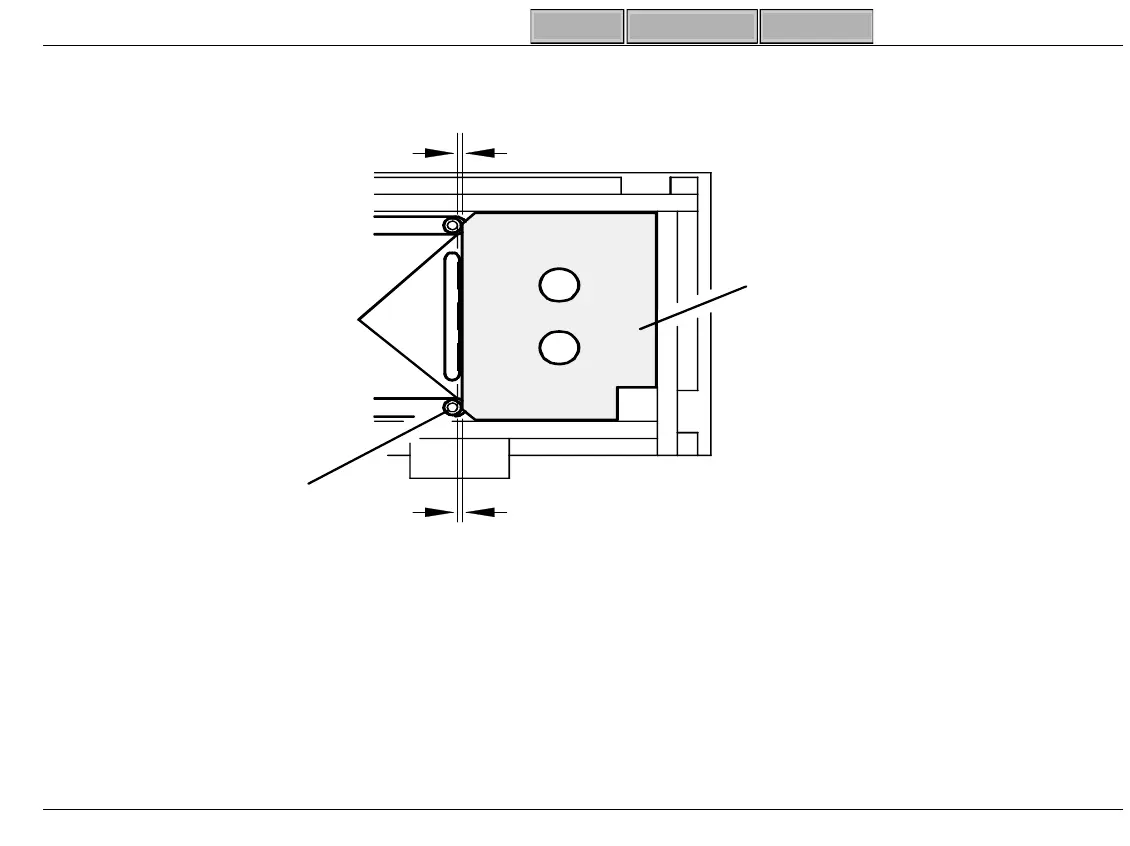
Figure 3-13 Solenoid to Guide Rod Check
6. If Platen is NOT installed:
a. Place Rack Guide Ali
nment Tool on Guide Rods a
ainst Ri
ht Bracket (Fi
ure 3-14).
b. Press (
←
X
→
) to move X-Axis Solenoids to ed
e of tool.
Insert Feeler
Gau
e in Gap
Rack Guide
Ali
nment Tool
X-Axis
Solenoid
Distance Between Solenoid
and Tool Must Be.
The Same (±.005 in .127mm)
SL-234



 To Next Page