100 100-412-234 REV. 06
6.2 Operating System
The 2000Xc Power Supply uses an embedded Single Board Computer (SBC) to offer
advanced user interface functions. It uses Windows Embedded Standard as its operating
system.
6.2.1 File Based Write Filter (FBWF)
The 2000Xc Power Supply SBC uses a solid state hard disk in the form of a CompactFlash
card. While this CompactFlash card appears to be the same type used in digital cameras,
it is a special industrial version which allows the Windows Embedded Standard operating
system to boot.
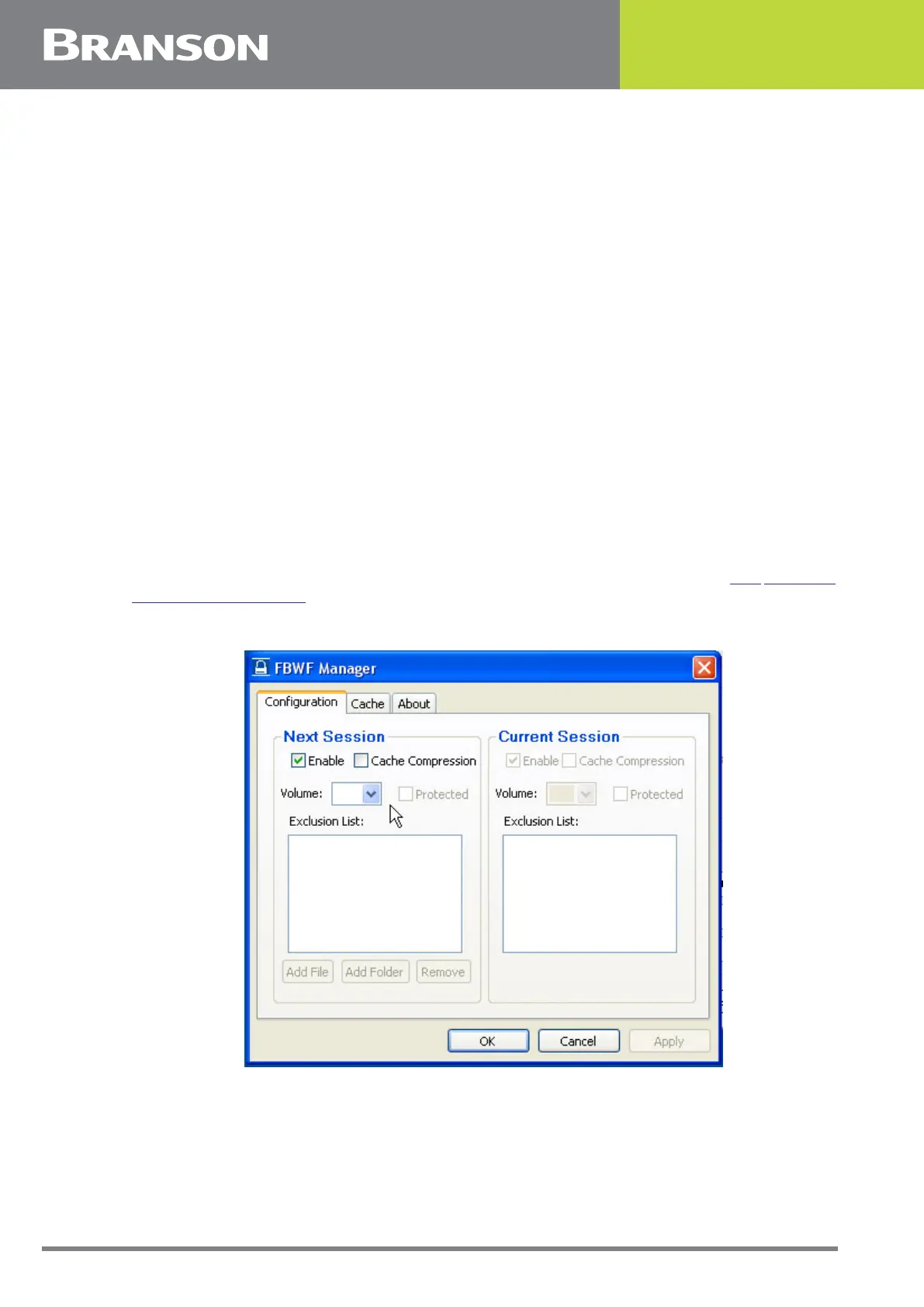
To protect the application and the operating system, Windows Embedded Standard
employs a File Based Write Filter (FBWF). This filter uses a RAM overlay to record changes
to the CompactFlash card. Any changes made to the C: drive are lost during a power
cycle. Only the C:\Branson folder remains unprotected allowing the 2000Xc Power Supply
application to write directly to the CompactFlash card in order to save presets, sequences,
setup parameters and log files.
The FBWF must be disabled before modifying the Windows Embedded Standard
configuration. Changes made to Windows Embedded Standard configuration such as Local
Area Network configuration will be lost if the FBWF has not been previously disabled. Once
all changes have been saved, the FBWF must be re-enabled before resuming controller
operations. Enabling and disabling the FBWF goes beyond the scope of this application
user manual. Contact customer support if this becomes necessary (see 1.3 Warranty
Statement, Disclaimer).
Figure 6.1 FBWF Manager



 To Next Page