158 100-412-234 REV. 06
6.14 Diagnostics
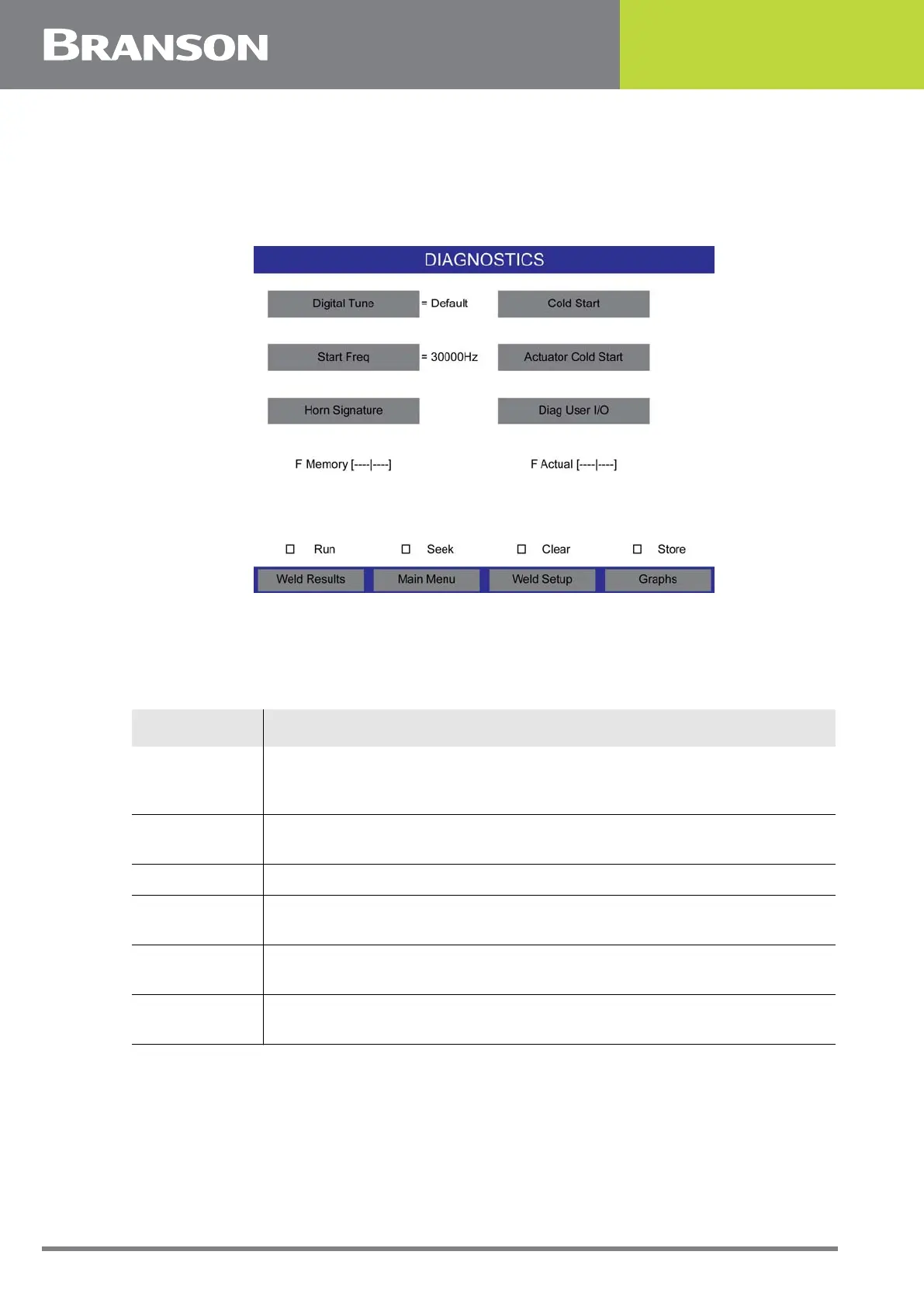
You can use the Diagnostic menu to perform a cold start, set the start frequency of your
stack, and diagnose your system.
Figure 6.47 Diagnostics
The Diagnostics Screen is divided into 2 sections, upper and lower. The upper section
consists of diagnostic parameters. The lower section is refreshed every 250 ms with the
following data:
Table 6.29 Diagnostics
Data Description
F Memory
This bar graph represents the stored frequency at the end of the last
cycle. This is the frequency the power supply will start at for the next
cycle.
F Actual
This bar graph represents the running (natural) frequency of the stack
in real time.
Run Indicates that ultrasonic energy is on.
Seek
Indicates the power supply is running at 5% amplitude for the purpose
of finding the resonant frequency of the stack.
Clear
Indicates there was an overload in Run or Test Mode and memory was
cleared.
Store
Indicates the running frequency of the system is stored into memory
at the end of a cycle or at the end of a seek.



 To Next Page