100-412-234 REV. 06 123
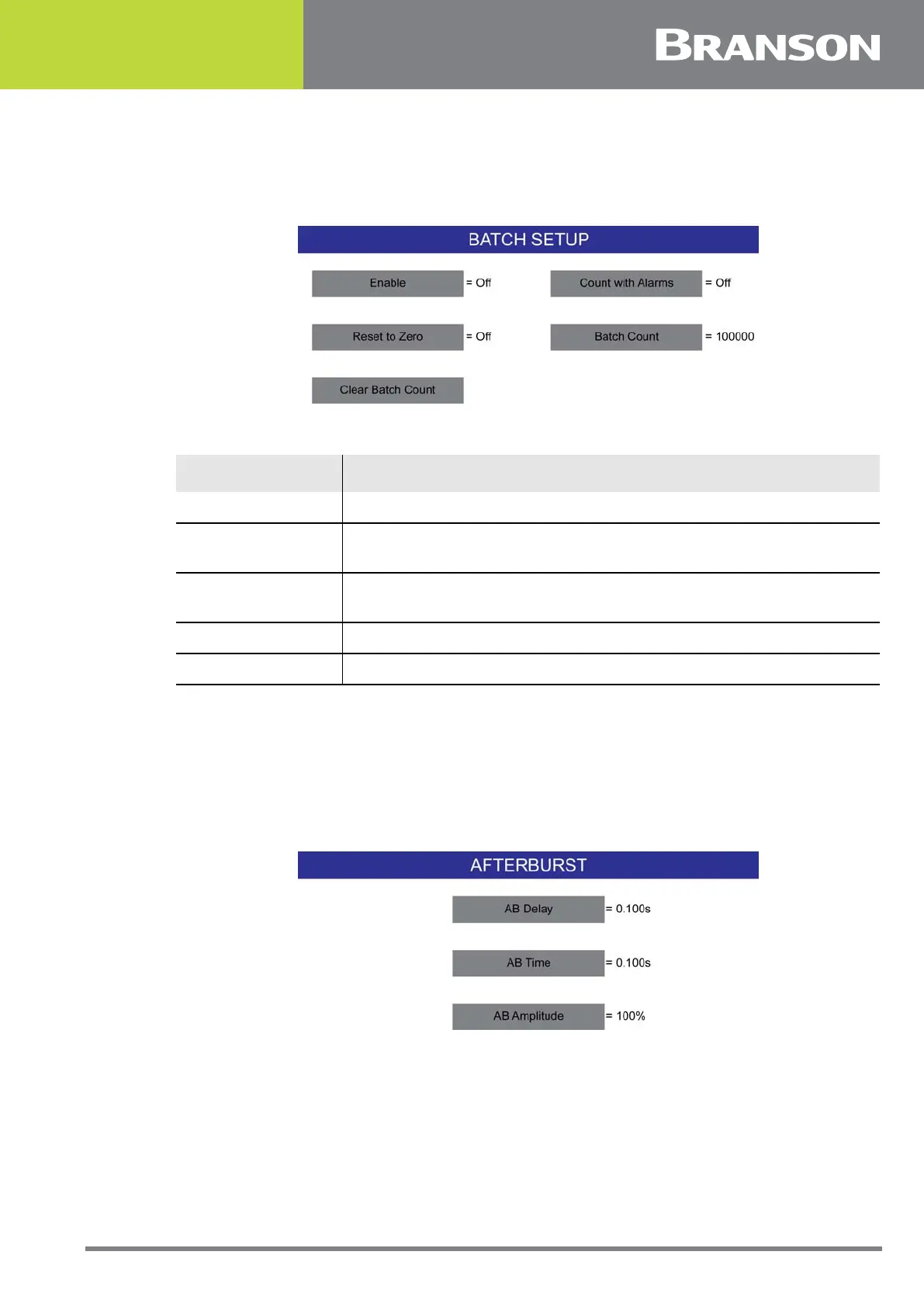
6.9.23 Batch Setup
Set the batch counter from this menu.
Figure 6.12 Batch Setup
6.9.24 Afterburst
You can select whether there will be a burst of ultrasonic energy after welding is complete.
This feature is useful fore removing parts stuck to the horn. If you select ON, you can also
set the delay and length of the afterburst (in seconds), and the amplitude that will be
used.
Figure 6.13 Afterburst
Table 6.12 Batch Setup
Name Description
Enable Toggle between On and Off.
Count with Alarms
If Count With Alarm is set to ON, Weld cycles with alarms will also
increment the counter.
Reset to Zero
If Reset to Zero is set to On, resetting the batch counter alarm will
reset the batch count.
Batch Count Set the number of welds required in the batch.
Clear Batch Count Clears the batch count.



 To Next Page