110 100-412-234 REV. 06
6.5 Power-Up and Navigation of the 2000Xc Power
Supply.
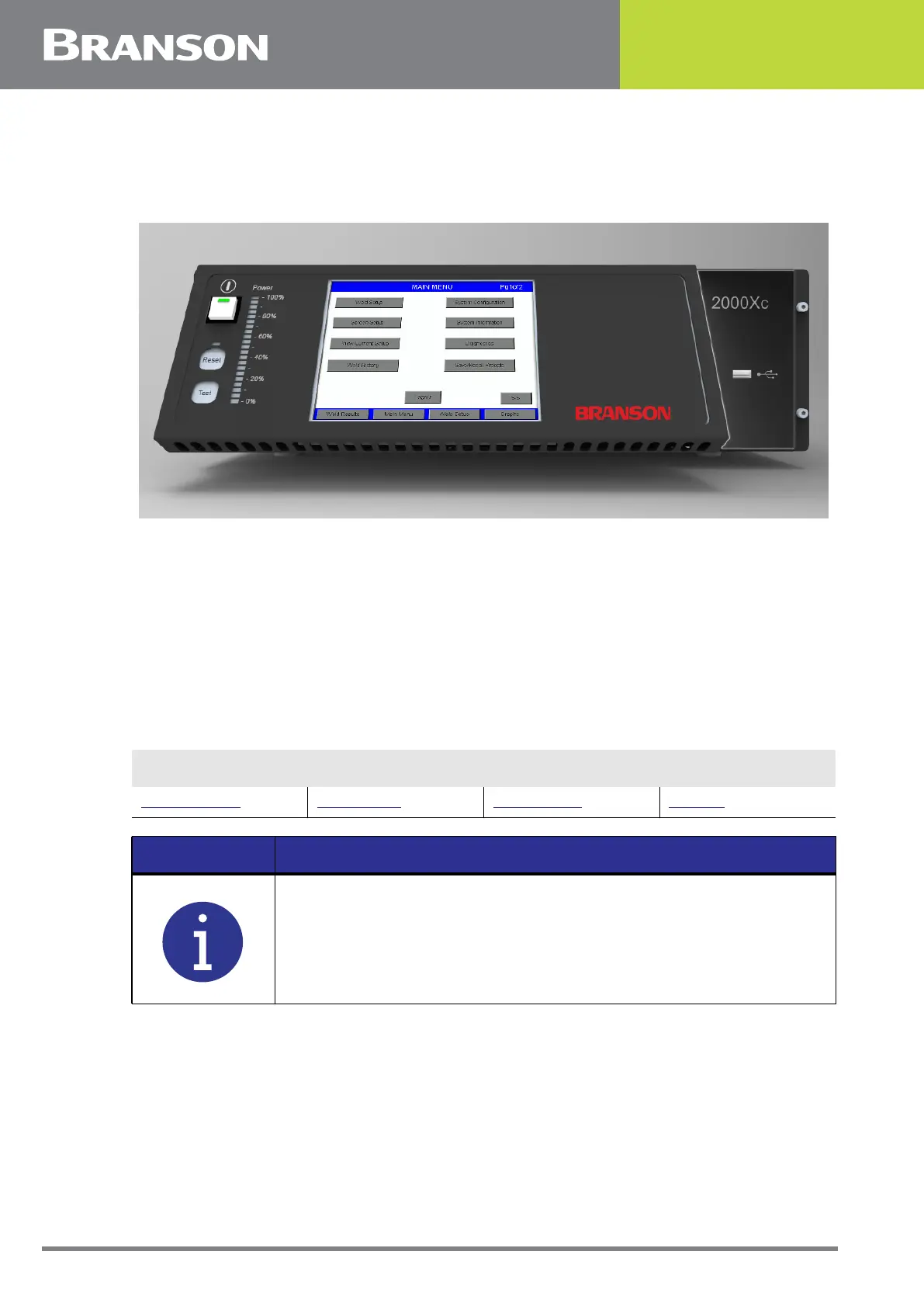
Figure 6.4 Front Panel of the 2000Xc Power Supply
When powered up, the 2000Xc displays the BIOS start up screen for approximately 10
seconds before the Branson 2000X logo appears. A progress bar at the bottom of this
screen shows the progress of the SBC configuration software loading. This finishes in
about 25 seconds, and the screen goes blank for an additional 12 seconds while Windows
OS is loading.
If Authority Check is on and Automation Mode is off, the Login screen will be displayed.
Located at the bottom of the Main Menu screen are the touchscreen buttons that allow for
the navigation and operation of the power supply. They are:
Table 6.3
Main Menu
Weld Results Main Menu Weld Setup Graphs
NOTICE
You can return to any of these menus at any time by pressing the
respective touchscreen button.



 To Next Page