100-412-234 REV. 06 129
6.9.35 Suspect Limits
You can select whether to use Suspect Limits to indicate that a part might not have a good
weld. You can set limits of minimum and maximum time allowed for:
• weld time
• energy levels
• peak power levels
• collapse distance
• absolute distance
• trigger distance
• weld force
If you set Reset Required to Yes, when an alarm is generated, you will need to press the
Reset key prior to welding another part.
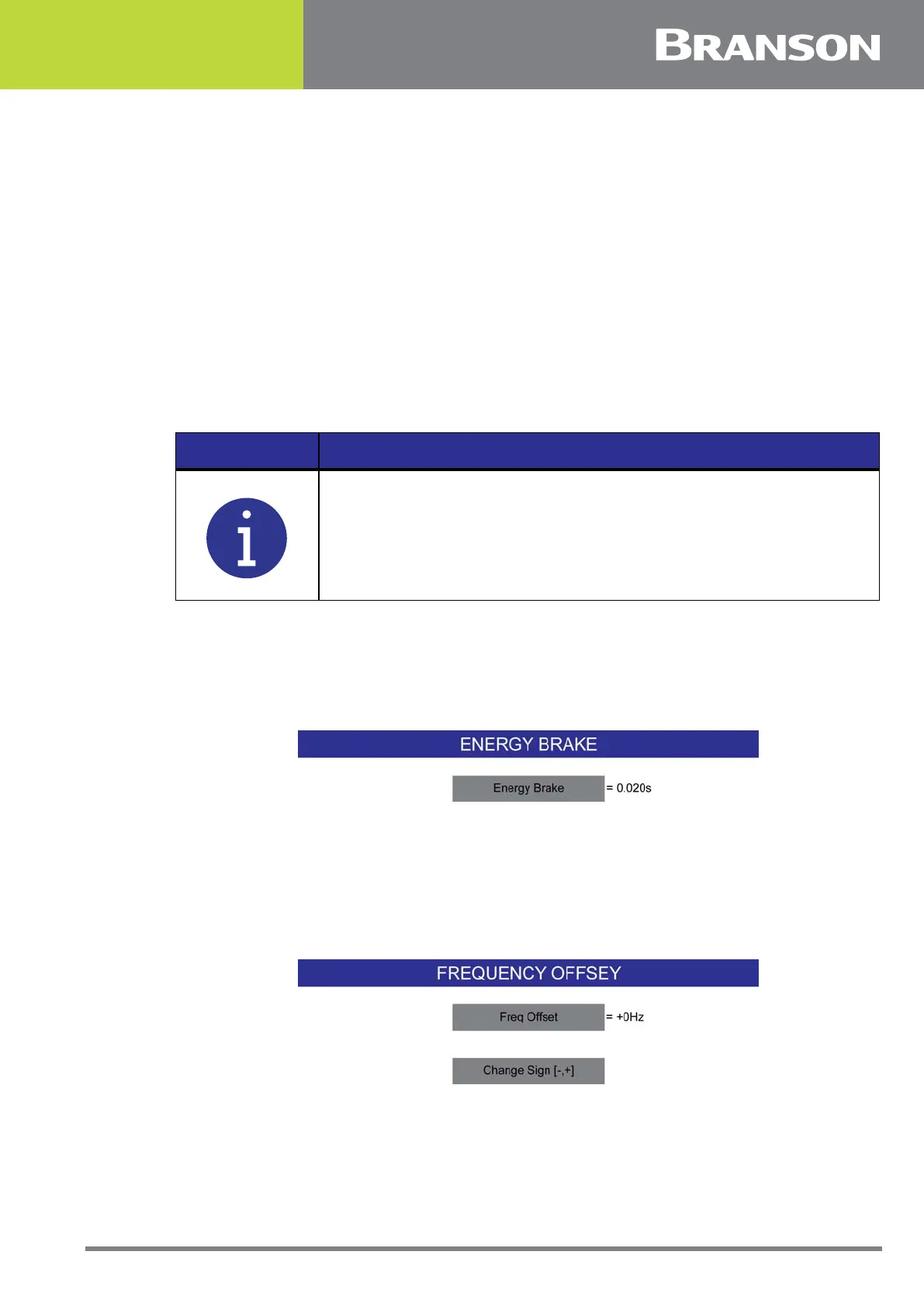
6.9.36 Energy Brake
When turned on, the power supply has some time to reduce the amplitude before the
sonics are shut off.
Figure 6.22 Energy Brake
6.9.37 Frequency Offset
You can select whether to use a Frequency Offset. If you select ON, you must also set the
offset (in Hz), which the 2000Xc Power Supply will apply to the frequency value at the
trigger point stored in the power supply.
Figure 6.23 Frequency Offset
NOTICE
Suspect limits put out a signal to pins 20 and 5 of J3 respectively. The
44 pin I/O cable J957 connects to J3.



 To Next Page