134 100-412-234 REV. 06
6.10.3.2 Modify User
Select a User ID from the list to modify the parameters of the selected user.
6.10.4 USB Data
See 6.20.2 Streaming Data Setup for more information.
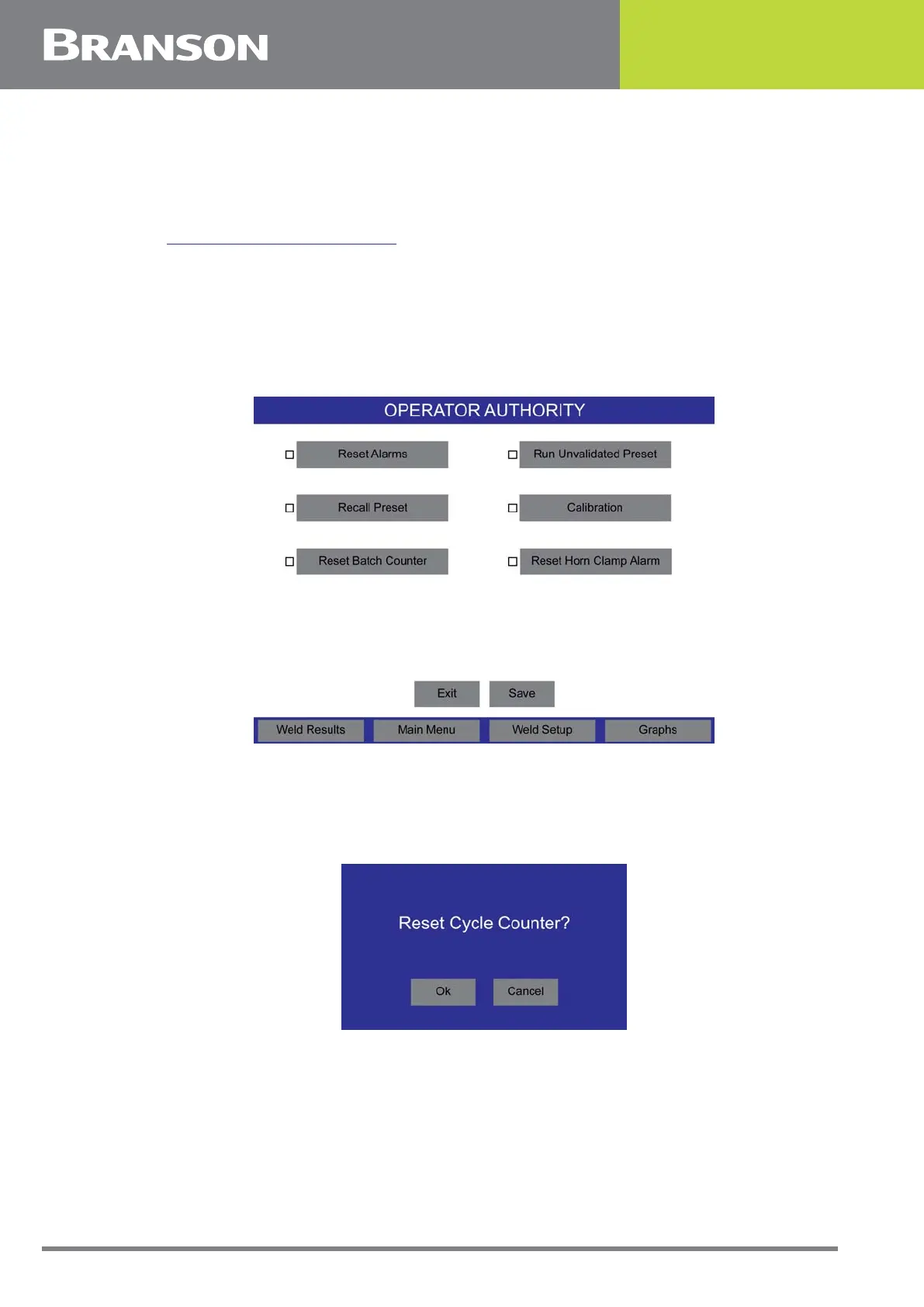
6.10.5 Operator Authority
Set additional authority options for the Operator user level. Operators can reset alarms,
recall presets, reset the batch counter, run unvalidated presets, perform calibrations, and
reset the horn clamp alarm without using login credentials.
Figure 6.27 Operator Authority
6.10.6 Cycle Counter
Press the Cycle Counter button to reset the cycle counter.
Figure 6.28 Cycle Counter



 To Next Page