100-412-234 REV. 06 125
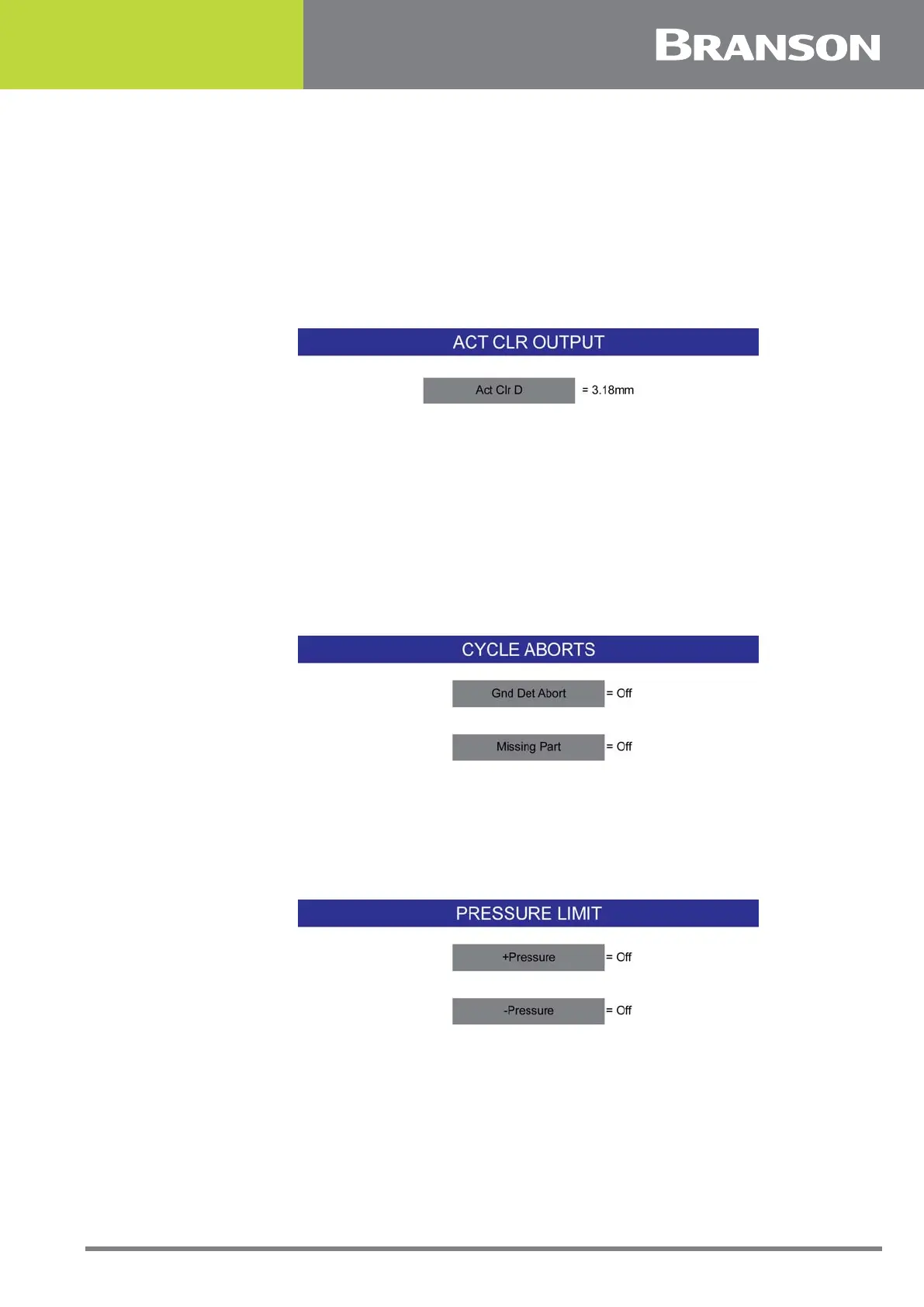
6.9.26 Act Clr Output
You can set an output from the controller board to become active at a set distance for
both the upstroke and down stroke from the Home position. The set value ensures that
indexing equipment will not contact the Horn after welding. Press the navigation button in
the Actuator Clear Output screen to access the numeric keypad. Enter the desired value
and Enter.
This distance is also used to deactivate the Ready For Clamp output.
Figure 6.15 Act Clear Output
6.9.27 Cycle Aborts
You can select whether to abort any cycle based on certain input conditions. You can set
the Ground Detect Cutoff to ON or OFF (to indicate whether to abort the cycle if the horn
contacts the electrically isolated fixture or anvil), and set Missing Part to ON or OFF (to
indicate whether to abort the cycle if a part is not in the fixture). If you have set Missing
Part to ON, you will access respective keypads to set Maximum and Minimum missing part
distances. A missing part output can also be defined in the User I/O. Any cycle-abort
conditions will generate an alarm and terminate the cycle.
Figure 6.16 Cycle Aborts
6.9.28 Pressure Limit
Pressure limit sets the minimum and maximum weld pressure alarms. If the weld pressure
is below the minimum or above the maximum an alarm will occur.
Figure 6.17 Pressure Limit



 To Next Page