100-412-234 REV. 06 167
6.17 Save/Recall Presets
You can set up the 2000Xc Power Supply to weld a particular application and then save
the settings to a preset. You can do this for up to 1000 presets.
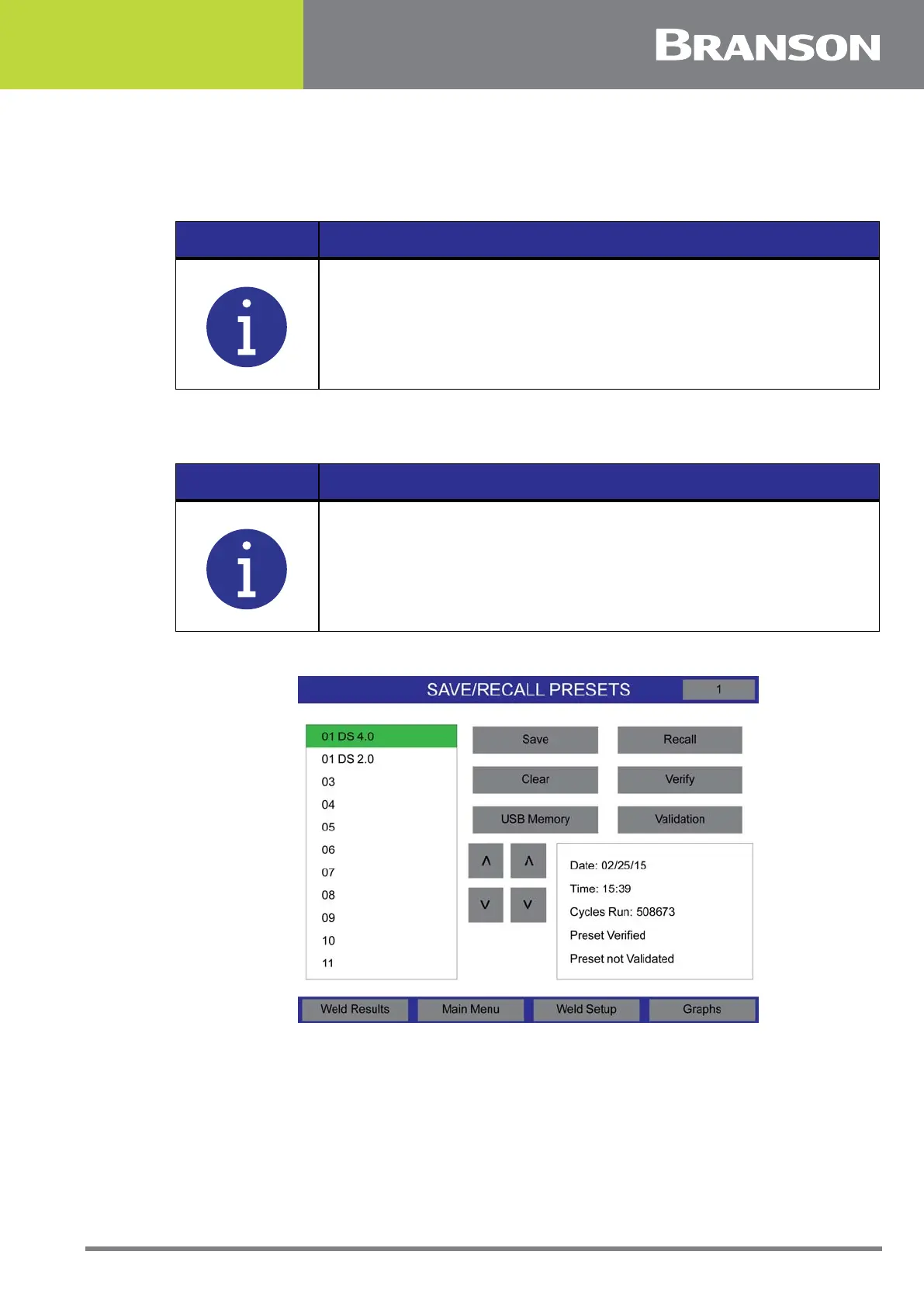
Pressing the Presets button will display the Save, Recall, Clear, Verify, USB Memory, and
Validation buttons.
Figure 6.57 Save/Recall Presets
NOTICE
Always set the power supply to the combination of parameter
settings that you want to save before entering the Save/Recall
Presets menu.
NOTICE
USB Memory button will only show when a USB stick is inserted.



 To Next Page