100-412-234 REV. 06 133
6.10.3.1 Add User
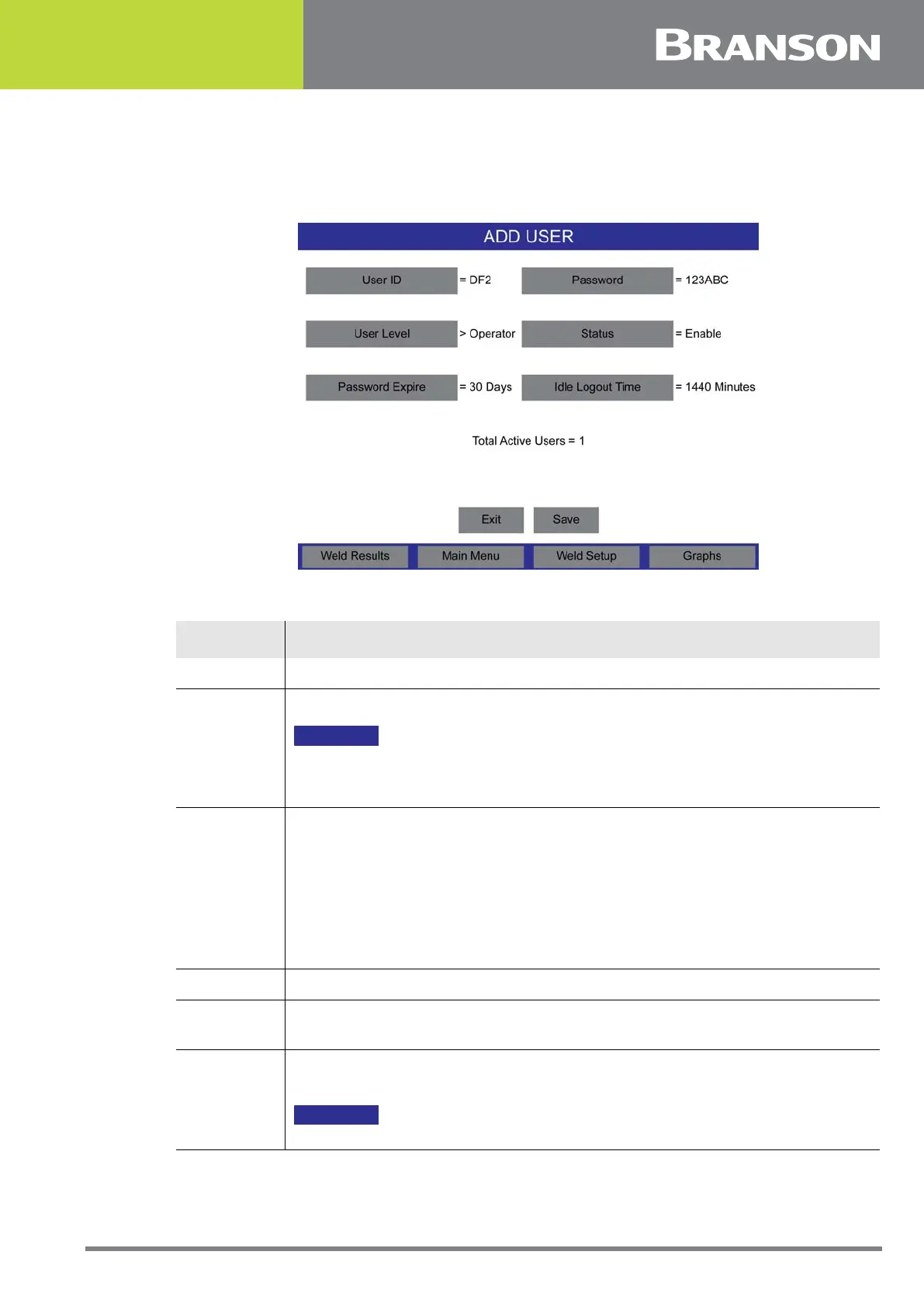
Press the Add User button to add a new User ID.
Figure 6.26 Add User
Table 6.18 Add User
Name Description
User ID Set the new User ID name.
Password
Set the password for the User ID.
NOTICE
Password must have at least one capital letter, one number and one small
letter and one special character available. The minimum length of the
password must be of 8 character and max is 10 character.
User Level
Set the user level to Operator, Technician, Supervisor, or Executive.
• Operator can run Validated Presets, View Setup, System Information, Weld
History, Alarm Log, Event Log, and Weld Results
• Technician level adds Unvalidated Presets, Horn Down, Sequencing, Preset
changes, Calibration, and Diagnostics
• Supervisor level adds Validating Setup, and System Configuration
• Executive level has rights to all settings
Status Enable or disable users.
Password
Expire
Set the time in days before users will have to change their password;
otherwise it will expire and the User ID will be locked/disabled.
Idle Logout
Time
Set the time after which the system will automatically logout the user in
case of no activity.
NOTICE
Disabled in automation mode.



 To Next Page