170 100-412-234 REV. 06
6.17.6 Validation
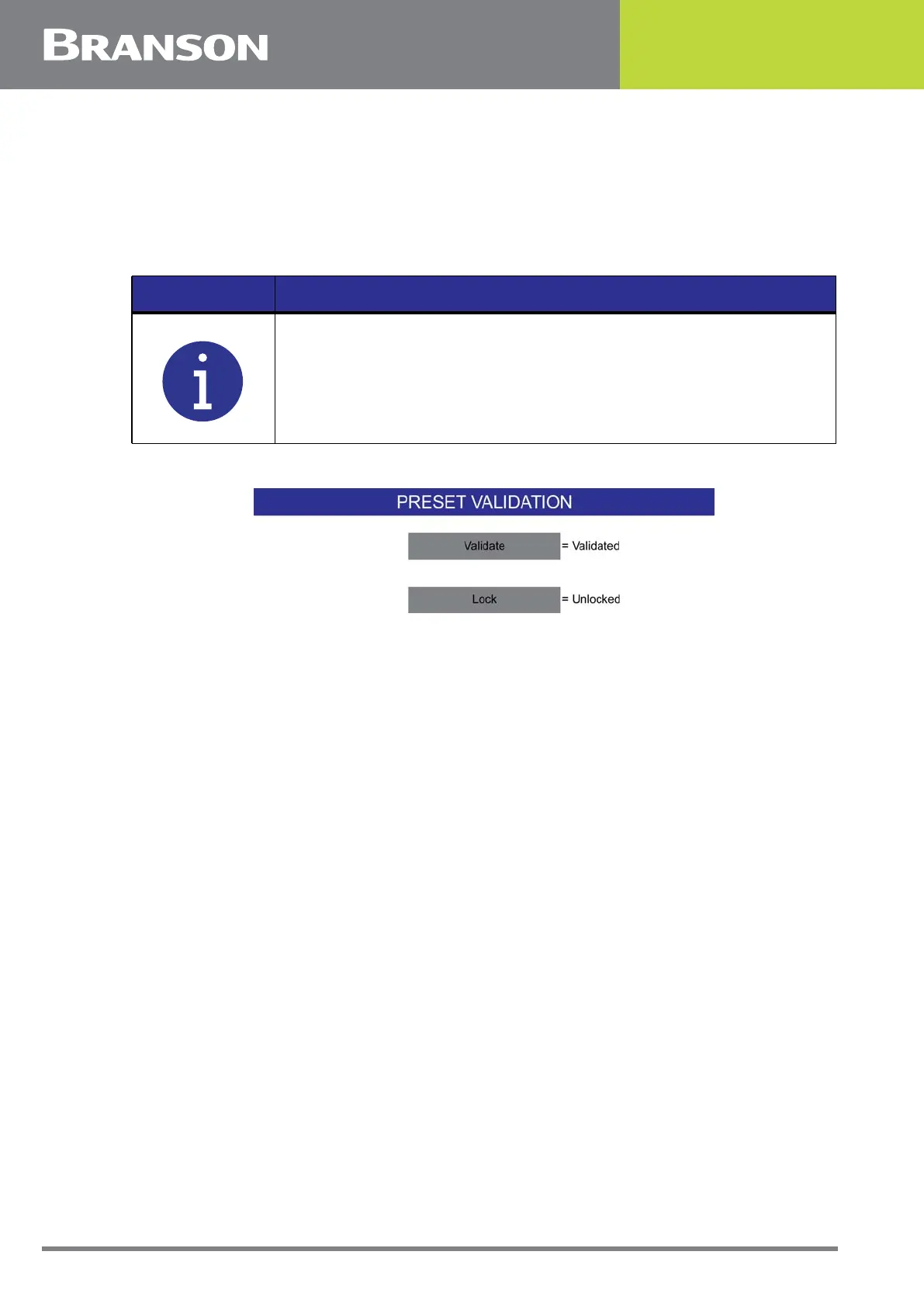
To validate a preset, scroll to the desired preset number and press the Validation button.
Press the Validate button to toggle between Validated and Non Validated. A validated
preset means that a Supervisor or Executive user has deemed the preset meets the
requirements for the current weld. Any change to a validated preset will cause it to
become invalidated.
Figure 6.60 Preset Validation
Press the Lock button to lock a validated preset. A locked preset can only be modified by
Supervisor or Executive users.
NOTICE
You must type an event reason before a preset validation change.



 To Next Page