132 100-412-234 REV. 06
6.10.1 Units
Press the Units button to toggle between USCS or metric units.
6.10.2 Start Screen
Press the Start Screen button to choose whether to start at the Main menu or Weld
Results screen at startup.
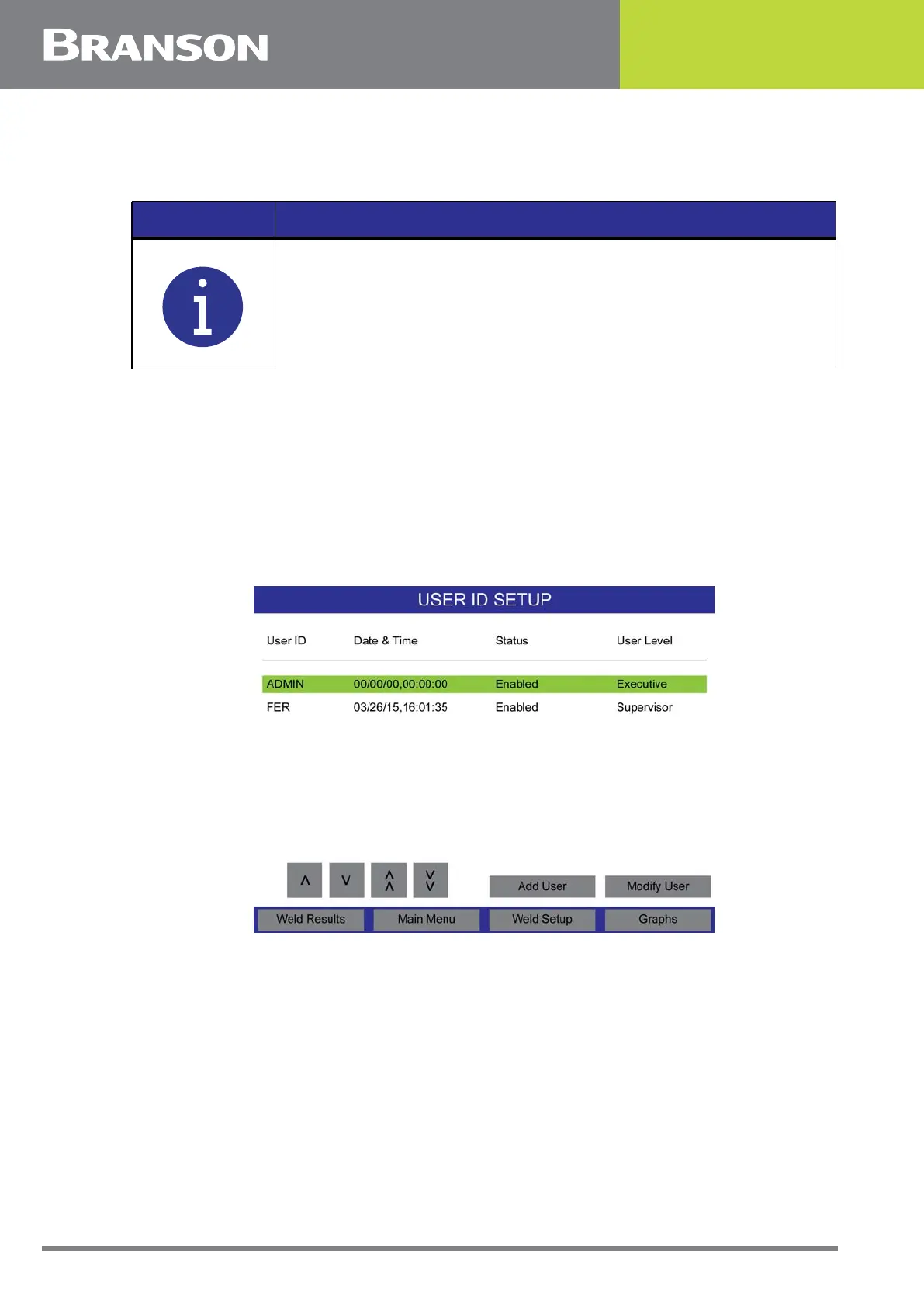
6.10.3 User ID Setup
Displays current users and their creation/modification date. Users can be added or
modified from this screen.
Figure 6.25 User ID Setup
NOTICE
Select units (metric or USCS) before making selections. Rounding
may cause an invalid preset alarm when using the minimum or
maximum values, when changing units.



 To Next Page