100-412-234 REV. 06 139
*This option is not available at J3-1 Input.
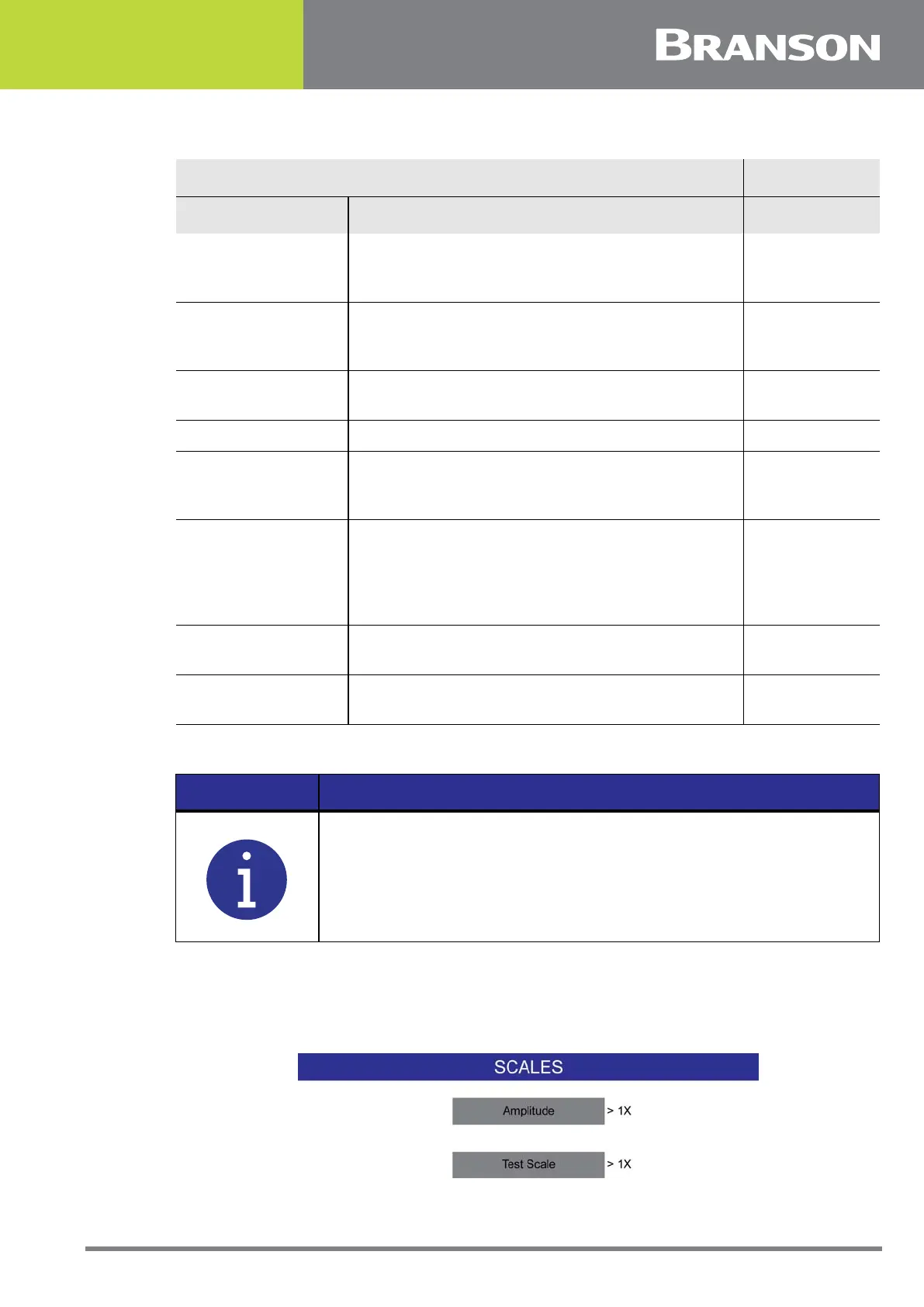
6.10.17 Bargraph Scales
Allows you to get the weld scale and test scale to 1X, 2X, or 3X.
Figure 6.33 Bargraph Scales
No Cycle Alarm
Indicates the last weld cycle was aborted due to
an abnormal welder internal system
malfunction.
Output
Overload Alarms
Output that indicates a power supply overload
has occurred during the last weld cycle, test, or
seek.
Output
Modified Alarm
Output that indicates a user set compensating
control limit condition occurred.
Output
Note Output alarm condition of the lowest priority. Output
Missing Part
Output that indicates the trigger occurred above
the minimum or below the maximum user set
allowable distance.
Output
Ext Tooling Output
When the actuator receives a start input, the
Ready for Clamp output indicates the start has
been activated. The actuator stays in its home
position until the Part Clamp input receives a
signal. Then, the normal actuation cycle begins.
Output
Sync Out
Used to start ultrasonics when multiple welders
are used on the same part.
Output
Part-ID Ready
Output that indicates the barcode scanner has
read the part ID and is ready to weld.
Output
NOTICE
If an output pin is assigned to missing part, the missing part function
must first be turned on. If not, the resulting setup alarm will list Cycle
Aborts and User I/O as the additional information. Either turn on
missing part or turn off the output pin assigned to missing part.
Table 6.19 User I/O
User I/O Inputs
Name Description Signal Type



 To Next Page