156 100-412-234 REV. 06
6.12.1 Software Upgrade
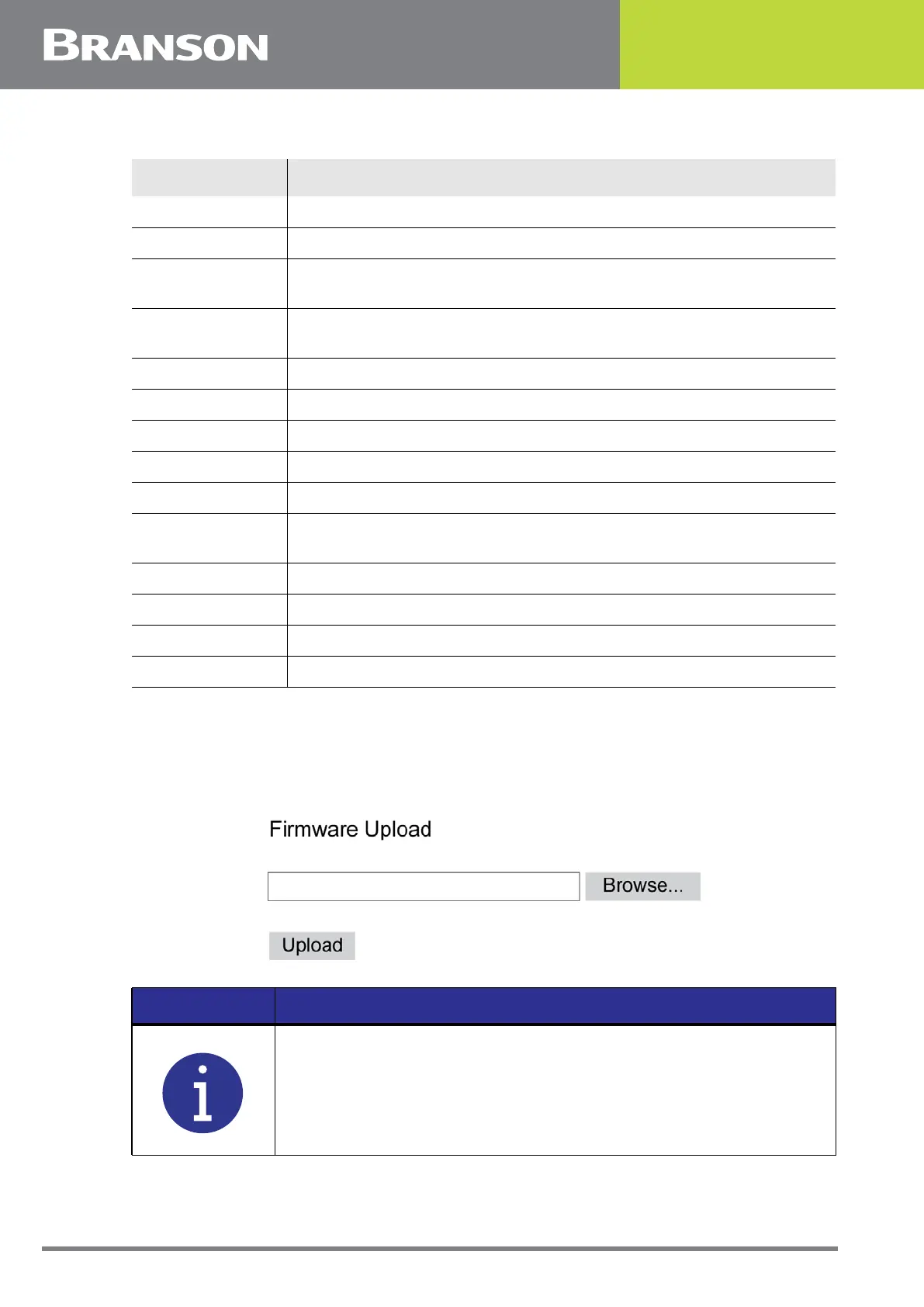
Press the S/W Upgrade button to open the Firmware Upload screen. Browse the system
files to locate and upload the new firmware file.
Figure 6.45 Firmware Upload
P/S MAC Displays the power supply MAC address.
User ID Displays the user ID name.
Overloads
Counter for lifetime number of overloads encountered on the power
supply.
Frequency and
Power
Displays the power supply frequency and power in watts.
Date Run Displays current date.
P/S Version Displays the power supply version.
Control Level Displays the control level (C).
P/S S/N Displays the power supply serial number.
Act S/N Displays the actuator serial number.
Welder Addr
Turn on to assign a unique trackable number to a welder for data
collection.
Cyl Dia Displays the cylinder diameter.
P/S IP Displays the power supply IP.
SBC MAC Displays the Single Board Computer MAC address.
SBC IP Displays the Single Board Computer IP.
Table 6.28 System Information
Item Description
NOTICE
Wait 5 minutes after the message File has been uploaded, wait for
system to restart.



 To Next Page