172 100-412-234 REV. 06
6.18.1 Define/Edit Sequence
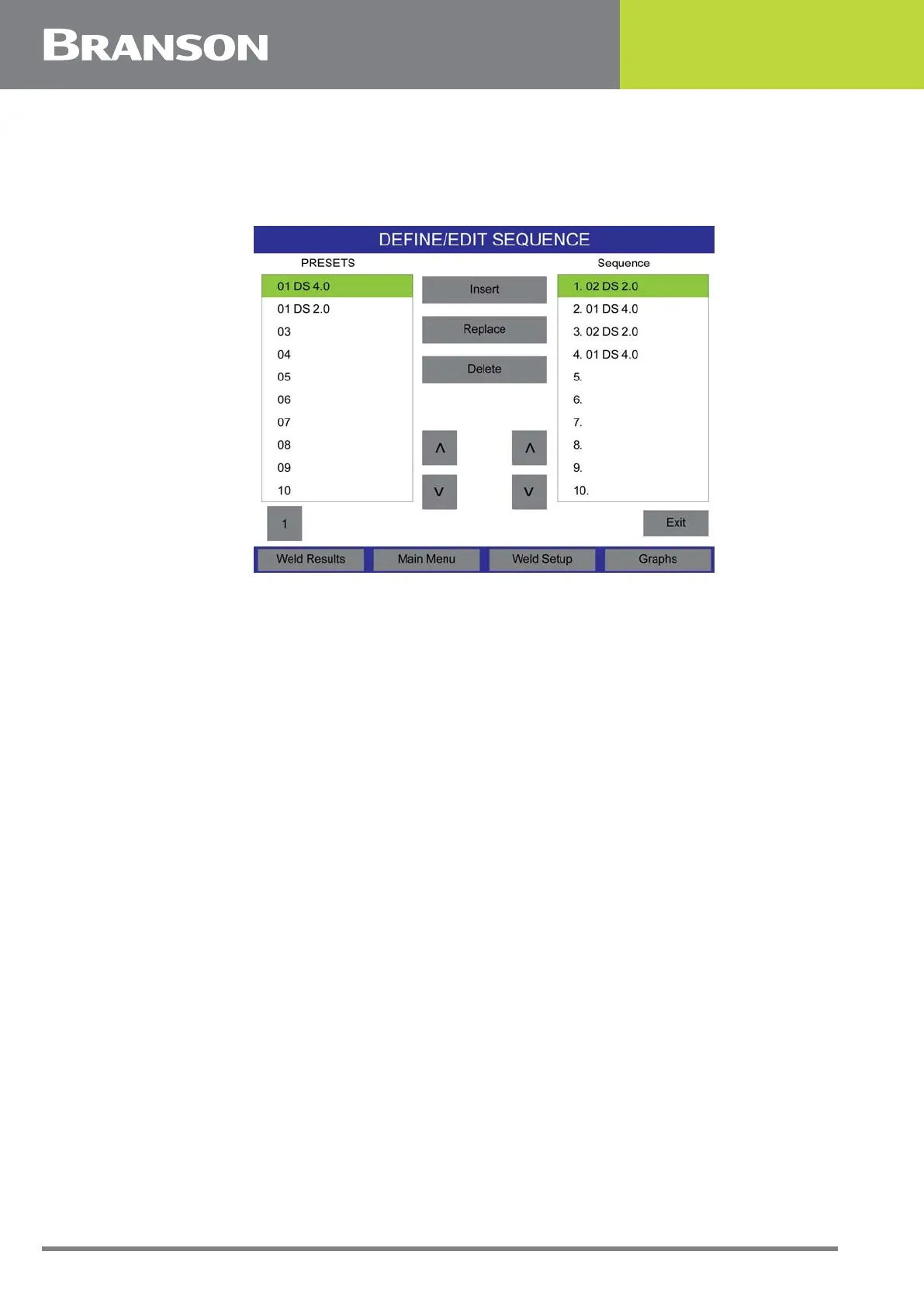
Press the Define/Edit Sequence button to define the sequence of presets to run.
Figure 6.62 USB Memory
To insert a preset from the power supply to the sequence list, scroll to the desired preset
number under the Presets list and press the Insert button. The preset will be inserted in
the selected sequence number.
To replace a preset from the sequence, scroll to the desired preset number under the
Presets list and press the Replace button. The preset will replace the selected sequence
number.
Press the Delete button to delete the selected sequence number.



 To Next Page