216 100-412-234 REV. 06
8.8.7 Battery for the Real Time Clock RAM
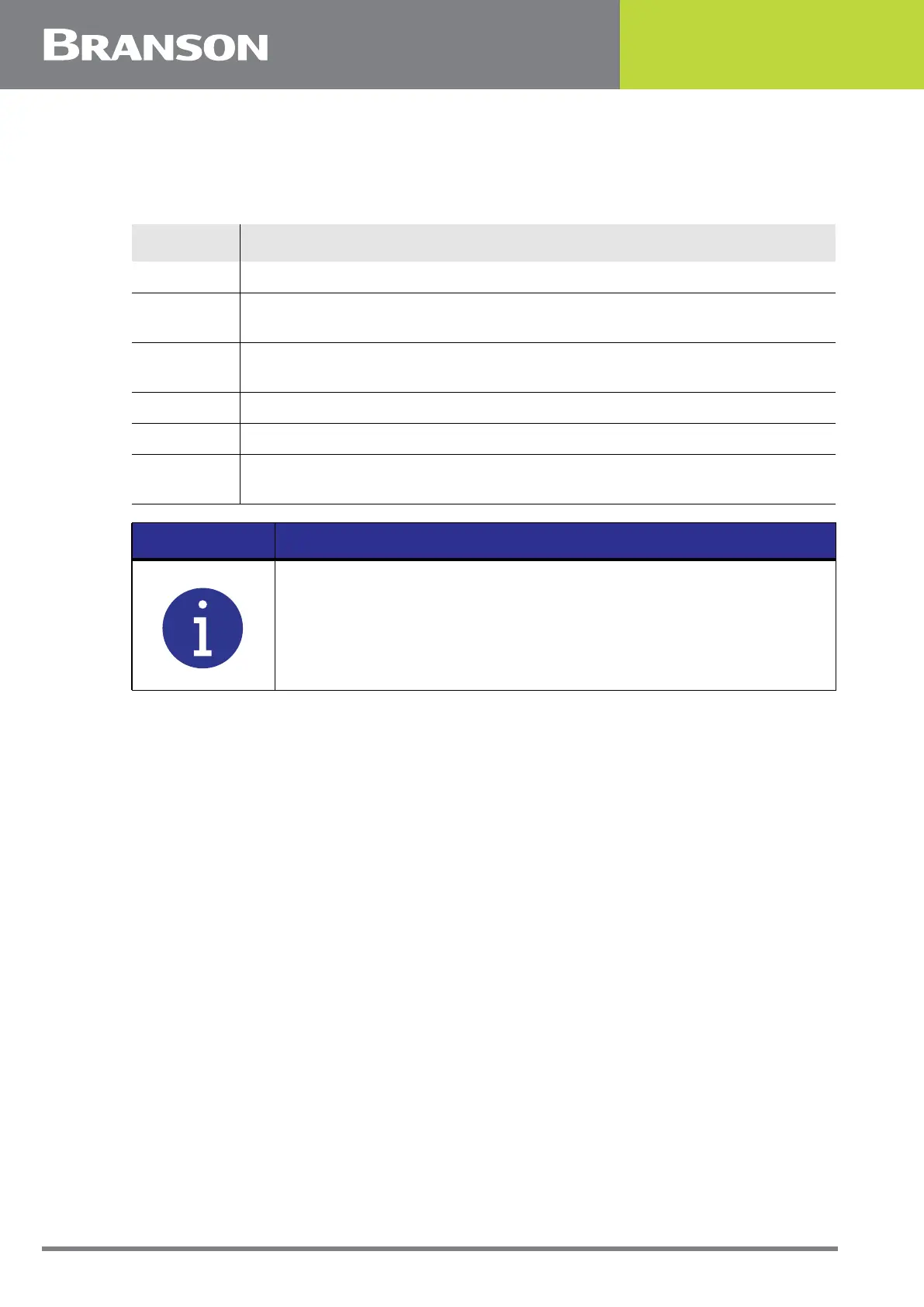
To remove and replace the battery, take the following steps:
8.8.8 System Controller Board
To remove the System Controller Board, see EDP 932-063-1086 2000Xc Power Supply
System Controller Board Installation Guide.
Table 8.11 Battery for the Real Time Clock RAM
Step Action
1 Turn off the power supply.
2
Unplug the main power. Allow at least two minutes for capacitor
discharge.
3
Using a #2 Phillips screwdriver, remove 7 screws from the 2000Xc power
supply cover (3 on each side, 1 on the rear). Remove the cover.
4 Allow at least two minutes for capacitor discharge.
5 Remove and replace the battery, located on the controller board.
6
Replace cover and screws. Plug in main power and turn on the power
supply.
NOTICE
After replacing battery, re-enter Date, Time, and current preset.



 To Next Page