100-412-234 REV. 06 179
6.23 Login
The 2000Xc is shipped with the following default user ID and password:
User: ADMIN
Password: 123456Aa#
The first time logging in you will need to enter this user ID and password. The system will
ask you to create a new password for the user ADMIN after your first time log in.
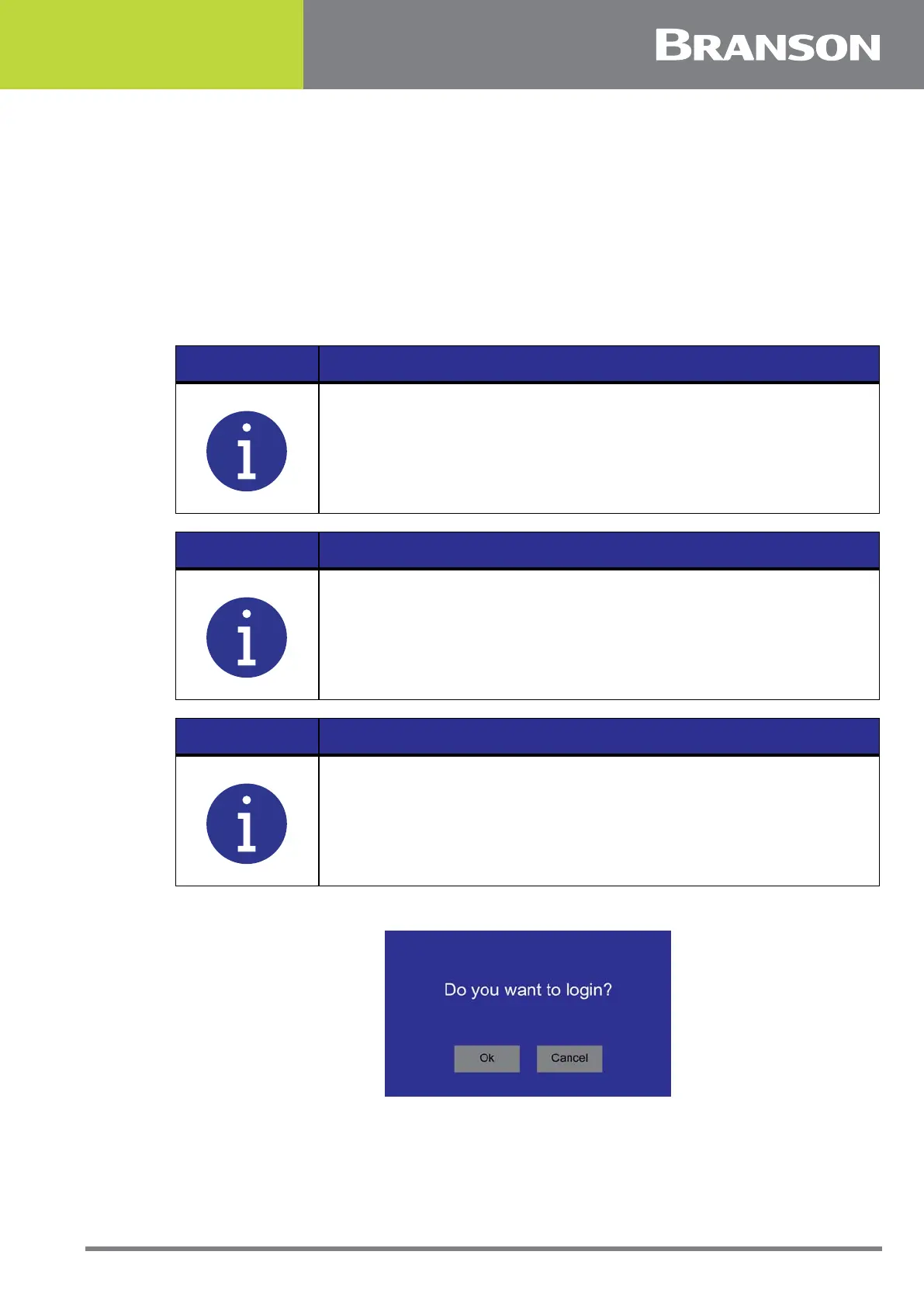
The login screen will come up at power up or every time a user presses the login button on
the Main menu.
Figure 6.71 Login
NOTICE
Keep a record of your password and user ID.
NOTICE
Create multiple Executive level users for backup.
NOTICE
The current logged in user can be viewed in the Main Menu’s System
Information screen.



 To Next Page