100-412-234 REV. 06 135
6.10.7 Basic/Expert
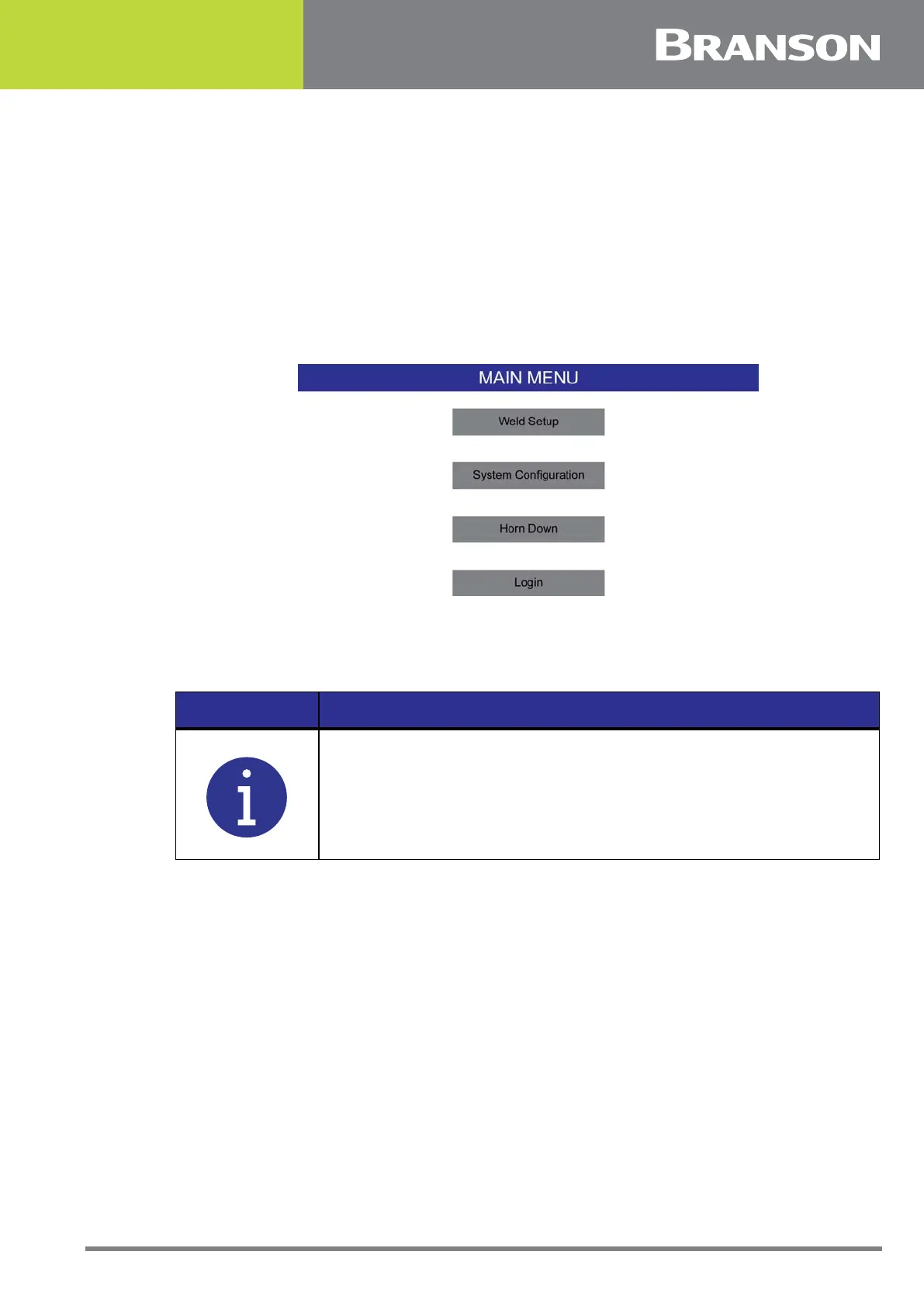
Expert (default) allows access to all functions and menus of the welder. Basic limits the
configuration and weld setup menus to a minimum number:
• Weld Setup
• System Configuration (only Basic/Expert button)
• Horn Down
• Login button
• Bottom bar menus
Figure 6.29 Basic Mode
6.10.8 Time
Set the time of the power supply. Time will be displayed in Weld Results.
6.10.9 Date
Set the date of the power supply. Date will be displayed in Weld Results.
6.10.10 Part-ID Scan
If set to ON, a USB barcode reader or similar device must read and record the part ID
before allowing the weld to occur. When set to ON and after a weld cycle, the welder will
stay out of ready mode until another part ID is read. If set to OFF, no part ID reading is
required before a weld. The horn down and Diagnostic functions will not be enabled when
out of ready mode.
NOTICE
Time is set in 24 hour format.



 To Next Page