100-412-234 REV. 06 127
6.9.31 Digital UPS
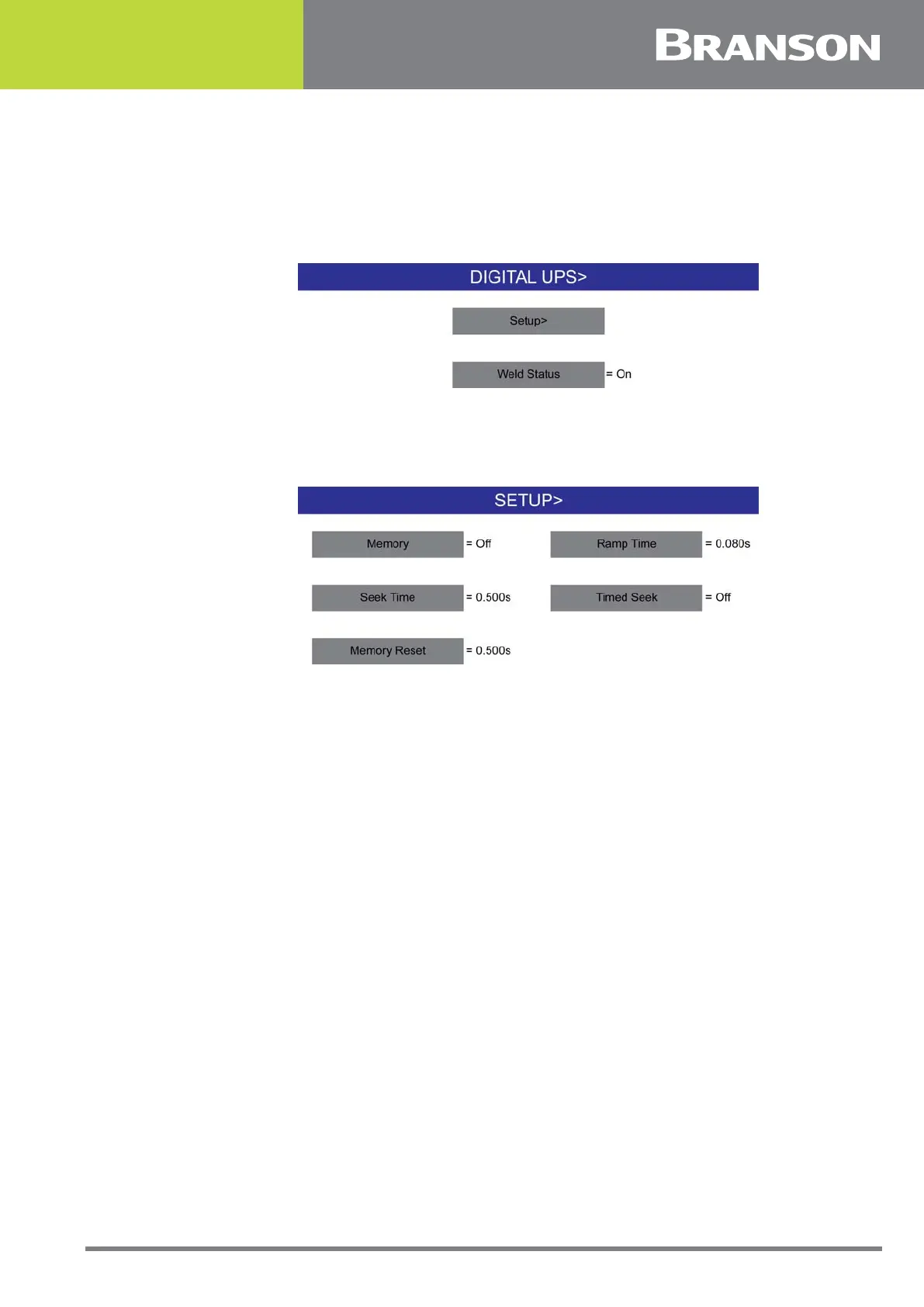
Use this screen to setup the DUPS and view available presets. This screen will only appear
if the power supply has a DUPS module (Digital Universal Power Supply). The DUPS
navigation screen is shown below.
Figure 6.19 Digital UPS
From the Setup navigation button, you can toggle to turn either memory, memory reset,
or timed seek On or Off and set the ramp time and seek time.
Figure 6.20 Digital UPS Setup
When the Weld Status button is toggled Off, you can view Time, Peak Power and
Frequency Change alarms accessed in Weld Results.
When the Weld Status button is toggled On, additional alarms unique to the DUPS can be
accessed in Weld Results.
6.9.32 Post Weld Seek
You can select Post Weld Seek. Post Weld Seek operates the stack at a low-level (5%)
amplitude immediately after the weld cycle completes, so the power supply can determine
the current operating frequency of the stack. The Post Weld Seek button allows you to
turn this feature On or Off.



 To Next Page