100-412-234 REV. 06 165
6.15 Horn Down
Use Horn Down to verify that your fixture is properly set up or to determine the absolute
distance that the horn needs to travel to weld your parts. After pressing the Horn Down
button you can press the start switches, or you can use manual override to bring the horn
down to the position you have set without ultrasonic energy on by using the mechanical
stop. Once the horn is in position, you can release the start switches in order to verify
your setup.
Each time you enter the Horn Down menu, the weld force and downspeed settings are
transferred from the weld setup.
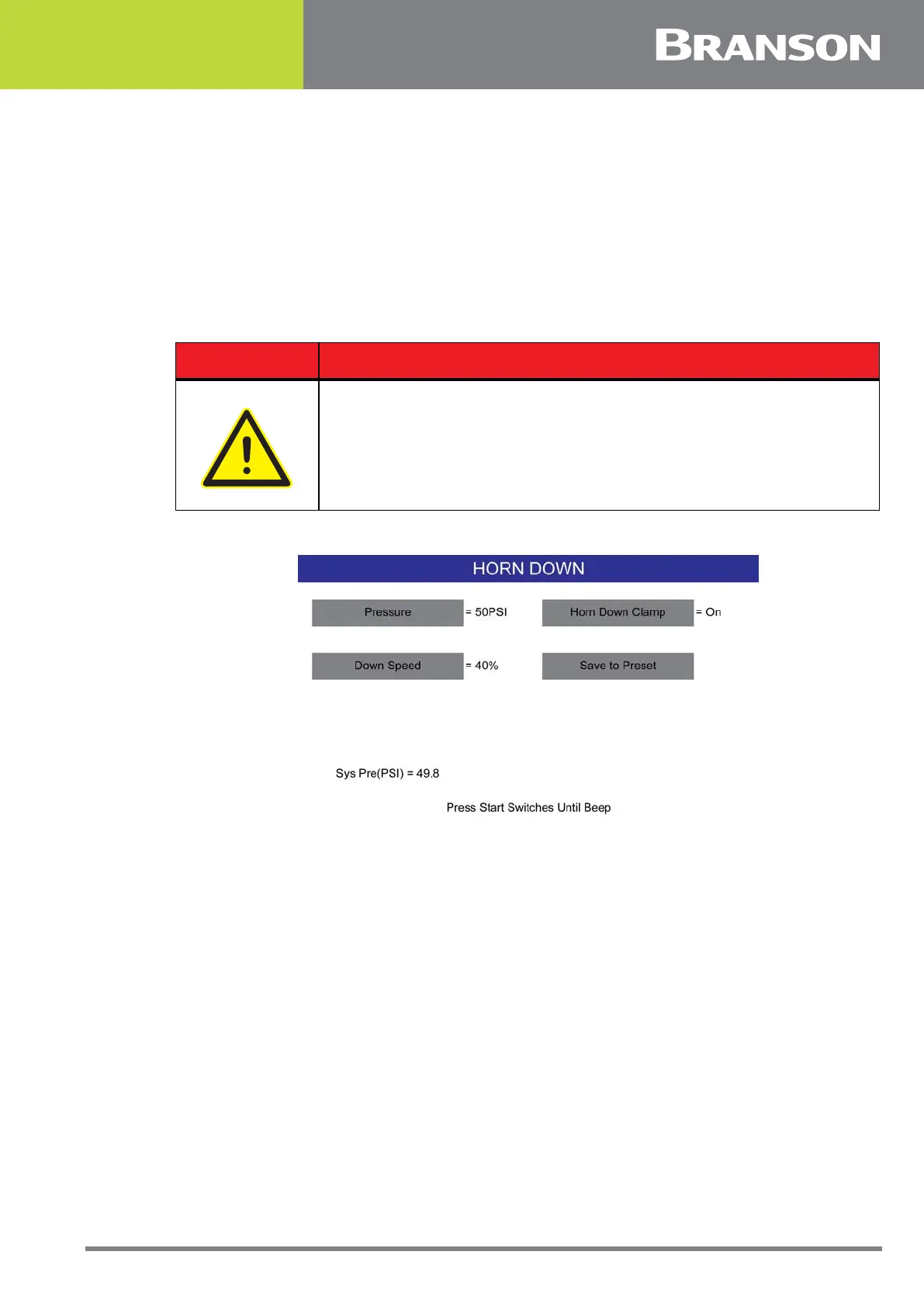
Figure 6.55 Horn Down
Turning the Horn Down Clamp On will cause the horn to remain at the workpiece when the
Start Switches are released, until it is released by pressing the Weld Results Button.
Pressing Retract will bring the horn up, and you will remain in the Horn Down screen.
With Horn Down Clamp Off, the horn will only stay down as long as the start switches are
held on.
Pressure and downspeed can also be changed from this menu.
Press the Save to Preset button to copy the horn down pressure and downspeed to the
current preset.
DANGER
Make sure all hands are clear of the horn and base surface.



 To Next Page