100-412-234 REV. 06 153
6.11 Screen Setup
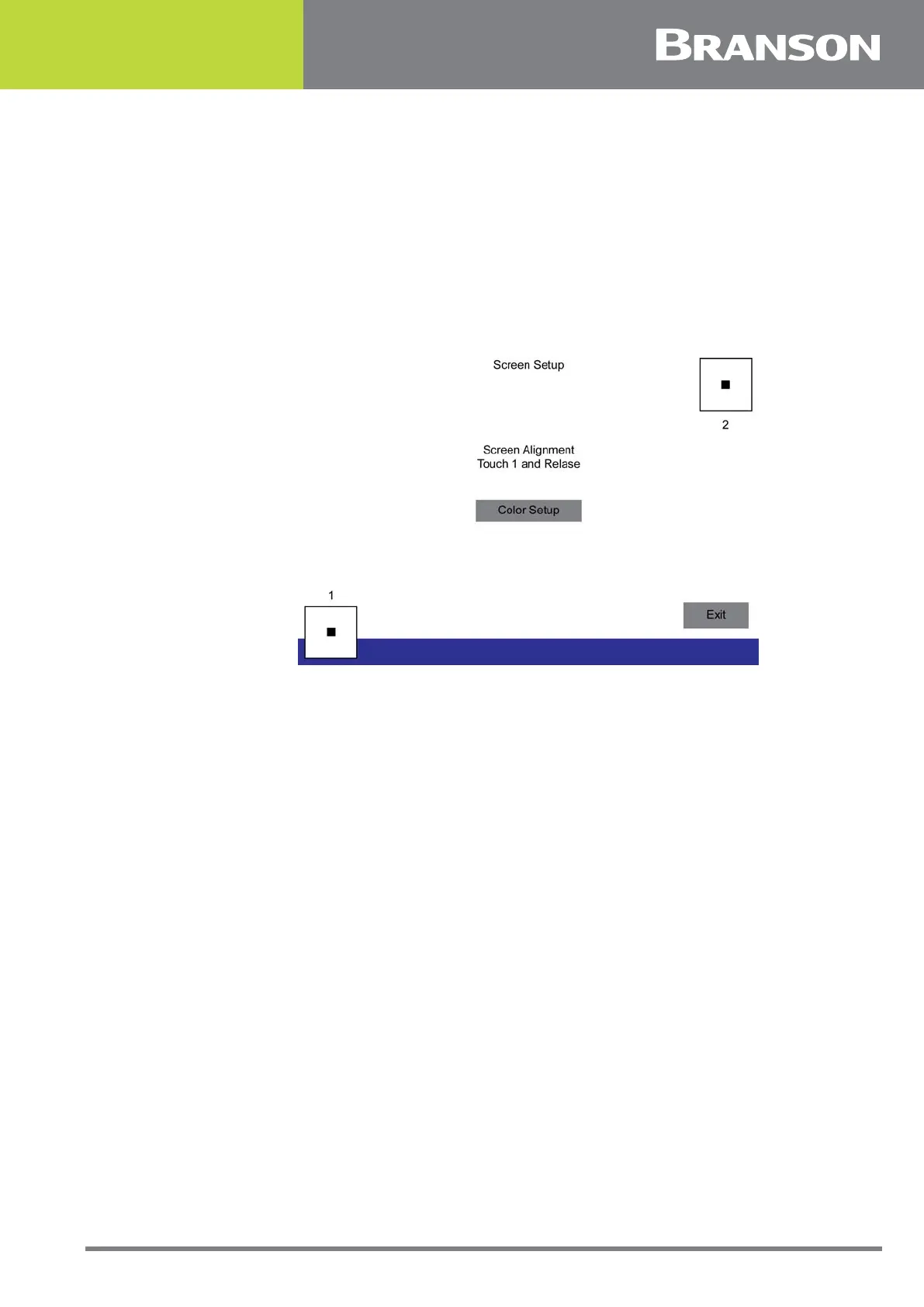
Use this feature if you find a need to recalibrate the touch areas for the buttons on the
screen.
To calibrate screen touch position, press and release the button marked 1. If it changes to
green, the first part of the calibration is successful. Then press and release button 2 to
complete the recalibration of the screen. It will also indicate a successful procedure by
changing to green. If either button does not result in a change to green, repeat procedure.
Press the Done button to return to the Main Menu.
Figure 6.42 Screen Setup



 To Next Page