100-412-234 REV. 06 107
6.3.3 Branson 2000Xc History Utility
The Branson 2000Xc History Utility program is used to display weld history results from
the 2000Xc Power Supply on a PC. (See 6.3.2 USB for more information).
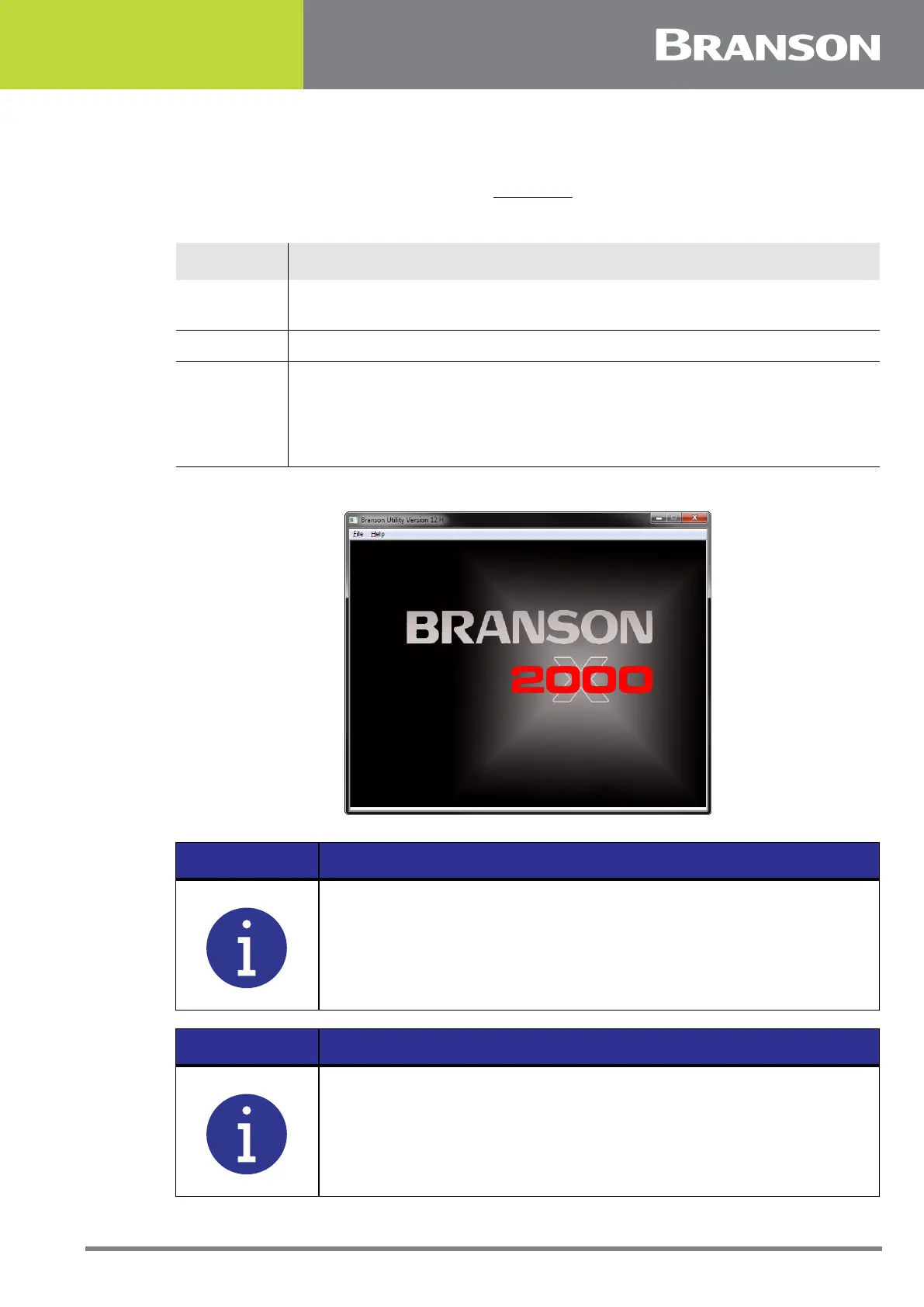
Figure 6.3 History Utility
Table 6.2 Branson 2000Xc History Utility
Step Action
1
Install 2000Xc History Utility program on a PC running Windows 7 or
later.
2 Insert the USB memory stick into the PC.
3
Run the 2000Xc History Utility program. Click on “File”, then select either
“Open P/S folder” or “Open Horn Scan”. The window will display the
drives available to the PC. Click on the USB drive and select the folder
named with the P/S serial number. The software loads the information
and enables you to view data and graphs.
NOTICE
From this utility you can also print weld data, graphs, and horn scan
data.
NOTICE
The Branson 2000Xc History Utility is included on the manual CD.



 To Next Page