180 100-412-234 REV. 06
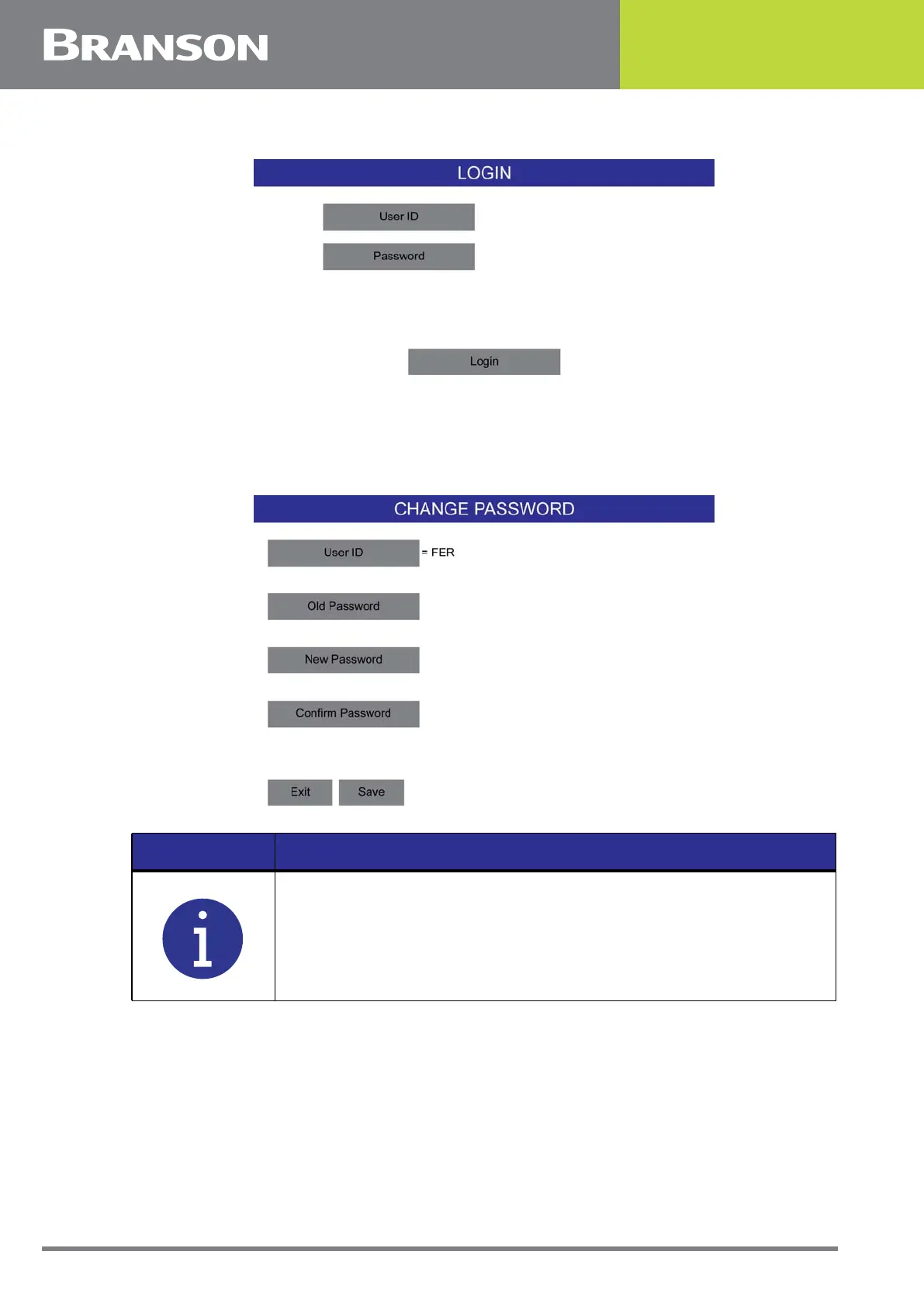
Figure 6.72 Login
6.23.1 Change Password
After logging in the for the first time, you will be prompted to change your password.
Figure 6.73 Change Password
NOTICE
Password must have at least one capital letter, one number and one
small letter and one special character available. The minimum length
of the password must be of 8 character and max is 10 character.



 To Next Page