164 100-412-234 REV. 06
6.14.6 Diagnostic User I/O
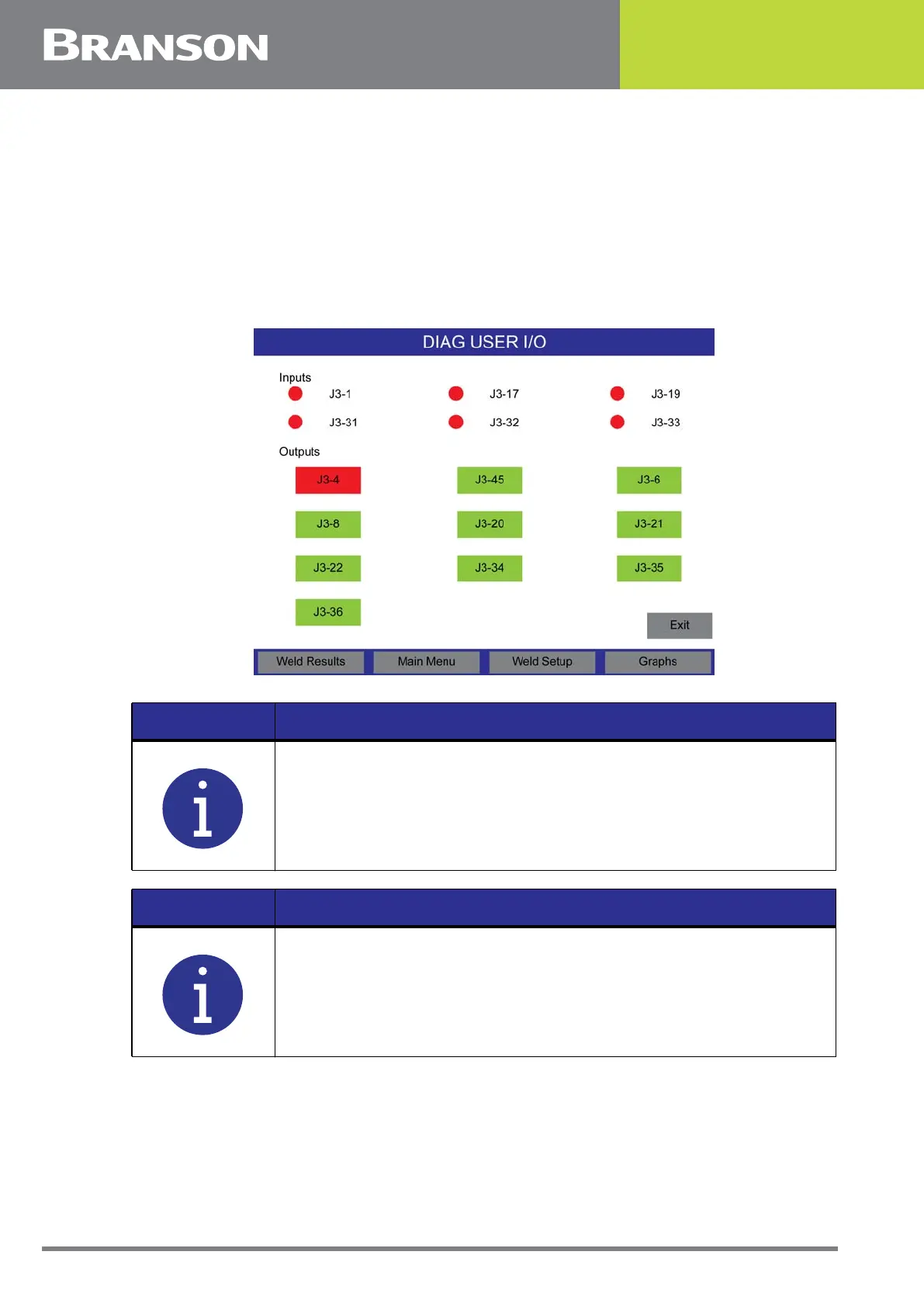
This screen is updated at the rate of once per second. When input is not active, the circle
(LED) color is red. When the input is active, the circle (LED) color is green for that
particular input pin.
User Outputs will be displayed as buttons with red/green colors. Button will be displayed
as red if the output is currently not active. If user press the button to turn the output
active then the button color will change to green.
Figure 6.54 Diagnostic User I/O
NOTICE
Diagnostic User I/O function is used to test the pin connection and
not functionality.
NOTICE
The operation of SV output can only be tested while palm buttons are
being held.



 To Next Page