100-412-234 REV. 06 137
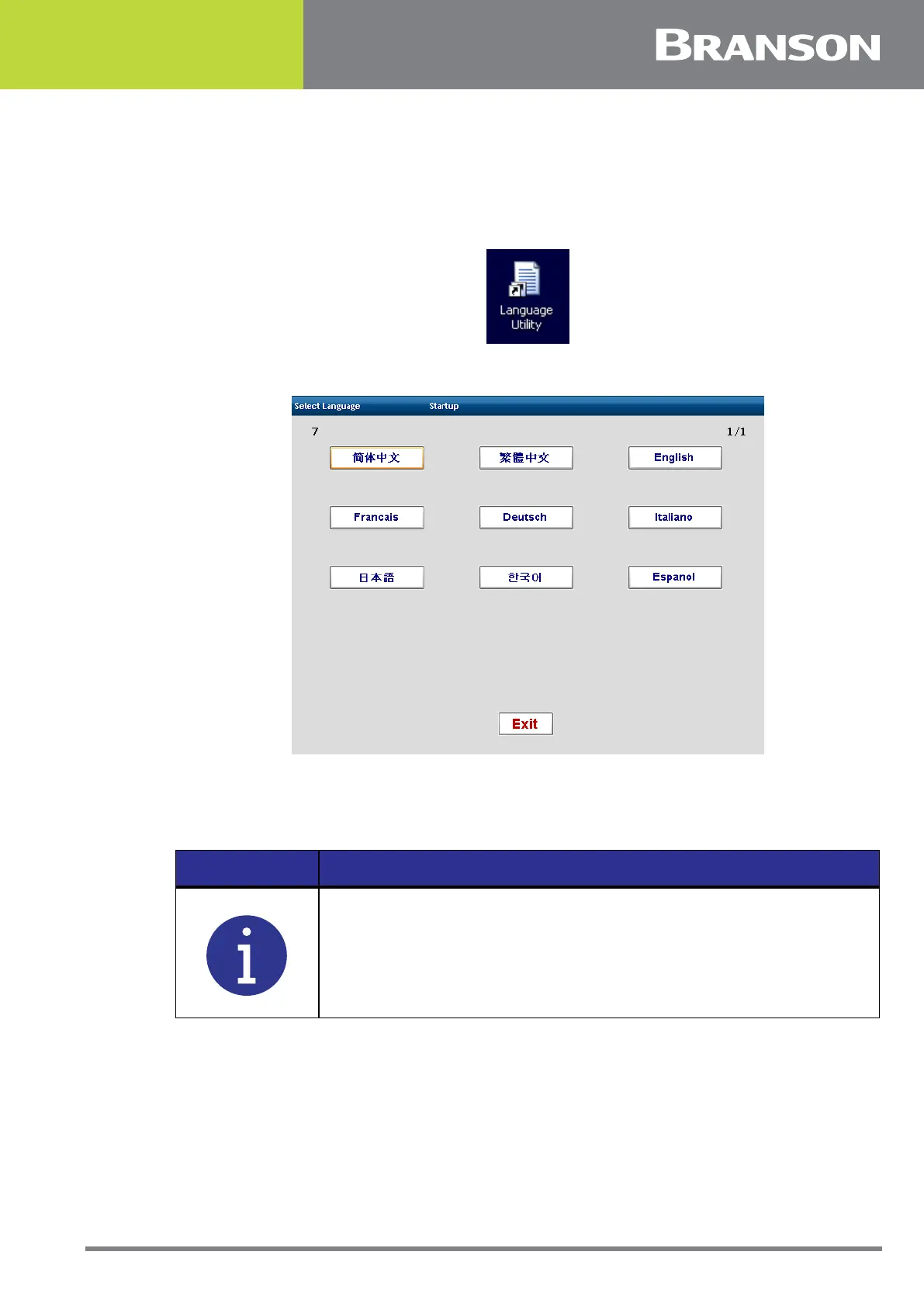
Language Utility
From the Windows interface, you can change the language of the 2000Xc Power Supply
interface. Double click the Language Utility icon and select the language.
Figure 6.31 Language Utility Icon
Figure 6.32 Language Utility
6.10.15 Horn Clamp
If set to ON, the horn will stay down and hold the part in place in the event of an alarm.
NOTICE
A Supervisor can reset it and remove the part.



 To Next Page